
Approved by Educators. Loved by Kids.
Tynker’s Award-Winning Coding Program
300 learning modules across six certification levels transform your child from beginner to expert. With 70+ courses, Tynker has taught more than 100 million kids across 150 countries how to code.
AR Studio
Bring the real world into the virtual world in your AR games. Learn to add special effects to your camera feed and use hand gestures to interact with virtual game elements.
AR Studio (2019)
Bring the real world into the virtual world in your AR games. Learn to add special effects to your camera feed and use hand gestures to interact with virtual game elements.
Adventure Game
Create a basic adventure game with code.

Affordable and Clean Energy
Explore renewable energy with code!
Agent Recall
Can you complete the 48 Minecraft coding challenges to unlock 6 exciting worlds and 4 hidden minigames?
Alien Orchestra
Create a wacky alien orchestra!
All About Computers I
Introduces beginner students in lower elementary grades to concepts about computers, computing, and digital literacy.
All About Computers II
Introduces students in upper elementary grades to concepts about computers, networks, security, and digital literacy.
Always Day
Make the Minecraft world be always day.

Angry Cow
Modify Minecraft cows to avenge their own kind. Look out!
Animal Doodles
Combine art and coding to celebrate wildlife and nature.
Animation Board
Create an animation board.
Animation Studio
Create animated cartoons just like the pros. Learn the basics of animation as you draw your own characters and bring them to life with code.You will use visual programming to control the speed and type of animation as you add animals, dragons, monsters, and avatars into your coding projects. Create a portfolio of fun projects including original animated games, cartoon strips, music videos, and interactive worlds to share with friends and family. No prior programming experience required.
Animation Studio (2019)
Create animated cartoons just like the pros. Learn the basics of animation as you draw your own characters and bring them to life with code.You will use visual programming to control the speed and type of animation as you add animals, dragons, monsters, and avatars into your coding projects. Create a portfolio of fun projects including original animated games, cartoon strips, music videos, and interactive worlds to share with friends and family. No prior programming experience required.
Ants vs Lizard
Animate ants to move around and avoid the lizard.
April Fools’ Day
Program a prank for Codey this April Fools’ Day!
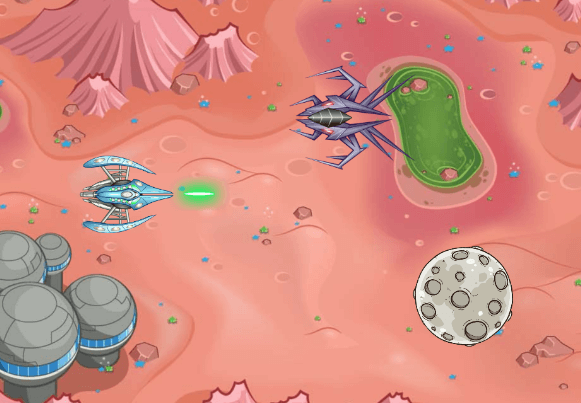
Arcade Shooter Game
Program an arcade shooter game.
Art & Music Studio
Recommended for students who have completed at least three pre-reader courses, Art and Music Studio offers a set of creative sandbox environments where students generate their own geometric art and compose music. To use Art and Music Studio in your classroom, you must download the Tynker Junior app from the App Store. The Tynker Junior app offers a collection of courses specifically designed for young children (ages 4-7) who are still learning how to read.In Art and Music Studio, students explore three art-based and two music-based sandboxes. In Wild Tracks, they use directional blocks and create patterns using animal tracks. They use Seabed Scribbler to draw geometric patterns on the seabed using a Turtle graphics-style interface. In Starfish Spirals, they use a pre-built mathematical function library to draw spirographs of different shapes, sizes and colors. In Octodrum, they program a repeating drum sequence. In Pocket Band, they program musical instruments with sequences to create their own ensemble and composition.Tynker Junior uses word-free picture-based block programming with fun characters to help kids develop animations, pursue adventures and solve puzzles and challenges. This enables young children—who have limited motor skills and are still developing hand-eye coordination—to learn to code using big blocks, pictures, voiceovers and tap-tap-tap interactions, without words or drag-and-drop or any other actions they may find too tedious or overwhelming. Tynker SmartPass enables younger students to sign in by simply scanning a code, without the need to remember any usernames or passwords.Art and Music Studio is only available on iPads and iPhones. Students can access the course using the Tynker Junior app on their iPad devices. These courses are not available on Android or via the browser at tynker.com.
Art Studio (Learn Station)
Generate math art with this open-ended creative coding environment.

Artificial Intelligence 101
In this course, your students are put at the center of the action with AI-based webcam projects! Create interactive Snapchat-style costumes, hand-tracking apps, activity games, and so much more.
Augmented Reality
Learn to add Augmented Reality into your apps. Use live video with special effects and gestures to interact with virtual game elements.
Auto-replenish
Make it so every time you place a block, you get a new one.
Autumn Leaves
Celebrate Autumn with a fun game!
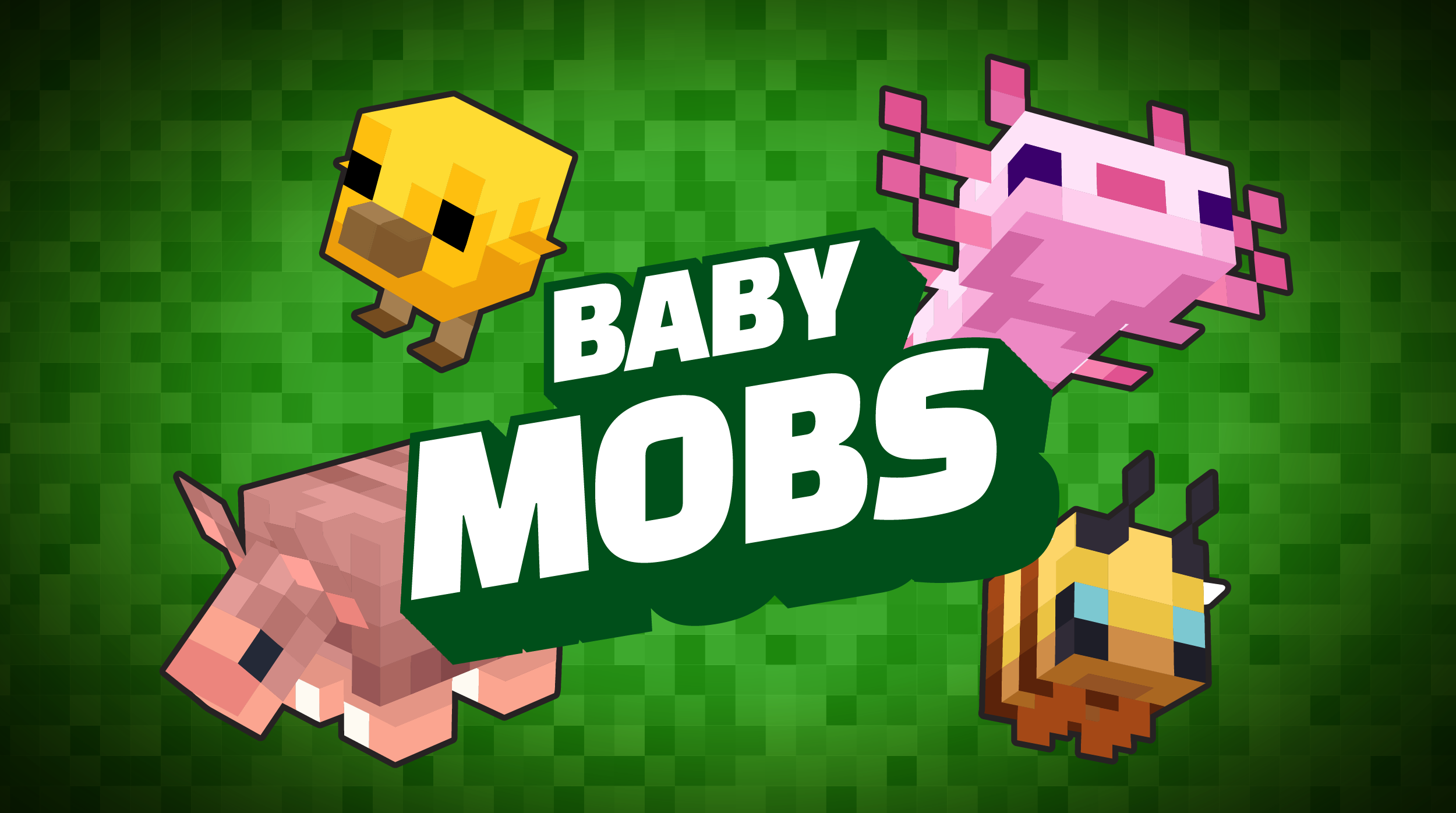
Baby Mobs
Mod some of Minecraft's new baby mobs!
Bach Suite 1 in Cello
Learn how to play music using an array.
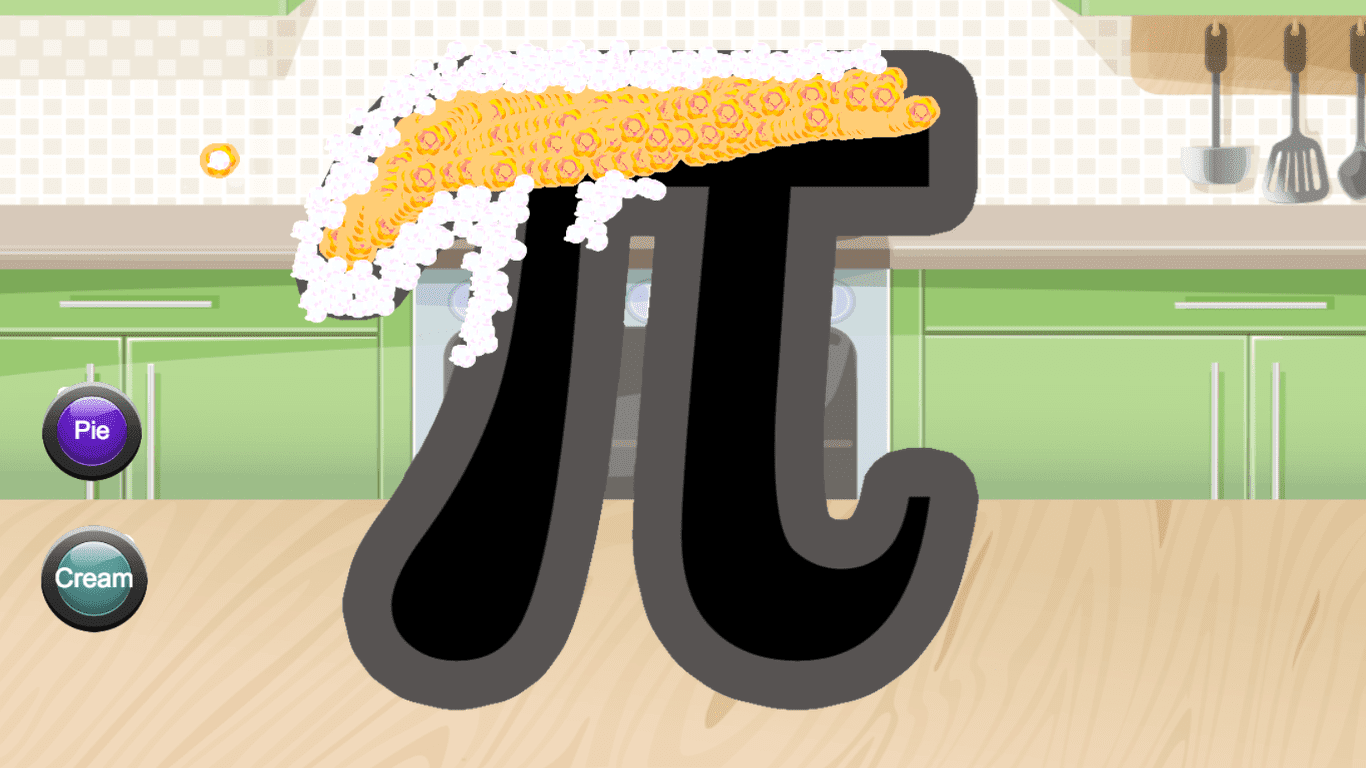
Bake the Perfect Pi
Create a special pie illustration to celebrate Pi Day!
Ball Designer
Use the drawing tools to create an original soccer ball design.
Ball Pop (Video)
Create a colorful ball pop game in Tynker!

Barbie™ You Can Be Anything™
Introduce elementary school students to visual programming with this free coding lesson plan. Students learn basic coding concepts as they create interactive stories and design animations.
Barrel Blast
Three levels of a platformer or physics game, of increasing difficulty.
Beat Maker
Create a beat pad where you can build your own musical patterns.

Bill of Rights
Program a quiz about the Bill of Rights!
Bird Mayhem
Make a game where birds bounce around the screen.
Bird Mayhem
Create a game involving physics and birds

Black History Month
Celebrate Black History Month by researching a remarkable person!
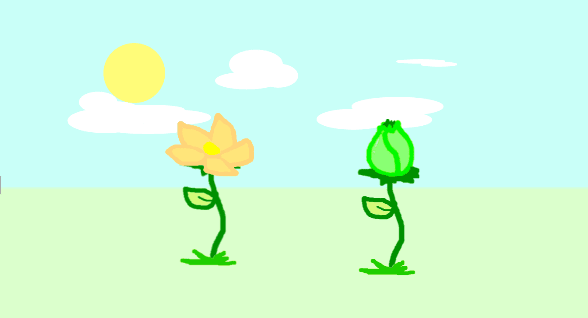
Blooming Flower
Draw a blooming flower.
Bop 'Em
Create a fun bop 'em game using zero code and share with others!
Brick Breaker
Make your own version of this arcade classic.
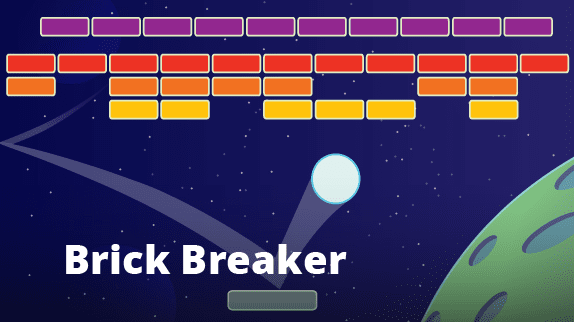
Brick Breaker (Video)
Create a classic Brick Breaker style game in Tynker!
Bug Soccer
In this exciting two-player soccer game, each player takes control of a bug. Players can move to the left-and-right and jump to kick the ball.
Bunny Mode
Give yourself jump boost and speed.
Burger Bonanza
Celebrate Father's Day by creating an interactive burger-building game.
Buttons
Learn how to make animated, labeled buttons.
CUP
CUP
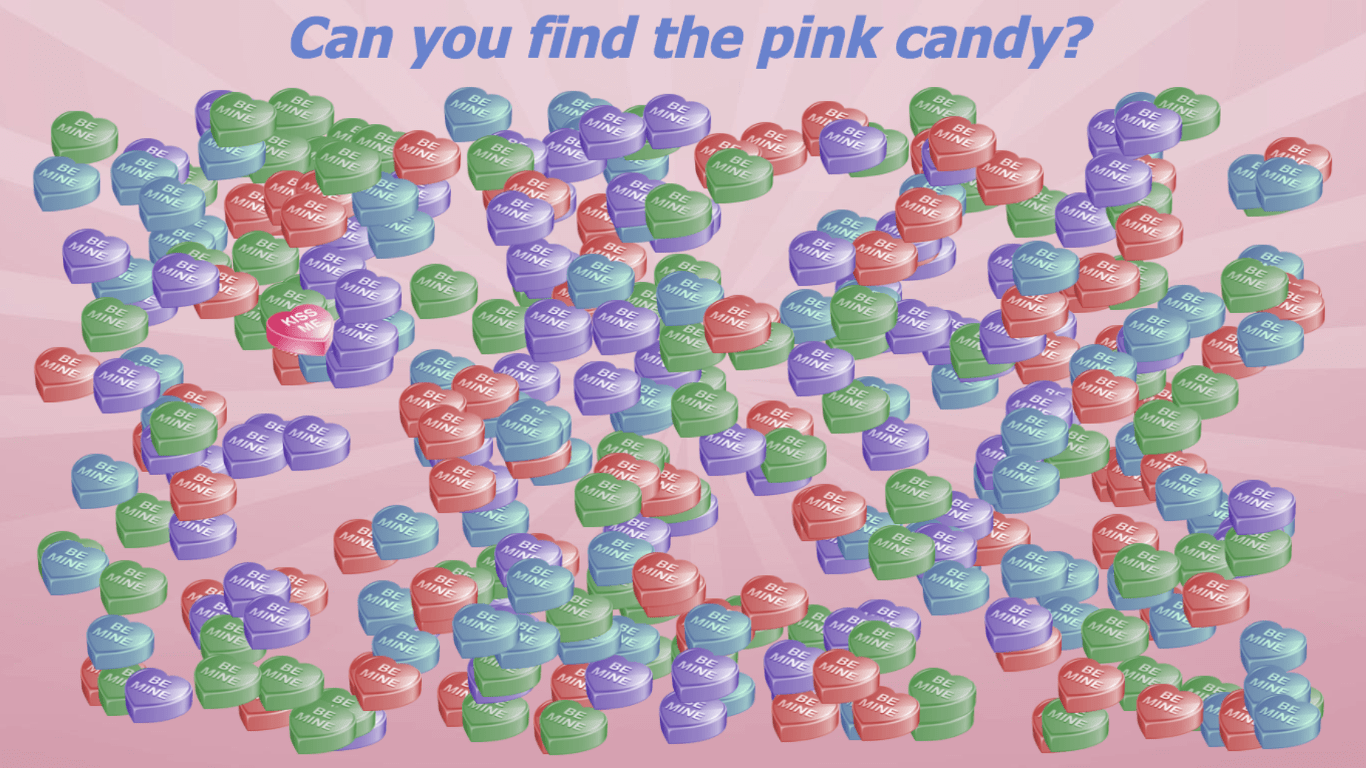
Candy Heart Search
There are so many heart candies! Can you find the pink one?
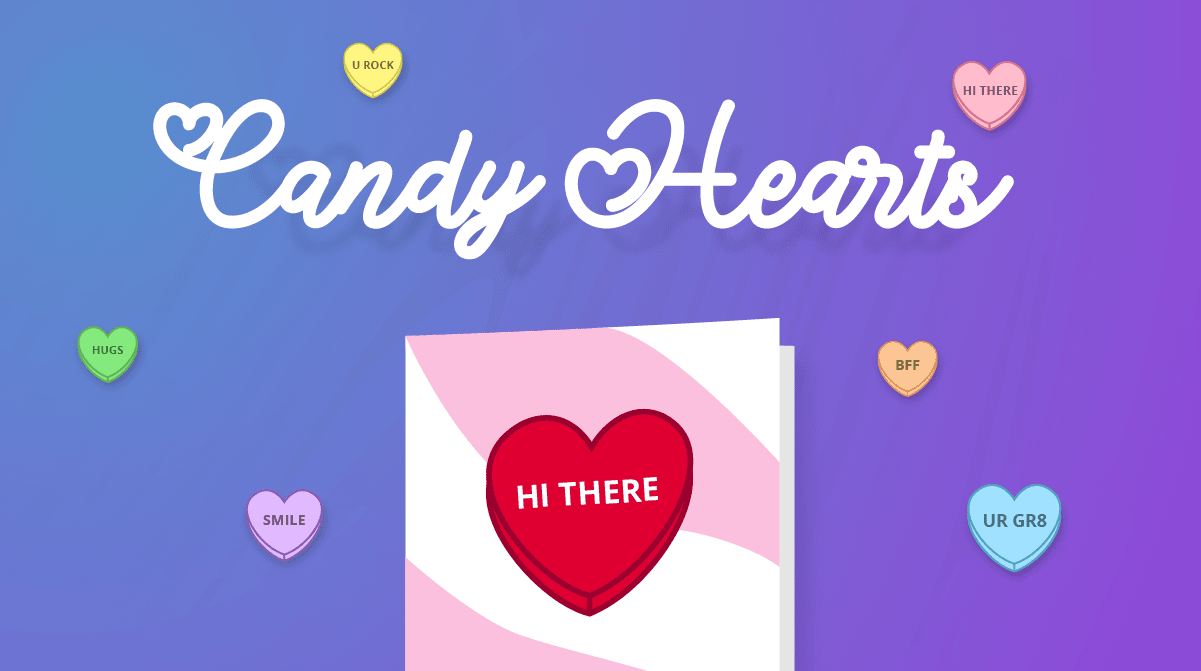
Candy Hearts
Make a virtual conversation hearts with Tynker. Create an interactive Valentine's Day project!
Candy Quest
This is a beginner level curriculum for K-5th graders with no prior programming experience. Students get introduced to programming by solving the puzzles.
Catch 'Em
Create a catcher game using zero code and share with others!
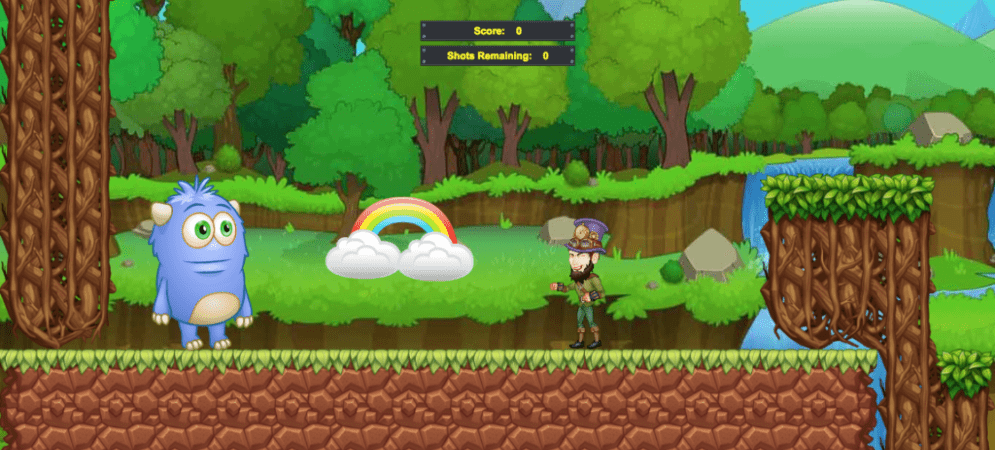
Catch the Leprechaun
Build a fun leprechaun catching game in Tynker.
Cats and Dogs
Program a cannon to fire animal clones!
Ceiling Trap
Draw and program a ceiling trap!

Change the World!
How would you change the world?
Character Animation
Animate actors using the "animate" block.
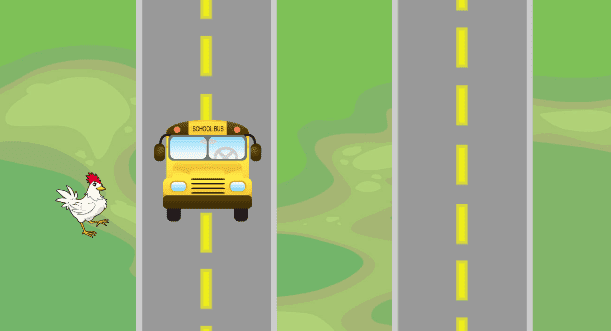
Chicken Crossing
Create a chicken crossing game with code.

Chicken Farm
Build a fence and start spawning chickens!
Chinese Inventions
Celebrate Chinese New Years by programming three Chinese inventions!
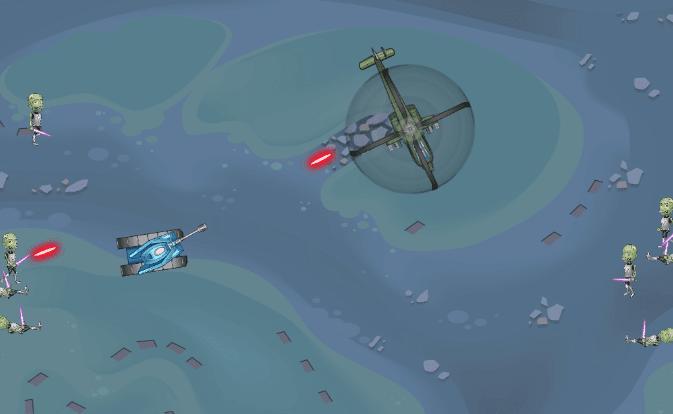
Chopper Game
Program a chopper game.
Chords vs Arpeggios
Code and animate melodies and harmonies.

Circle of Friends
Code a circle of friends.
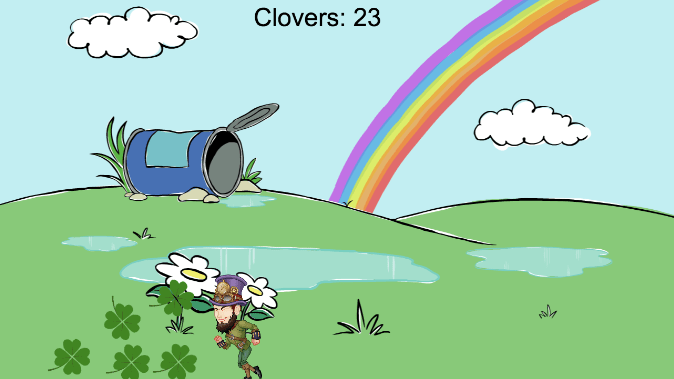
Clover Chaser
Chase the clovers!
Code These AI Games
Learn to code and build 10 incredible interactive AI games!
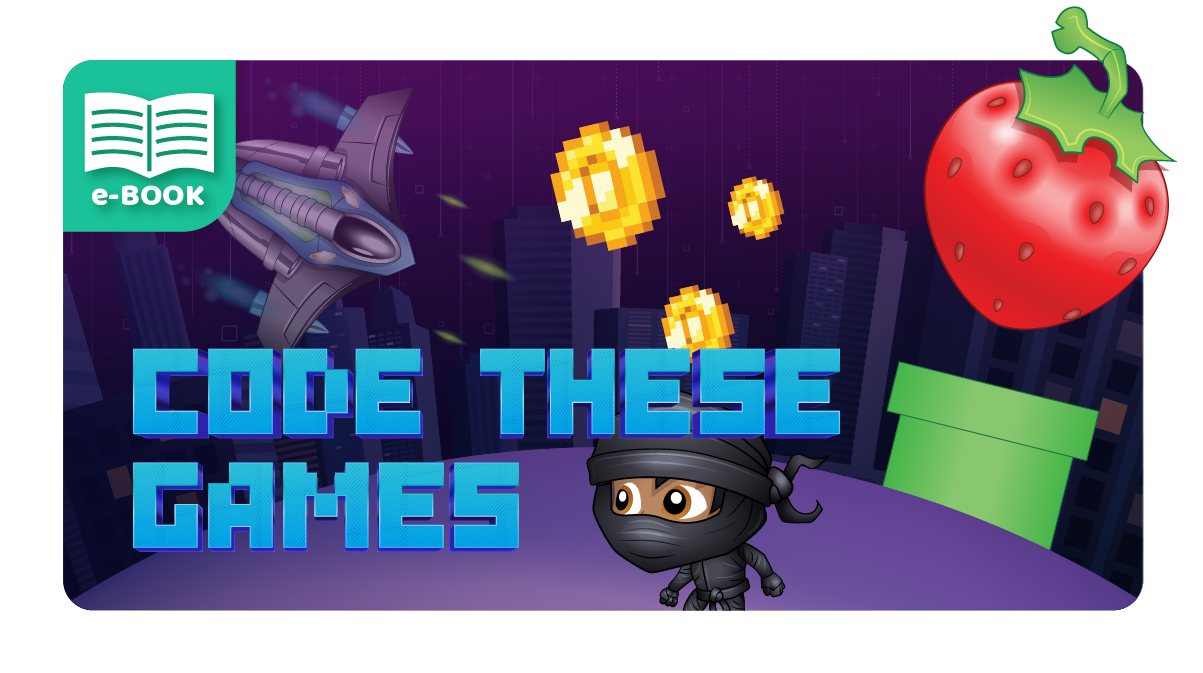
Code These Games
Learn to code and build 15 incredible interactive games!
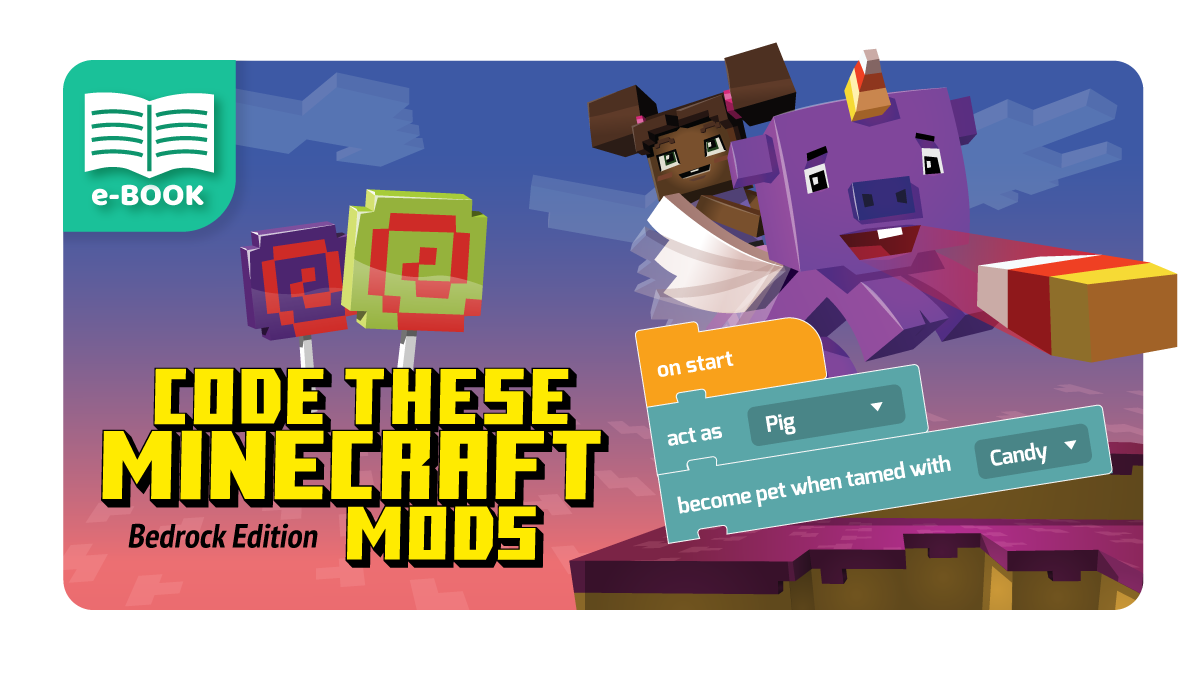
Code These Minecraft Mods (Bedrock Edition)
Learn to code and build 22 Minecraft skins, mods, and more using the Bedrock edition.
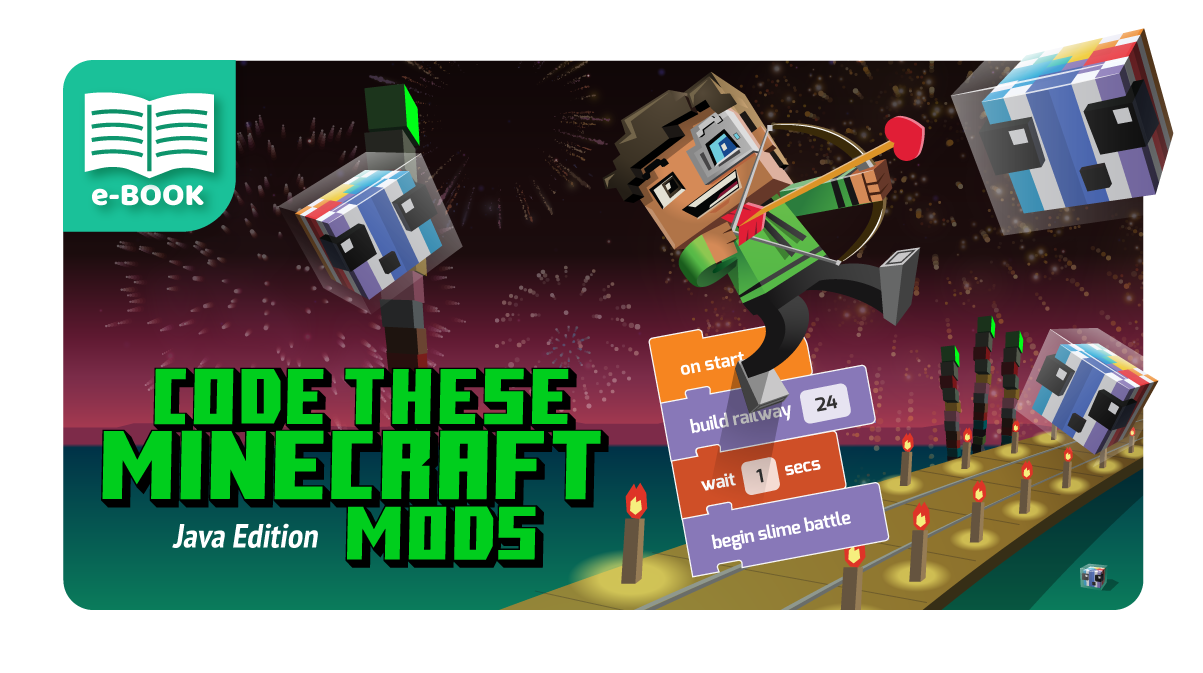
Code These Minecraft Mods (Java Edition)
Learn to code and build 23 Minecraft skins, mods, and more using the Java edition.
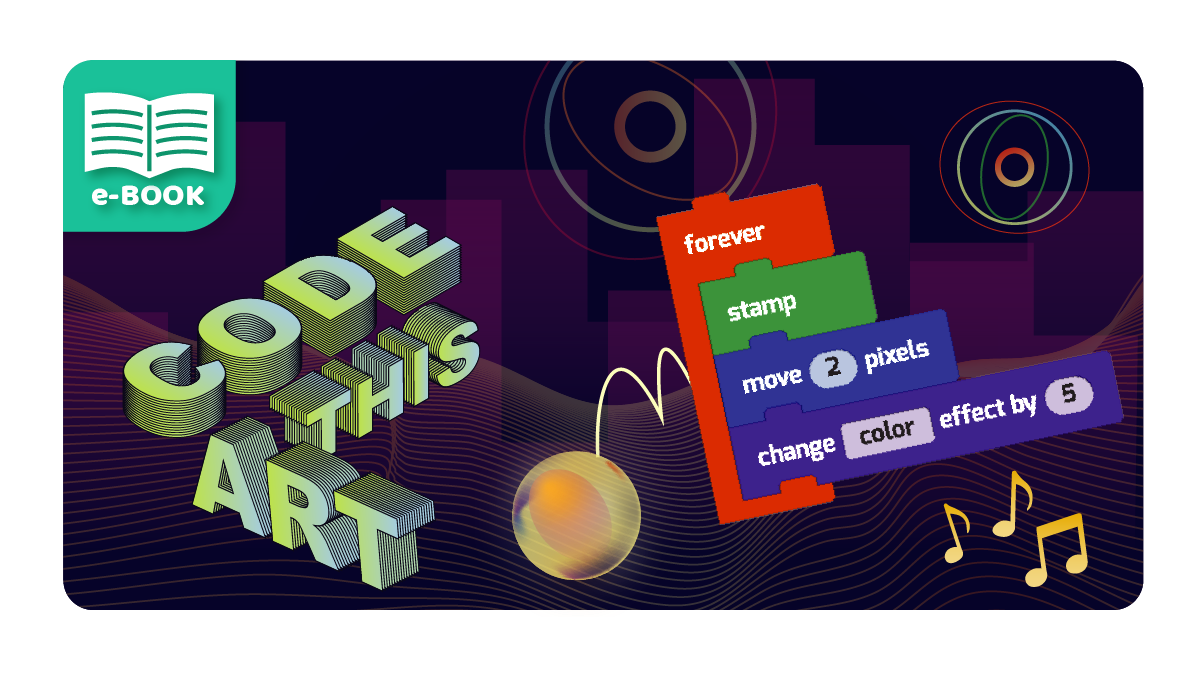
Code This Art
Learn to code and build 18 cool art and design projects.
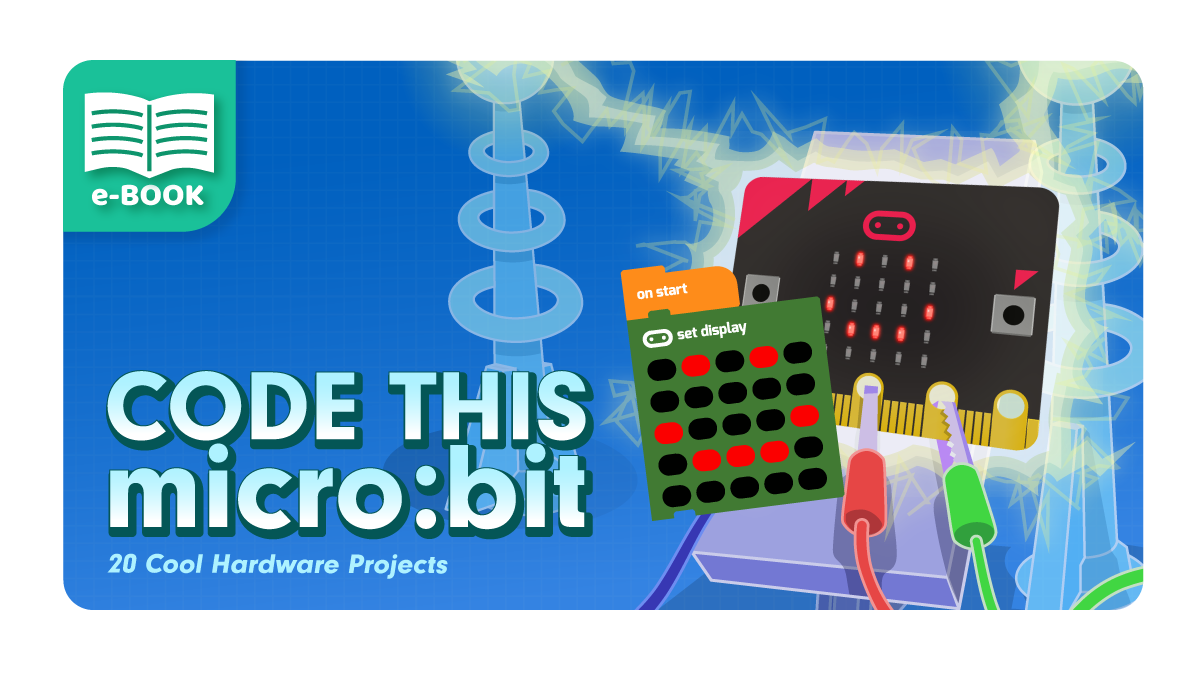
Code This micro:bit
Learn to code and build 20 cool hardware projects using the micro:bit and Tynker.
Code To Joy
Celebrate Beethoven's birthday by coding some of his greatest hits!
Code a Poem!
Create your own poem with code!
Codey's Quest
Codey's Quest is a series of simple coding puzzles. Students program Codey the troll to reach a goal in each level by programming him to walk or jump over obstacles. Students with little or no programming experience can solve the initial puzzles, but they get progressively more challenging as more types of blocks are introduced. There are over 20 puzzles and a few mini-games in this set. Students who complete this set of puzzles will have a good understanding of sequencing, how to use loops for repetition, and building conditional logic to react to different circumstances.Students learn sequencing, pattern recognition, automation, algorithmic thinking, repetition, conditional statements, and conditional loops.
Color Grid
Draw spiral triangle patterns with code.
Coloring Characters
Learn to color and customize actors.
Comic
Create and code your own animated comic story with dialogue and sound effects.
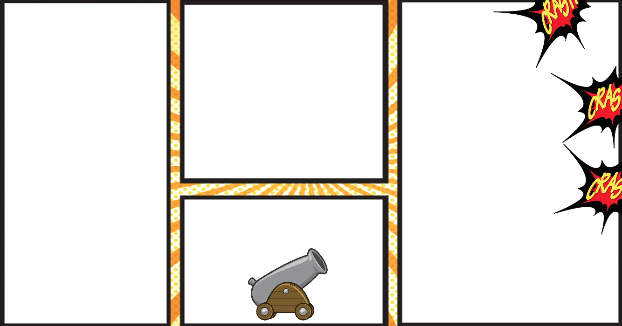
Comic Cannon
Create a comic cannon cartoon using code.
Computer Linguist
Celebrate programmers by going on a Tynker coding adventure!

Cooking Game
Create an interactive cooking game.
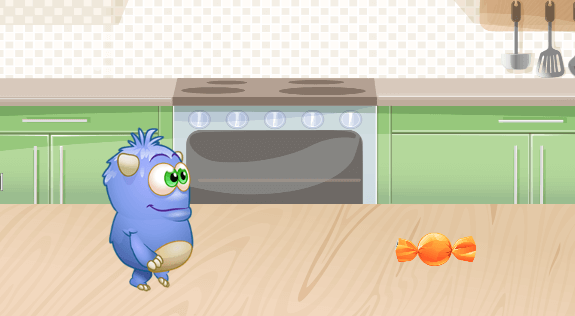
Costume Animation
Animate actors using the "next costume" block!
Costume Party
Explore AI and create a fun costume party project using Tynker!
Cow Joke
Tell a simple story with spoken dialogues between characters with code!
Crash Course
Learn to control virtual versions of Sphero, Hue, and drones by solving puzzles in a virtual playground.
Create Your Avatar
Draw a fun Avatar that looks like you or anything else you can imagine.
Create Your Outdoor Self
Draw and animate a summer-themed avatar.
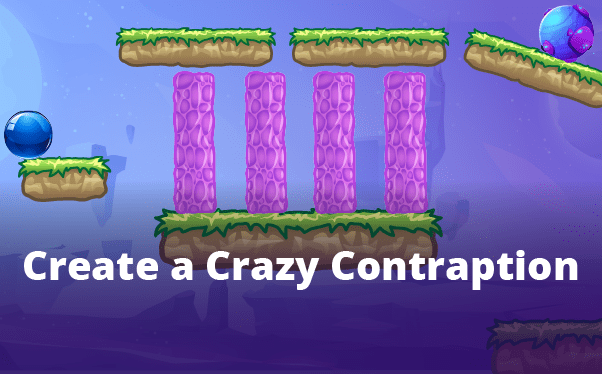
Create a Crazy Contraption
Use the physics engine to build a Rube Goldberg machine with many moving parts.

Create a Project
Create whatever you want
Creative Coding
Discover programming through art, animation, music and math. Collaborate with other campers as you bring amazing projects to life using visual programming. Create interactive greetings, experiment with sounds and musical notes, make your own comics, design characters and animate them, generate math art and build level-based games. No prior programming experience required.
Creative Coding (2019)
Discover programming through art, animation, music and math. Collaborate with other campers as you bring amazing projects to life using visual programming. Create interactive greetings, experiment with sounds and musical notes, make your own comics, design characters and animate them, generate math art and build level-based games. No prior programming experience required.
Creative Coding Studio
Discover programming through art, music, and math. Collaborate with other campers as you plan and build amazing projects using visual programming. Create interactive greetings, experiment with sounds and musical notes, make your own comics, design characters and animate them, generate math art, and build level-based games. No prior programming experience required.
Creative Coding Studio (2019)
Discover programming through art, music, and math. Collaborate with other campers as you plan and build amazing projects using visual programming. Create interactive greetings, experiment with sounds and musical notes, make your own comics, design characters and animate them, generate math art, and build level-based games. No prior programming experience required.

Cupcake Clicker
Create your own cupcake clicker game.
Cupcake Conga
Program a line of cupcakes to follow the mouse cursor and do the conga.
Cupcake Prank
Create a fun prank with cupcakes using Tynker!
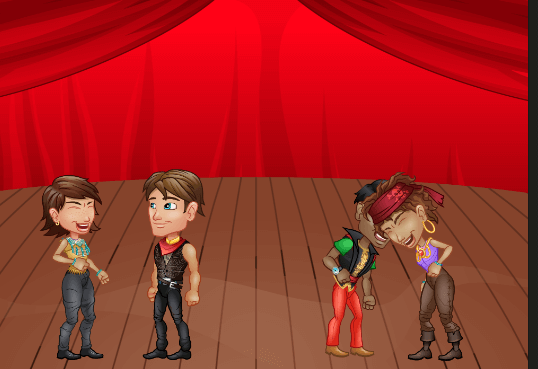
Dance Party
Make the actors dance with code!
Dance Party (Video)
Create a fun Dance Party project in Tynker!
Dancing Dragon
Create a dancing dragon and fireworks in Tynker for the Lunar New Year!
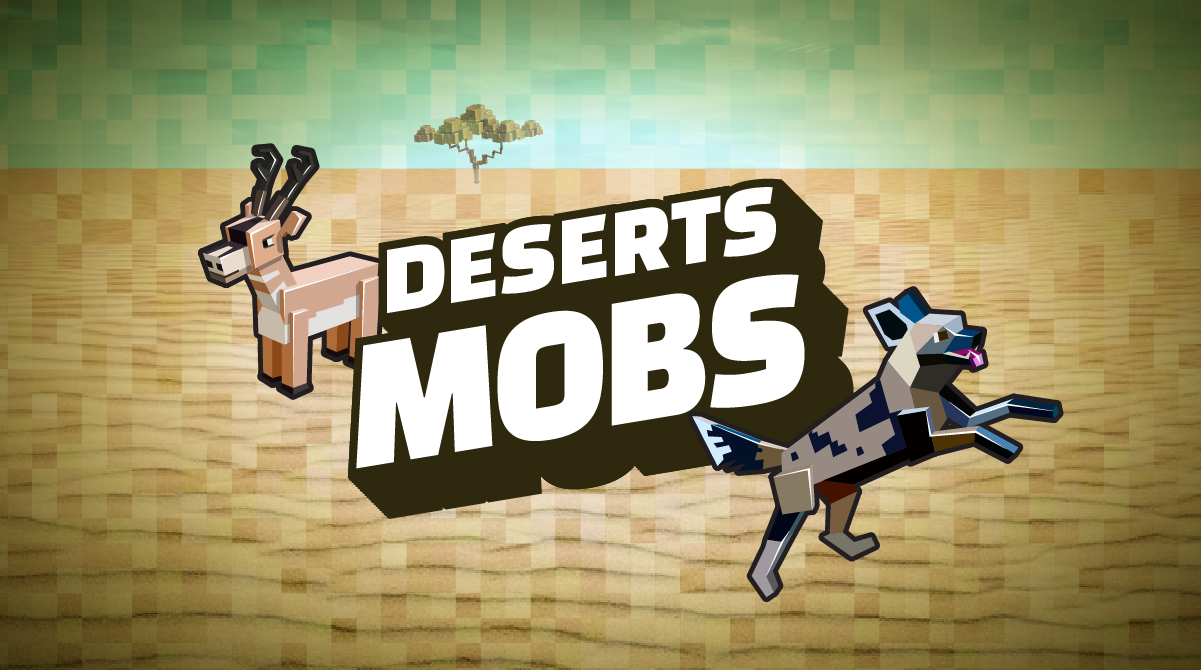
Deserts Mobs
Suggested desert animals: Wild Bactrian camel, African wild dog, pronghorn.
Deserts Quiz
Choose an animal from the world's deserts and write an interactive quiz about the animal.
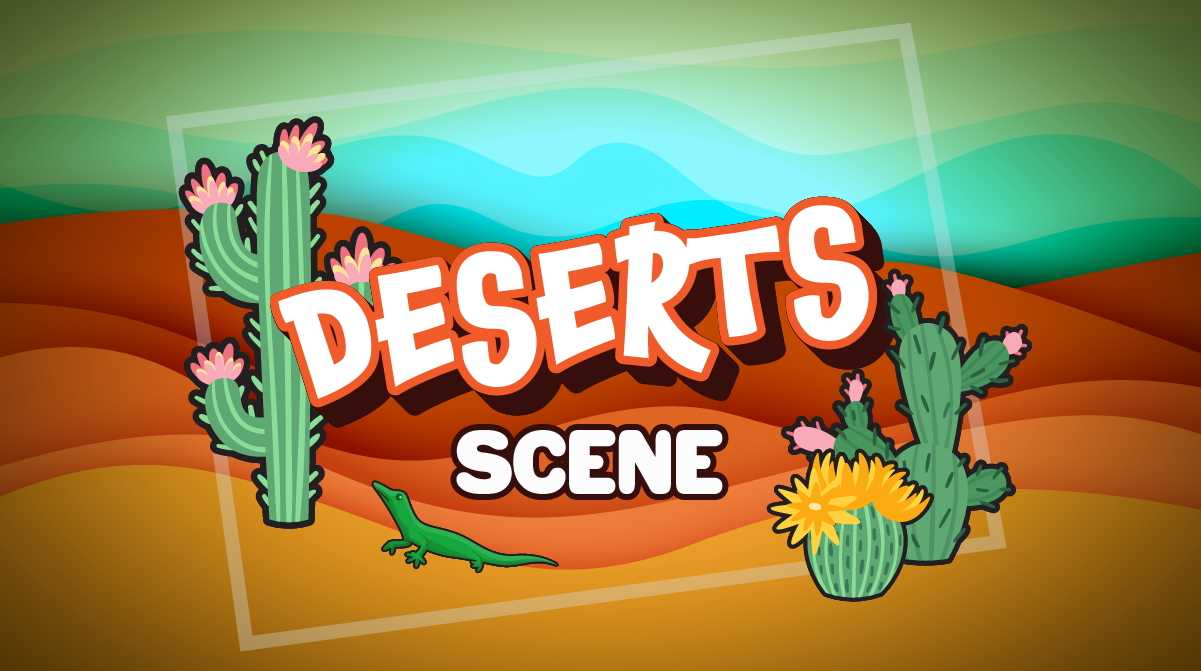
Deserts Scene
Draw your own cactus and create an interactive deserts scene in Tynker. Be creative, and customize it with code.
Design a Soundscape
Create an interactive scene where every Actor makes noise.

Diamond is Unbreakable
Give yourself a full set of diamond armor that is equipped, along with diamond tools.
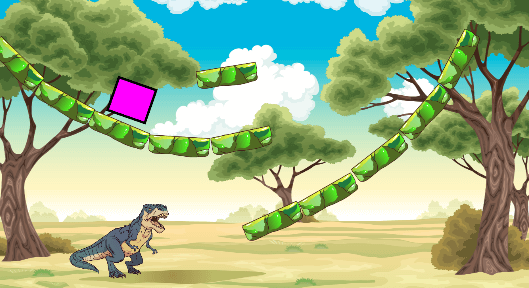
Dino Ramp
Program the square to slide down the dino ramp.
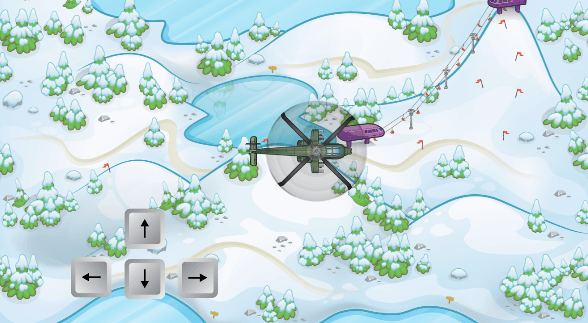
Direction Keys
Make a simple direction key interface.
Dodge 'Em
Create an obstacle dodger game using zero code and share with others!

Doodle Jump
Program the Doodle Jump game.
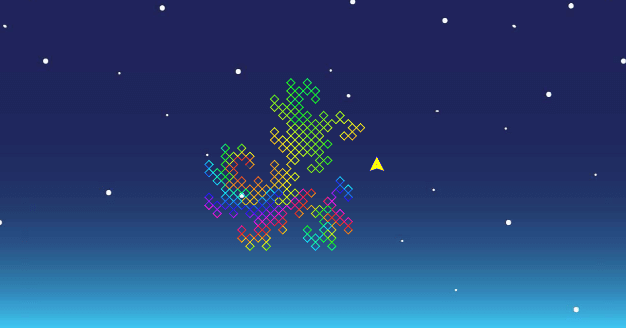
Double Dragon
Create intricate patterns in the sky with math and code.
Dragon Adventure
Dragon Adventure is a 2-stage set of 72 puzzles. In the first stage, The Enchanted Forest, students design their dragon and train it to find treasure. Students program the dragon to reach the treasure while avoiding or blasting through obstacles such as ice walls or barriers. In the Flying Fortress stage, they program the flying dragon to reach the gem while navigating through an aerial maze of paths and blowing fireballs at the flying airships. Students who complete this puzzle set will understand how to break down a problem into smaller tasks, debug programs, use loops for repetition, and use conditional logic.This set introduces programming tasks such as defining functions, using functions, specifying function parameters, and more complex sequencing challenges. It reinforces pattern recognition, automation, and algorithmic thinking.
Dragon Food
Create a pet-feeding game with cloning and messaging.
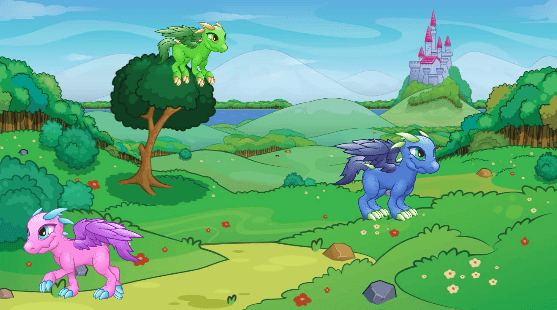
Dragon Land
Animate the dragons with code!
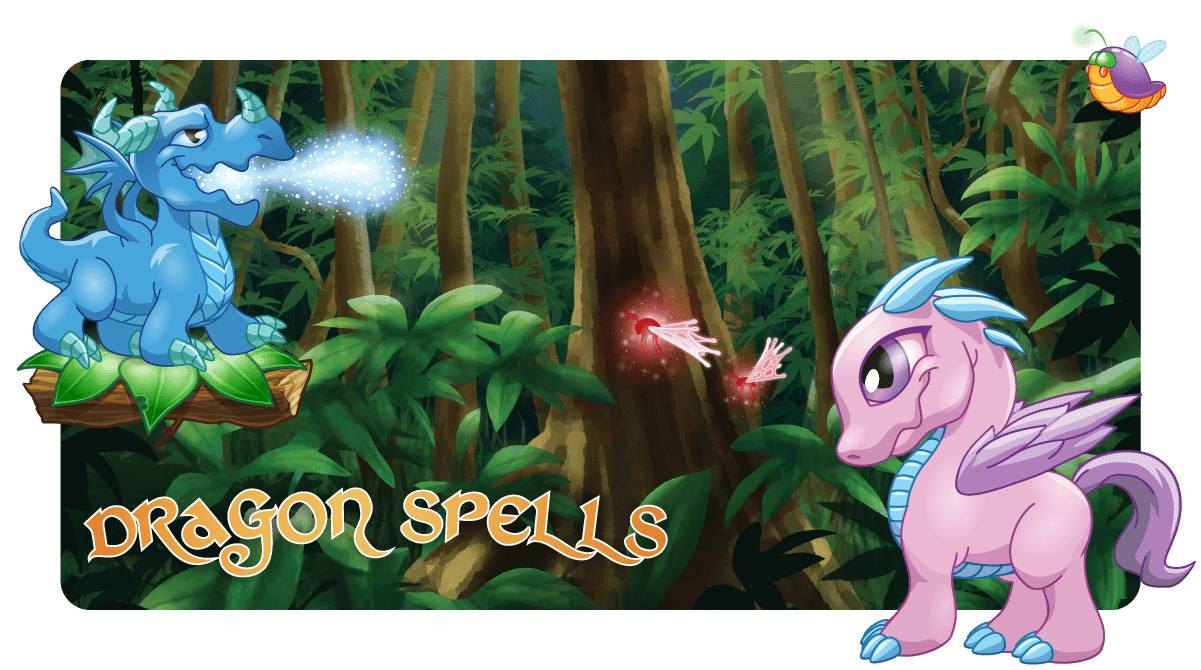
Dragon Spells
Students learn coding concepts as they solve these puzzles to train their dragon to find treasure.
Dragon Spells
This is a beginner level curriculum for 3-5th graders with no prior programming experience. Students get introduced to programming by solving the puzzles.
Draw a Maze
Draw your own maze game. Can you reach the goal?

Draw a Summerscape
Use the Pen blocks to create a summer scene.
Drone Coding Studio
Experience the thrill of flight and accomplishment as you learn to program Parrot drones using Tynker's intuitive visual coding. Pilot drones through extreme maneuvers, grasping objects and flying aerial combat missions all with the power of code. Watch your child's confidence soar as they learn to write programs that bridge the gap from the digital to the physical world. How this course works: Students sign in to their Tynker accounts from a Chromebook or desktop computer and complete a Tynker lesson online. Then, they sign-in to their account from the Tynker app on a shared iPad device. The DIY projects will be available under the "My Projects" section in their app. They will be able to modify and run the programs on the iPad to control the accessory via Bluetooth. You can share one or two tablets between all students in a classroom and they can take turns controlling the accessary. Recommended Accessories: This course requires a physical drone and a tablet (each sold separately). Classroom Bundle* 6-pack or 12-pack available from Parrot Edu. Ask for a QuoteAny airborne Parrot Minidrone such as the Rolling Spider, Night, or Cargo droneiPad or Android TabletDownload the free Tynker App for iPad or Android No experience with coding or flying drones is required.
Drone Coding Studio
Experience the thrill of flight and accomplishment as you learn to program Parrot drones using Tynker's intuitive visual coding. Pilot drones through extreme maneuvers, grasping objects and flying aerial combat missions all with the power of code. Watch your child's confidence soar as they learn to write programs that bridge the gap from the digital to the physical world. How this course works: Students sign in to their Tynker accounts from a Chromebook or desktop computer and complete a Tynker lesson online. Then, they sign-in to their account from the Tynker app on a shared iPad device. The DIY projects will be available under the "My Projects" section in their app. They will be able to modify and run the programs on the iPad to control the accessory via Bluetooth. You can share one or two tablets between all students in a classroom and they can take turns controlling the accessary. Recommended Accessories: This course requires a physical drone and a tablet (each sold separately). Classroom Bundle* 6-pack or 12-pack available from Parrot Edu. Ask for a QuoteAny airborne Parrot Minidrone such as the Rolling Spider, Night, or Cargo droneiPad or Android TabletDownload the free Tynker App for iPad or Android No experience with coding or flying drones is required.
Drones 101
Introduce your class to drones and coding. Inspire your class with drones. Using a combination of interactive lessons, concept explanations, videos, puzzles, and DIY projects, Drones 101 teaches students to write programs that control drones. The coding activities build and reinforce STEM skills in geometry, art, math, and science. Each lesson is designed for a class period of 45-60 minutes. All student work is automatically tracked and assessed, and you'll be able to monitor their individual progress and mastery charts. How this course works: There are two ways you can use this course: If using Chromebooks/Desktop Computers: Students sign in to their Tynker accounts and complete a Tynker lesson online from a desktop Internet browser. Then, they sign-in to their account from the Tynker app on a shared iPad device. The DIY projects will be available under the "My Projects" section in their app. They will be able to modify and run the programs on the iPad to control the accessory via Bluetooth. You can share one or two tablets between all students in a classroom and they can take turns controlling the accessary.If using iPads: Students sign in to their Tynker accounts and complete the Tynker lessons from the Tynker app on an iPad. The DIY projects will be available as they work on the course in their app as well as under the "My Projects" section. They will be able to modify and run the programs on the iPad to control the accessory via Bluetooth. Recommended Accessories: This course requires a physical drone and a tablet (each sold separately). Once students complete each lesson, they need a tablet to try out the programs they build to control the drone. You can share one or two tablets between all students in a classroom and take turns flying the drone. Classroom Bundle* 6-pack or 12-pack available from Parrot Edu. Ask for a QuoteAny airborne Parrot Minidrone such as the Rolling Spider, Night, or Cargo droneiPad or Android TabletDownload the free Tynker App for iPad or Android *This course is available free for any school that purchases a Classroom Bundle. Topics Covered: Drone command library, sequencing, repetition, events, conditional logic, problem solving, and debugging.
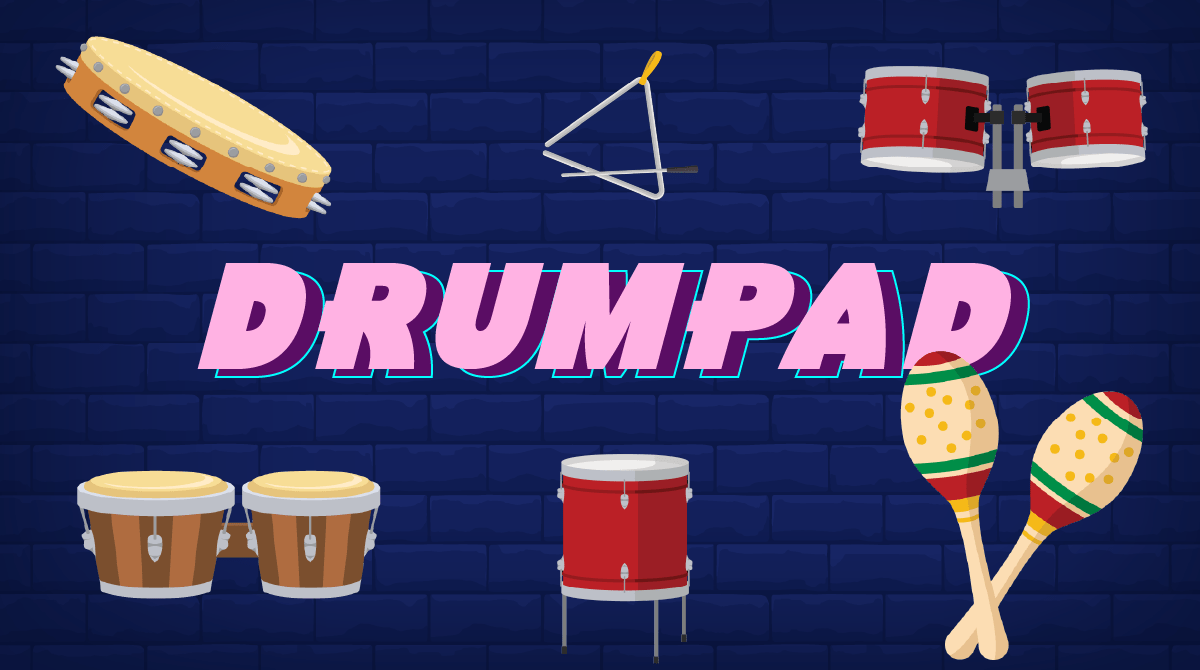
Drum Pad
Code your own drum pad to play different drums.
Earth Science 101
Fun coding lessons designed to integrate with subjects like geology, meteorology, oceanography, and astronomy. All projects are NGSS-aligned and promote project-based learning for 3rd–5th graders.

Eat'em Up
Program the Eat'em Up game.

Ecological Pyramid
Create an interactive ecological pyramid.
Egg Decorator
Celebrate spring with this egg-citing art project in Tynker!
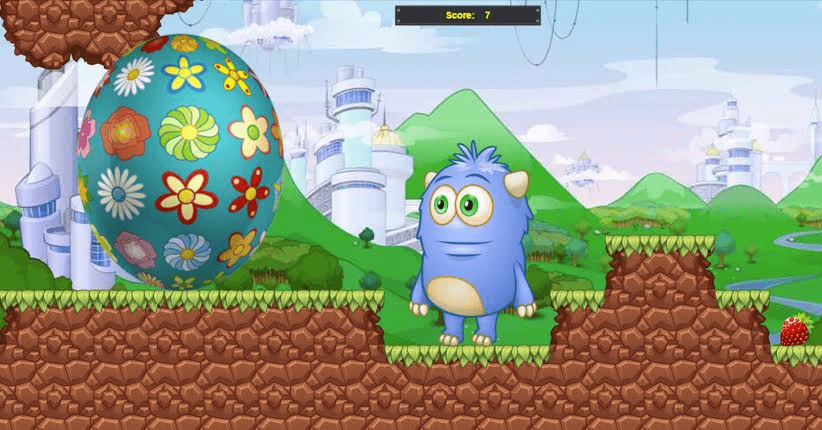
Egg Hunt
Celebrate spring! Create a game in Tynker to collect the eggs and earn points.
English 101
Fun coding lessons designed to integrate with subjects like grammar, storytelling, reading, and writing. All projects are CCSS-aligned and promote project-based learning for 3rd–5th graders.

Explosive Rabbits
Look out! These Minecraft rabbits are self-destructive!
Falling Feast
Create a fun food-catching arcade game in Tynker with the help of AI!

Falling Trails 3
Draw colored trails using balls and gravity!

Fashion Designer
Create a dress-up game using zero code and share with others!

Father’s Day Dress-up
This Father's Day, create a fun dress-up game for dad.

Father’s Day Fishing
Program a fun fishing game for Father's Day using Tynker.
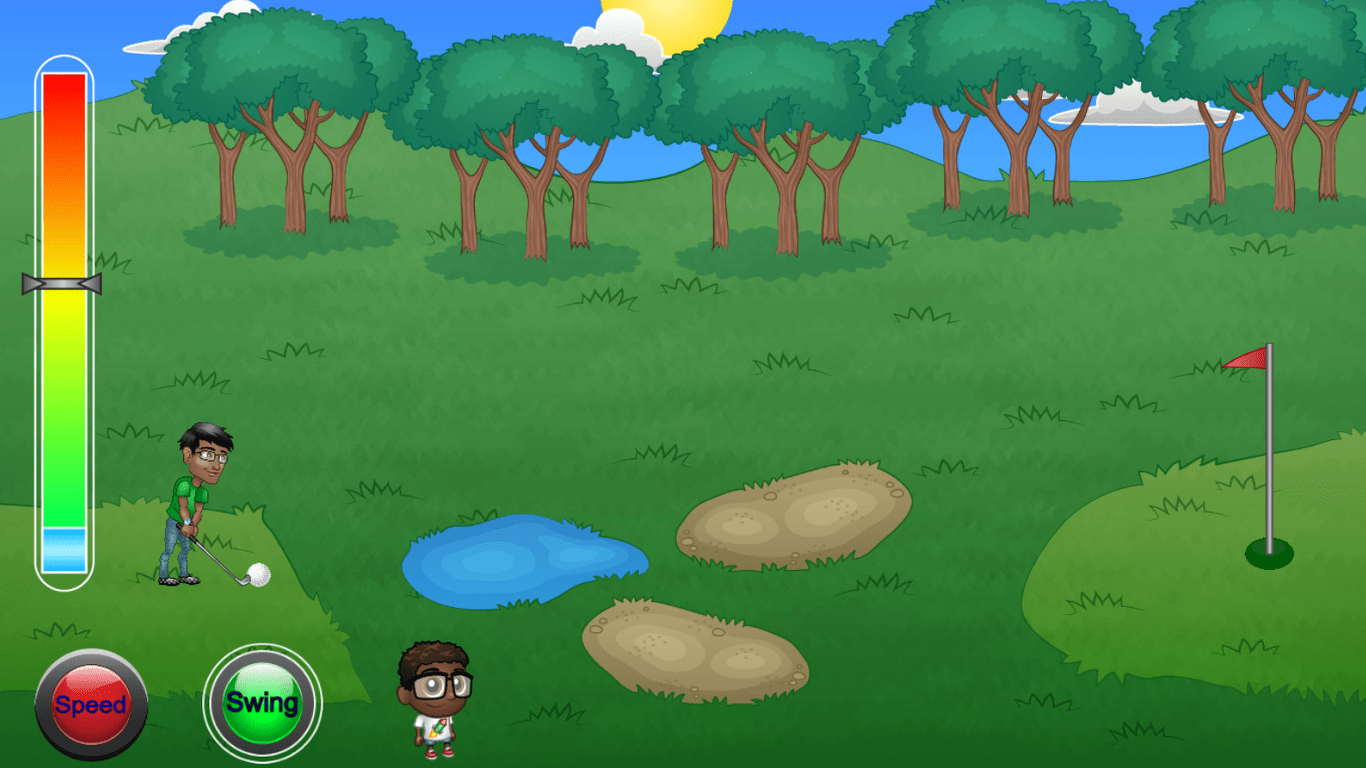
Father’s Day Golfing
Celebrate Father’s Day with a fun golfing game!

Feed the Fish
Feed the fish using the power of code.
Fireworks Show
Create your own 4th of July fireworks show with code!
Flower Power
Spring up flowers on the screen to grow your own garden with code.

Flying Mount
Saddle up! This giant butterfly is a modified Minecraft bat that can take you for a wild ride.
Fool’s Gold
Create a prank treasure chest for April Fools’ Day!
Forests Game
Camouflage forest animals and build a hide-and-seek game in Tynker. Be creative, and customize it with code.
Forests Mobs
Suggested forest animals: Red panda, tiger, forest elephant, Asian elephant, okapi, monarch butterfly, poison dart frog, jaguar.
Forests Quiz
Choose an animal from the world's forests and write an interactive quiz about the animal.
Free Fallin'
Teleport yourself and your friends into the air!
Free STEM Pack 1 (Elementary)
This is a beginner level STEM sampler pack for 3-5th graders with no prior programming experience. This course contains a collection of fun STEM programming projects in areas of earth science, math, and scoial studies.
Freestyle Designer
Create your own designer game using zero code and share with others!
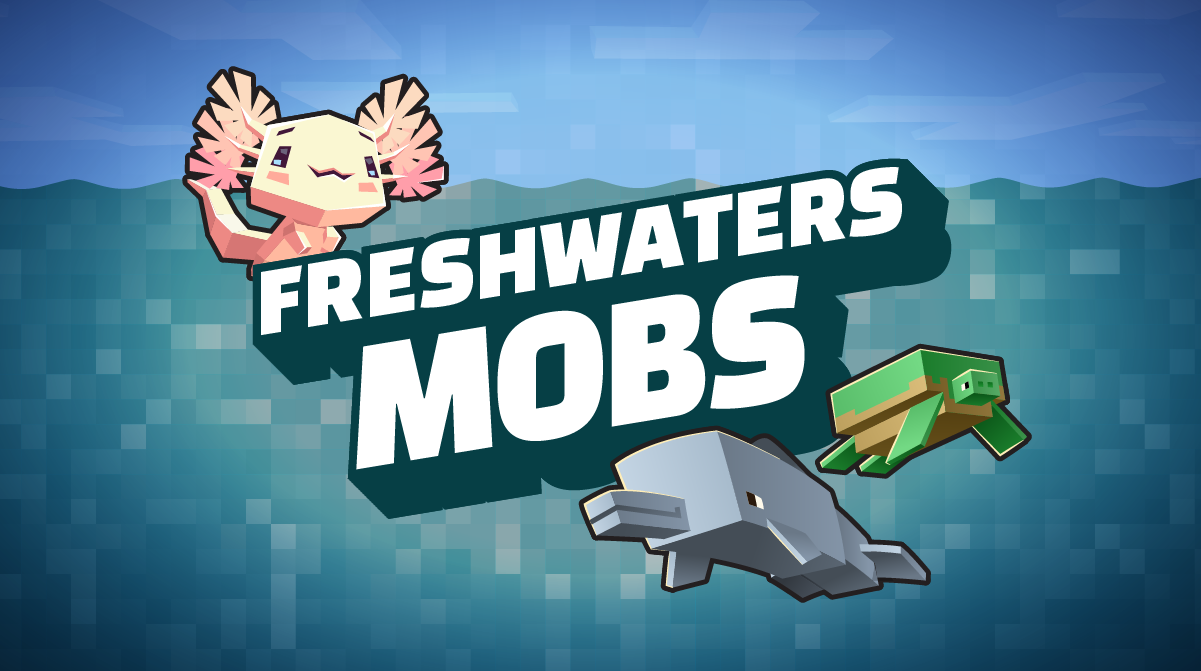
Freshwaters Mobs
Suggested freshwater animals: Axolotl, freshwater dolphins, gharial, hippo, box turtle, manatee, dugong, Mekong freshwater stingray.
Freshwaters Quiz
Choose an animal from the world's freshwaters and write an interactive quiz about the animal.
Freshwaters Scene
Create an interactive lake scene that showcases freshwater animals.
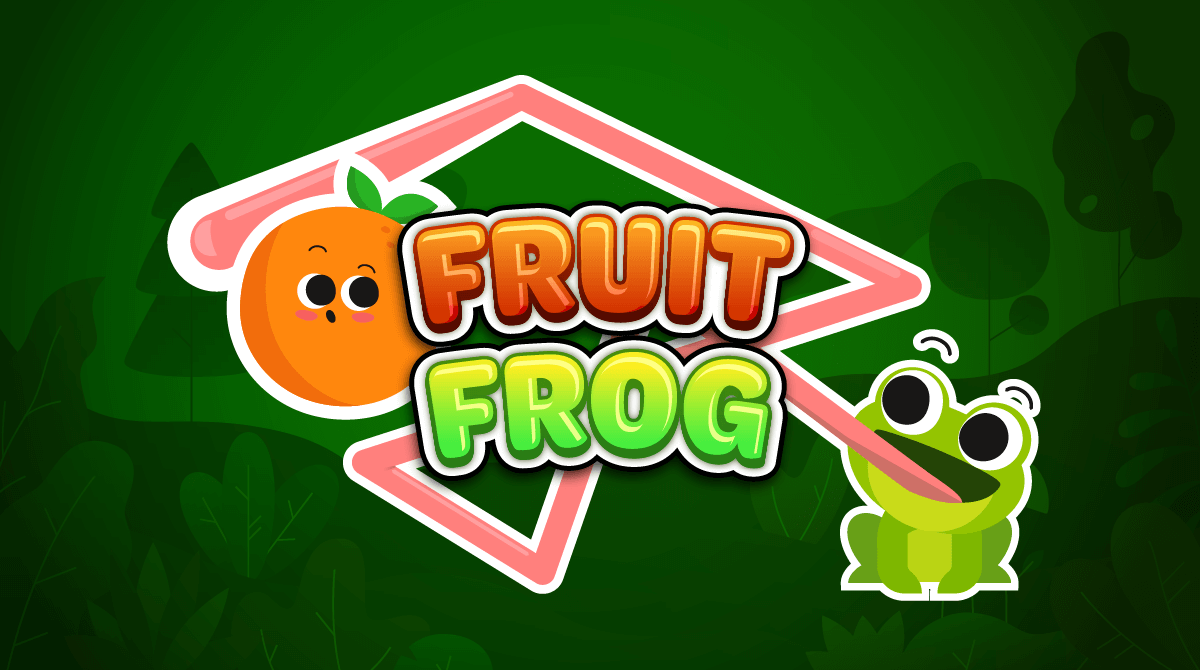
Fruit Frog
Program a game where a frog collects fruit with its tongue.
Game Design
Learn to plan and design a variety of game types. Over the course of a week, you will design and build 2D platformers, top-down games, side scrollers, and physics-based games. Campers will build a foundation of programming basics and apply them as they build a different class of game each day. Work on a collaborative project with friends. At the end of the week, show off your original games and play them with friends and family. No prior programming experience required.
Game Design (2019)
Learn to plan and design a variety of game types. Over the course of a week, you will design and build 2D platformers, top-down games, side scrollers, and physics-based games. Campers will build a foundation of programming basics and apply them as they build a different class of game each day. Work on a collaborative project with friends. At the end of the week, show off your original games and play them with friends and family. No prior programming experience required.
Game Design 101
An introduction to programming for beginners in upper elementary grades. Introduce your class to programming using a fun scenario-based approach where they build two complete games. Side Scroller Survival introduces them to basics of motion and animation. In BeatBot Battle, they program a robot to make it dance. On completing this lesson plan students will be able to build simple games, animations and a variety of simple projects.Topics Covered: Use sequencing, pattern recognition, loops, conditional logic to create programs. Create scenes, add sounds and music and use keyboard controls to drive your programs. Learn about motion, broadcasting messages and adding special effects.
Game Design 101 (2019)
An introduction to programming for beginners in upper elementary grades. Introduce your class to programming using a fun scenario-based approach where they build two complete games. Side Scroller Survival introduces them to basics of motion and animation. In BeatBot Battle, they program a robot to make it dance. On completing this lesson plan students will be able to build simple games, animations and a variety of simple projects.Topics Covered: Use sequencing, pattern recognition, loops, conditional logic to create programs. Create scenes, add sounds and music and use keyboard controls to drive your programs. Learn about motion, broadcasting messages and adding special effects.
Game Design 102
Help your students advance their game design skills. They complete BeatBot Challenge by making the robot moonwalk and respond to different kinds of messages. Then they build Paint Racer, a pen-drawing game, and learn about angles, color, direction, and positioning. Upon completing this course, students will have a good understanding of a number of intermediate programming concepts such as conditional statements, messaging, timers, random numbers, and positioning using x- and y-coordinates.Topics Covered: Draw geometric patterns using pen-based drawing primitives to manipulate angles, direction, sizes, and color. Learn about timers, random numbers, interactions between objects, and special effects.
Game Design 102 (2019)
Help your students advance their game design skills. They complete BeatBot Challenge by making the robot moonwalk and respond to different kinds of messages. Then they build Paint Racer, a pen-drawing game, and learn about angles, color, direction, and positioning. Upon completing this course, students will have a good understanding of a number of intermediate programming concepts such as conditional statements, messaging, timers, random numbers, and positioning using x- and y-coordinates.Topics Covered: Draw geometric patterns using pen-based drawing primitives to manipulate angles, direction, sizes, and color. Learn about timers, random numbers, interactions between objects, and special effects.
Game Design 2
Learn to make games fun to play! Students build 2D game worlds, design animated heroes and villains, program game controls and motion, add music, and program game logic.
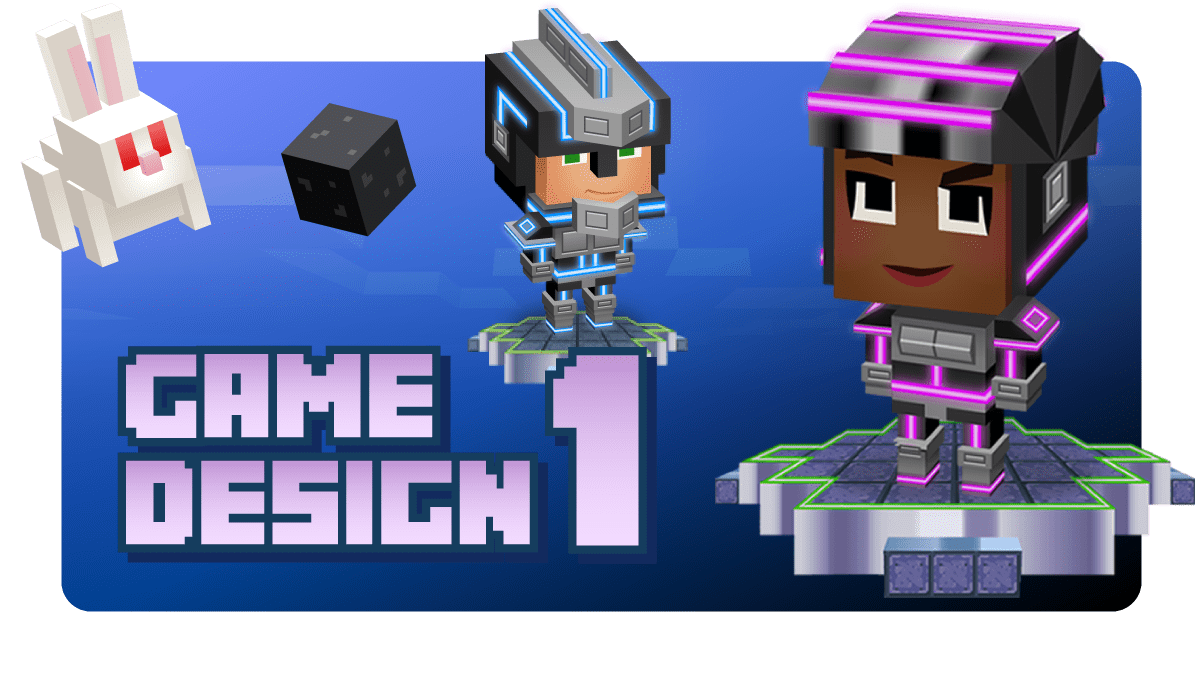
Game Design I
Learn to create 3 classic games in Minecraft - Capture the Flag, Slimeball Soccer, and Tower Defense.
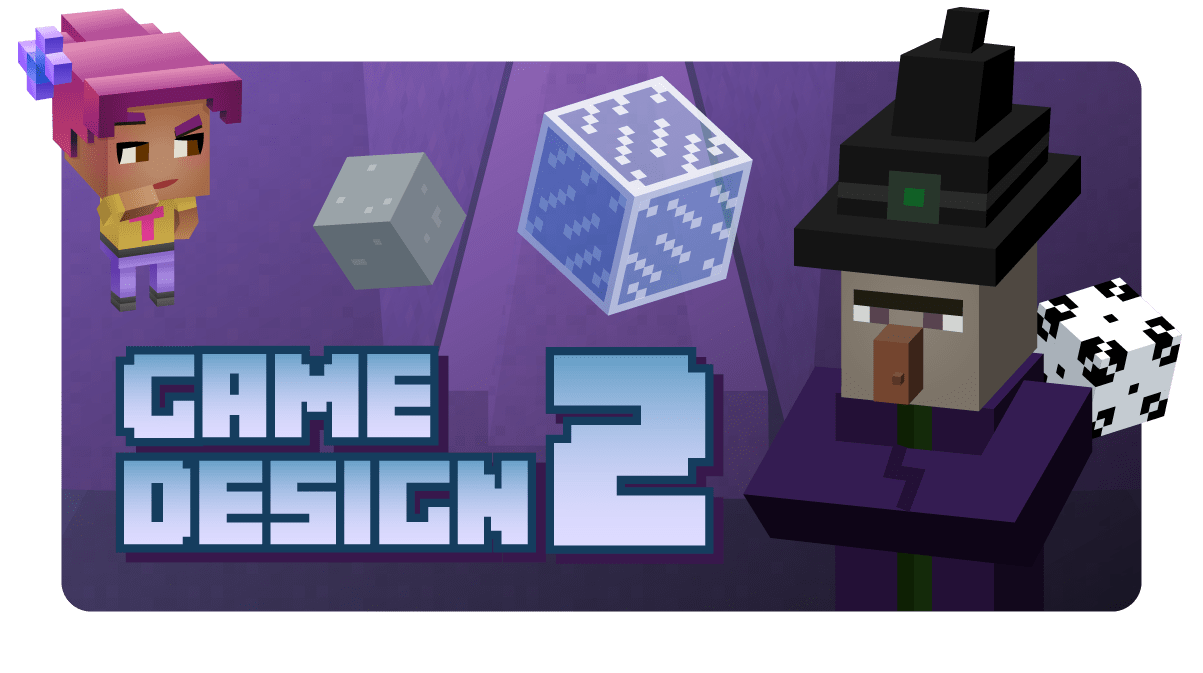
Game Design II
Advance to creating more multiplayer games like Spleef, Paintball, Save the Pig, and more in Minecraft.
Game Design Studio 1
Learn what it takes to build your own video game worlds. Design and build your own games from start to finish by connecting Lego-like code blocks. Build 2D game worlds, design animated heroes and villains, program game controls and motion, add music, and program game logic. At the end of the week, show off your own original games and play them with friends and family. No prior programming experience required.
Game Design Studio 1
This class is the ultimate experience for kids who love video games! They'll learn how to create their 2D worlds, design characters and animations, program controls and motion, add music and sound effects, and master the art of game logic. And the best part? They'll get to play their creations with the whole class! Sign your child up for this class and watch their love for coding and video games soar!
Game Studio (Learn Station)
Make interactive games with this open-ended creative coding environment.
Gears of Time
Can you find the gears and save the day? Travel through time and complete the coding challenges in this block-building adventure.
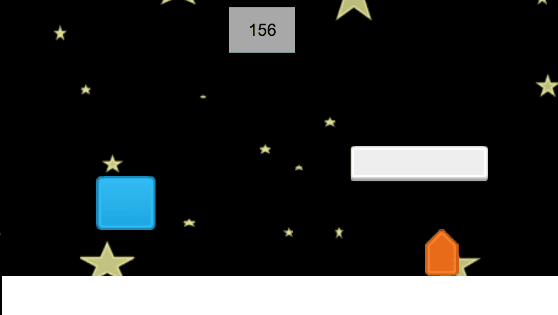
Geometry Gallop
Bring the marine animals to life with code.
Glide-O-Phone (Video)
Create a music visualizer in Tynker!
Gobble Trouble
Create a hide-and-seek game with turkeys for Thanksgiving!
Googly Eyes
Program and animate a silly face with googly eyes.
Grasslands Habitat
Follow the tutorial to create a grasslands habitat. Be creative, and customize it with code.
Grasslands Mobs
Suggested grassland animals: Plains bison, black rhino, white rhino, saiga antelope, giraffe, black-footed ferret, condor.
Grasslands Story
Choose a grasslands animal and write an interactive story about the animal.
Gravity Maze
In this game, instead of moving a character, you control the forces of gravity!
Greedy Guts
Eat a golden apple and get rich.
Greeting Card
Program a greeting card.
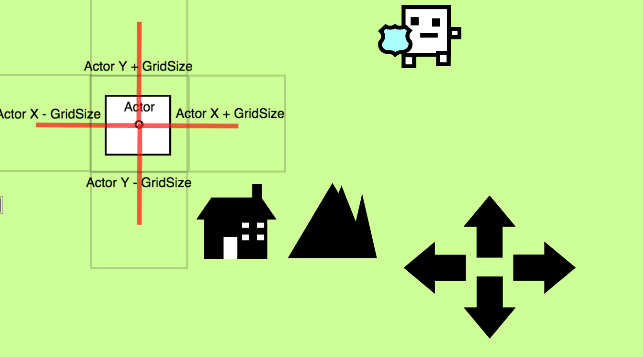
Grid Movement
Bring the marine animals to life with code.
Groggy Groundhog
Recreate the myth of Groundhog Day using this template!
Grumpy Cat
Create a simple physics game.
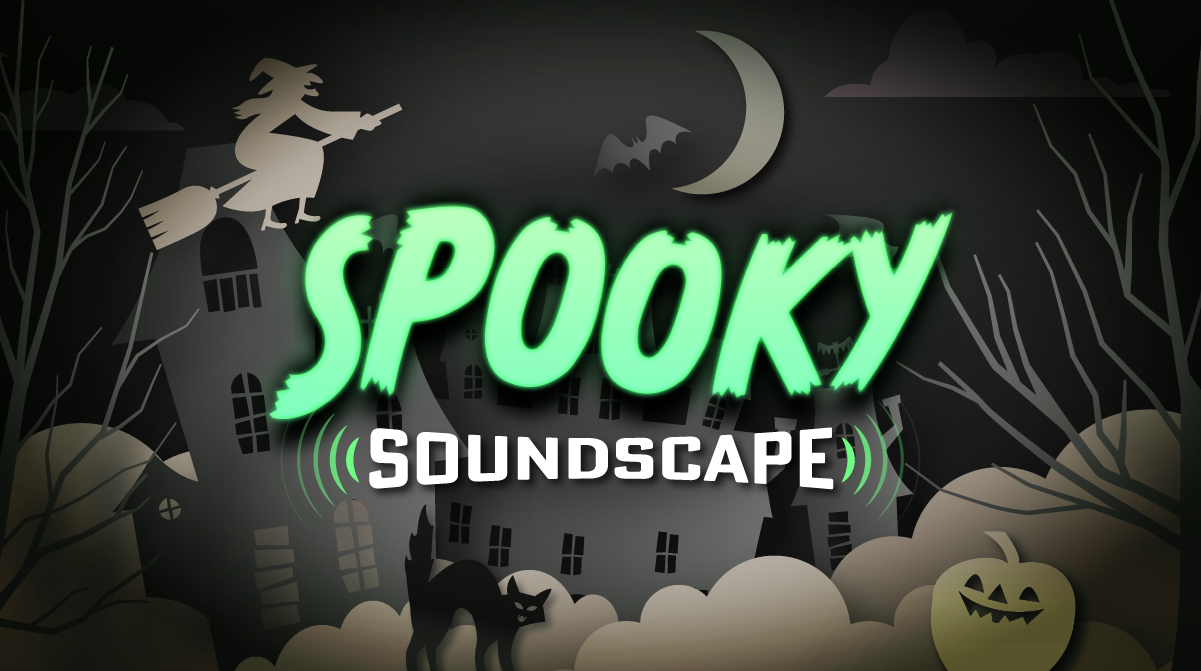
Halloween Code Jam
Create a spooky Halloween scene with music, animations, and more.

Hand of Midas
Use a golden hoe and gain a special buff. Any block you touch turns to gold!
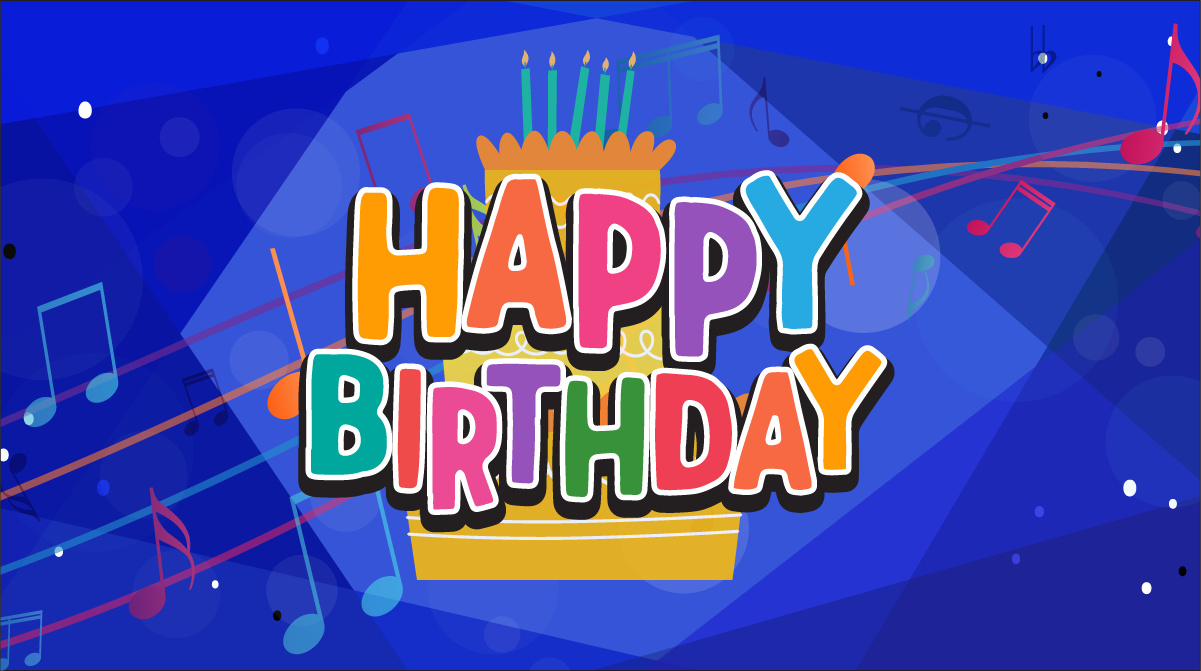
Happy Birthday
Create a spooky scene using code and music.
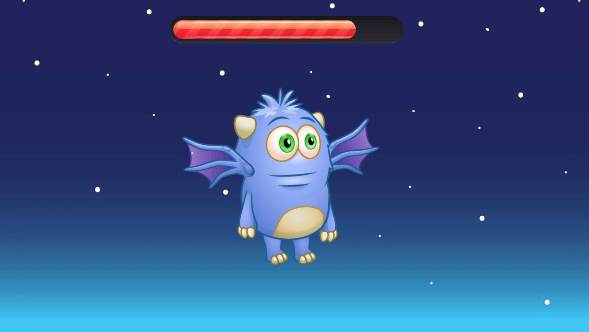
Health Bar
Create an actor with a health bar in code.
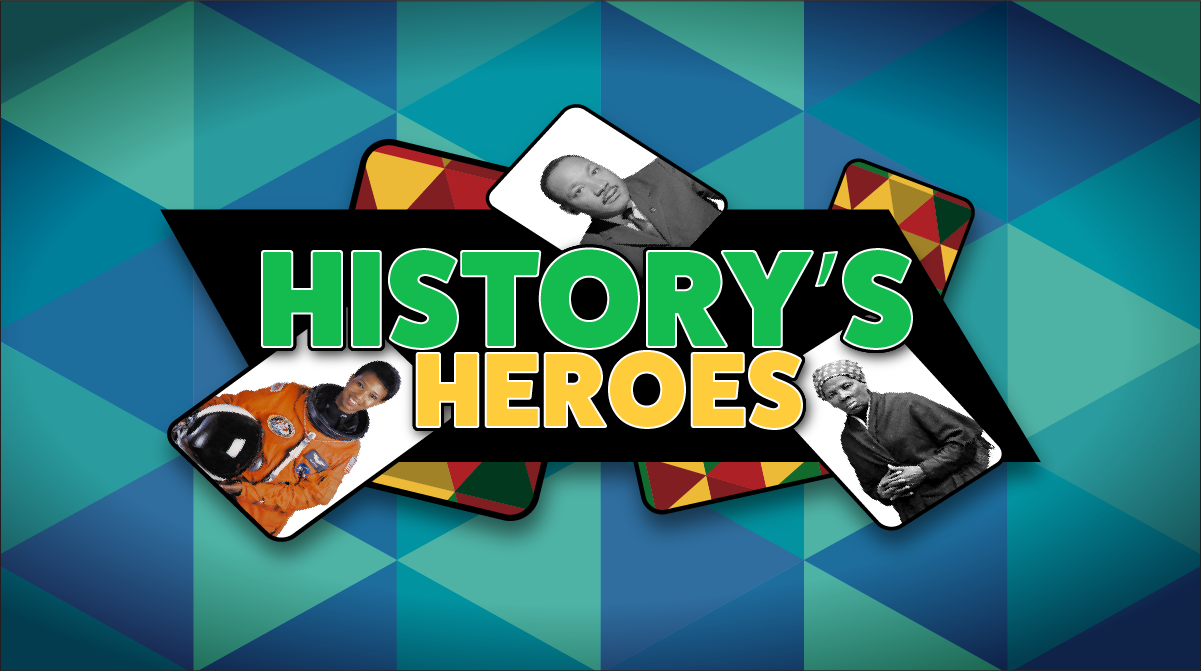
History's Heroes
Create a fun matching game celebrating Black History Month!
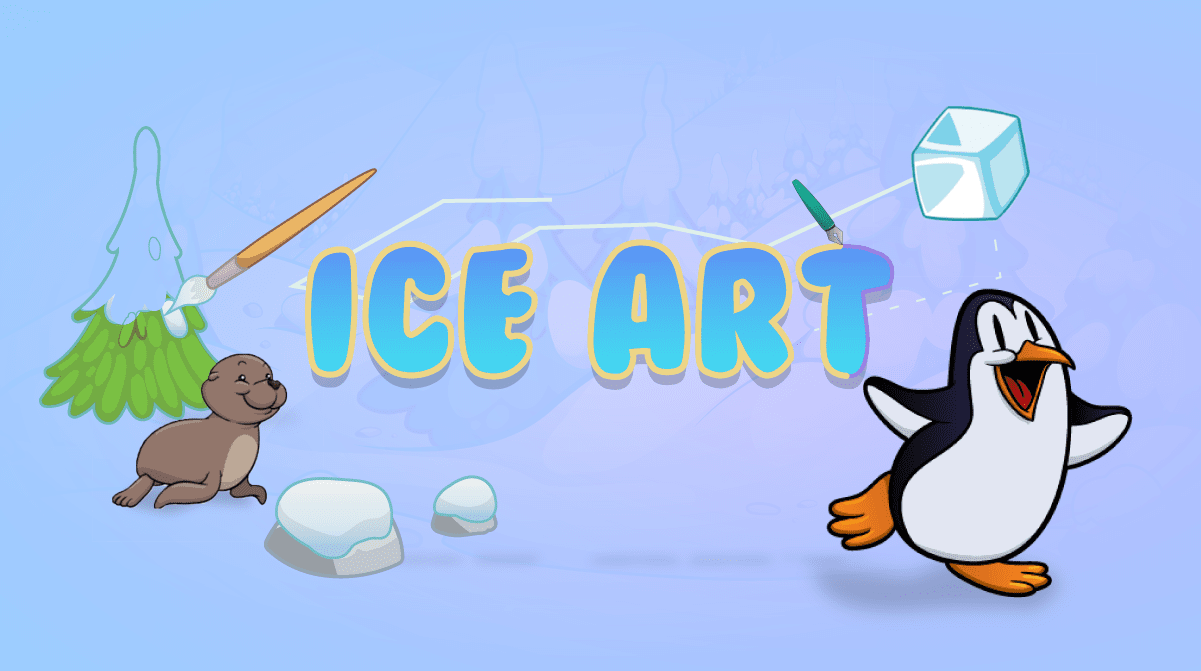
Ice Art
The air is freezing outside, and it’s time to go ice skating! Create designs on the ice as you skate on ice.
Icon Coding 10-Course Pack
The Tynker Junior icon programming course collection, comprised of 10 different courses, helps early readers develop foundational programming skills. To use these courses in your classroom, you must download the Tynker Junior app from the App Store. As they progress through the coding icon adventures, students learn about sequencing, parameters, events, loops, conditional logic, and nested loops that help to establish foundational coding skills. Then they apply their coding skills in free-form coding studios where they build their own projects with art, music and animation.
Icon Coding 10-Course Pack
The Tynker Junior icon programming course collection, comprised of 10 different courses, helps early readers develop foundational programming skills. To use these courses in your classroom, you must download the Tynker Junior app from the App Store. As they progress through the coding icon adventures, students learn about sequencing, parameters, events, loops, conditional logic, and nested loops that help to establish foundational coding skills. Then they apply their coding skills in free-form coding studios where they build their own projects with art, music and animation.
Instructions
Program an instruction page.
Intro 1: Programming Basics
Intro 1
Intro 2: Creating with Code
Intro 2
Intro 3: Coding Proficiency
Intro 3
Intro to AI/ML
Learn the basics of AI attributes and build 6 fun projects! Students will learn to hand and face tracking, detect various poses, use landmark positions, apply 3D face effects, and more.
Intro to Artificial Intelligence
Learn the basics of AI attributes and build 6 fun projects! Students will learn to hand and face tracking, detect various poses, use landmark positions, apply 3D face effects, and more.
Intro to Creative Coding
Perfect for beginning coders! Students will discover coding through art, music and math as they build animations, interactive stories, music videos, augmented reality games, and more.
Intro to Creative Coding
Perfect for beginning coders! Students will discover coding through art, music and math as they build animations, interactive stories, music videos, augmented reality games, and more.
Intro to Game Design
Perfect for ages 7+, beginners to intermediate coders and kids who love video games! Build 6 games, one per week including racing, arcade, physics, and much more!
Intro to Game Design
Perfect for ages 7+, beginners to intermediate coders and kids who love video games! Build 8 games, one per week including racing, arcade, physics, and much more!
Intro to Java
Learn object oriented programming in Java! Students will learn the Java programming language, study data structures, analyze algorithms, and get a deep understanding of object-oriented programming. Topics Covered: Java syntax, variables, data types, math operators, boolean logic, branching, while loops, for loops, strings, functions, arrays, classes, and inheritance.
Intro to Minecraft Game Design
Host and invite friends to play custom games on your own private server! Students will learn to build Minecraft games such as Capture the Flag, Slimeball Soccer, and Tower Defense using the Tynker block coding interface. Minecraft Java Edition on Mac/PC is required for participation in Tynker Minecraft classes.
Intro to Minecraft Modding
Mod your own world! Host your own private Java Minecraft server where you design minigames, modify mob behaviours, and construct builds using the Tynker block coding interface. Minecraft Java Edition on Mac/PC is required for participation in Tynker Minecraft classes.
Intro to Programming
Perfect for ages 7+ and beginning coders! Students learn basic coding concepts and build a wide variety of simple programs to help Professor Ada battle the evil Dr. Glitch. Topics Covered: Sequencing, repetition, events, conditional logic, animation, pen drawing, drawing shapes and patterns, playing musical notes, sending and receiving messages, handling user input, and color detection.
Intro to Python
Browser-based Python games! Students learn Python syntax, variables, functions, turtle graphics, and conditional logic and build classic games like Frogga and Brick Breaker. Topics Covered: Python syntax, sequencing, repetition, conditional logic, nested loops, automation, pattern recognition, simple motion, keyboard and mouse events, pen drawing, operators, expressions, variables, Turtle graphics, using arrays and objects to store structured data.
Intro to Web Development
Design and publish web sites! Students start by building their first web page, and then complete more than a dozen practical projects using HTML to lay out pages and CSS to style them. Topics Covered: Basic web page design, formatting text and images, numbered and bulleted lists, tables, sections and div blocks, styling using CSS, creating hyperlinks, Embedding video and audio, creating modal popups, building responsive sites, creating pixel art, building a photo gallery, and building an Instagram clone.
JavaScript Game Design
Build your own games for the web! Students will learn JavaScript and Canvas programming through fun exercises, and then build classic arcade games like Snake, Pong, and Breakout. Topics Covered: JavaScript syntax, sequencing, repetition, conditional logic, nested loops, automation, pattern recognition, simple motion, keyboard and mouse events, creating and using an HTML canvas, operators, expressions, variables, collision detection, using arrays and objects to store structured data.
JavaScript Game Design (2020)
Build your own games for the web! Students will learn JavaScript and Canvas programming through fun exercises, and then build classic arcade games like Snake, Pong, and Breakout. Topics Covered: JavaScript syntax, sequencing, repetition, conditional logic, nested loops, automation, pattern recognition, simple motion, keyboard and mouse events, creating and using an HTML canvas, operators, expressions, variables, collision detection, using arrays and objects to store structured data.
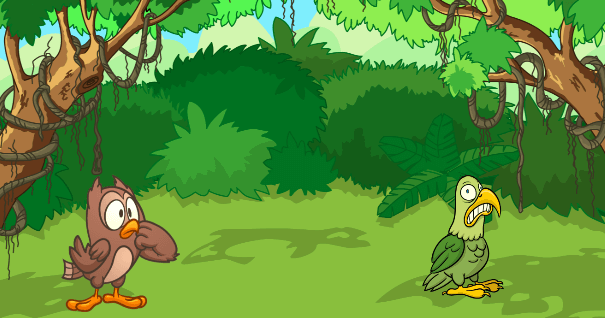
Joke
Create a story of two friends sharing a joke.
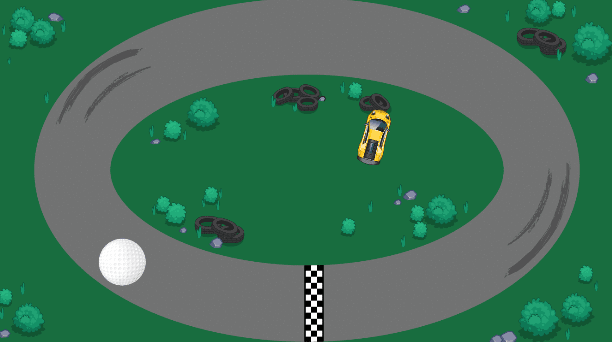
Joystick Control
Implement a virtual joystick with code.
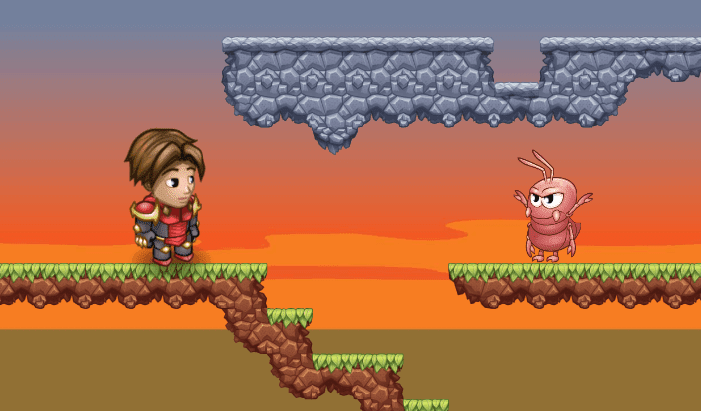
Jumper Man Game
Program the jumper man game.
Kaleido
Create a colorful kaleidoscope that follows your mouse.
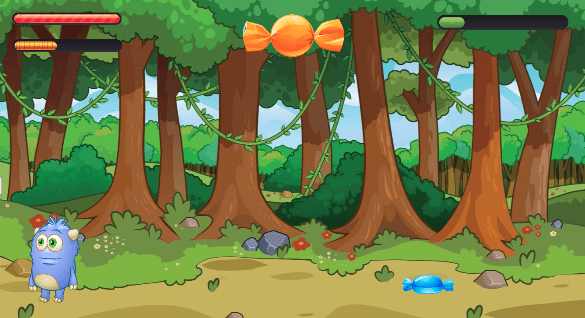
Keeping Score
Program a candy collecting game with Codey.
Leaping Leprechaun
Create a fun platformer game for St. Patrick's Day!
Learn To Draw
Draw and animate a cute cat.
Legacy Activities
Standalone legacy chapter activities imported for student progress continuity.
Life Science 101
Fun coding lessons designed to integrate with subjects like biology, anatomy, and genetics. All projects are NGSS-aligned and promote project-based learning for 3rd–5th graders.

Life on Land
Explore the importance of the world’s forests!
Lip Sync
Draw and program Grace to lip sync.

Lost in Space
This is a beginner level curriculum for 3-5th graders with no prior programming experience. Students get introduced to programming by solving the puzzles.
Magic Carpet
Place a block under yourself every time you jump. Remove a block every time you crouch.
Magic Trick
Program a magic trick.
Make-O-Lantern
Celebrate Halloween by creating your own jack-o-lantern with code!
Making Friends
Create an interactive project that showcases a story about making new friends.

Martin Luther King Jr. Timeline
Celebrate MLK Day by creating an interactive timeline of Dr. King's life.
Math 101
Fun coding lessons designed to integrate with subjects like arithmetic, geometry, measurement units, and fractions. All projects are CCSS-aligned and promote project-based learning for 3rd–5th graders.
Message for Mom
Build a Card Creator and then make a unique card for mom!
Mind Crafters
Use logic, loops, variables, and funtions to bring complex Minecraft structures to life! Learn to build 24 cool mods.
Minecraft Game Design Studio 1
Advance to creating more complex multiplayer games like Spleef, Paintball, Save the Pig, and more in Minecraft using the Tynker block coding interface. Minecraft Java Edition on Mac/PC is required for participation in Tynker Minecraft classes..Recommended after Intro to Minecraft Modding, Intro to Minecraft Game Design, or Mod Design Studio 1.
Minigame Lobby
Add a lobby to choose from the three arcade games provided for you.
Mod Design I
Learn to mod Minecraft with Tynker! Build 25 cool mods to host on your own private server.
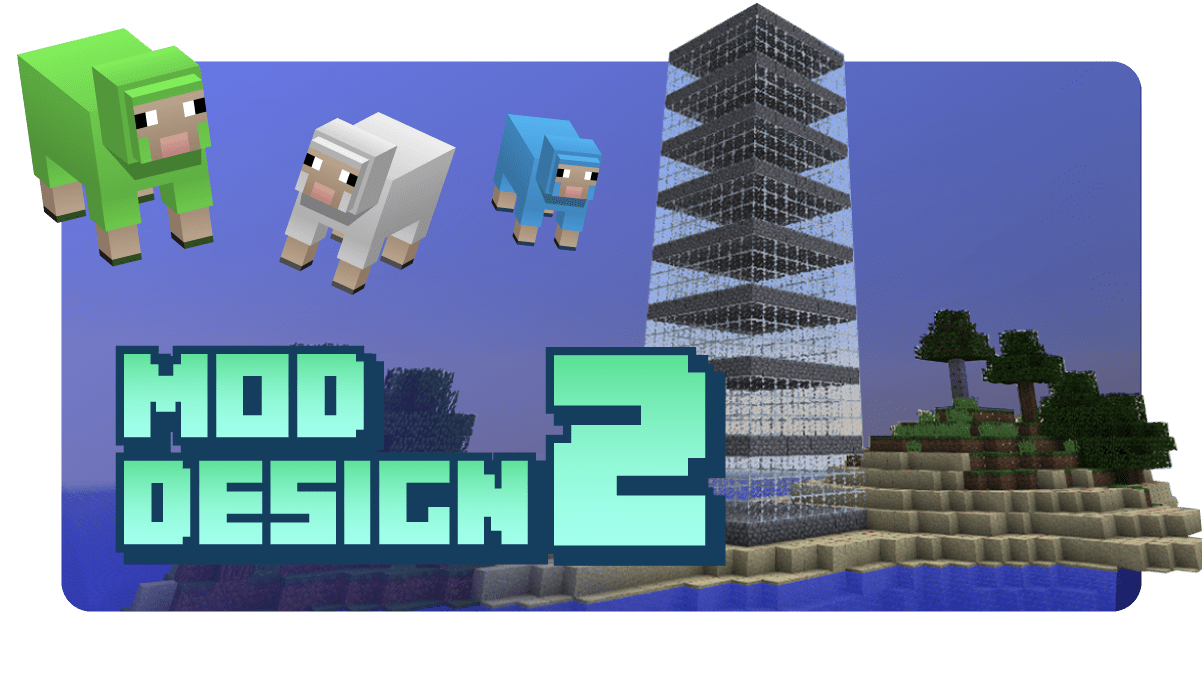
Mod Design II
Progress to more advanced mods. Create exploding snowballs, a tree house, a fireworks show, and many more mods!
Mod Design Studio 1
Learn to mod Minecraft with Tynker! Build 25 unique mods to host on your own private server. Minecraft Java Edition on Mac/PC is required for participation in Tynker Minecraft classes.
Mod Design Studio 2
Progress to more advanced mods. Create exploding snowballs, a tree house, a fireworks show, and many more mods!
Mod Starter Pack
Mod your own world! Host your own private Java Minecraft server where you design minigames, modify mob behaviours, and construct builds using the Tynker block coding interface. Minecraft Java Edition on Mac/PC is required for participation in Tynker Minecraft classes.

Mother's Day Appreciation
Create your own animated appreciation stories for Mother's Day.

Mother's Day Card
Create your own animated Mother's Day card.

Mother's Day Mad Libs
Learn how to create a Mother's Day inspired Mad Libs game.

Motion Trails
Program the ball's movement with code.
Mountains Habitat
Follow the tutorial to create a mountain terrain. Be creative, and customize it with code.
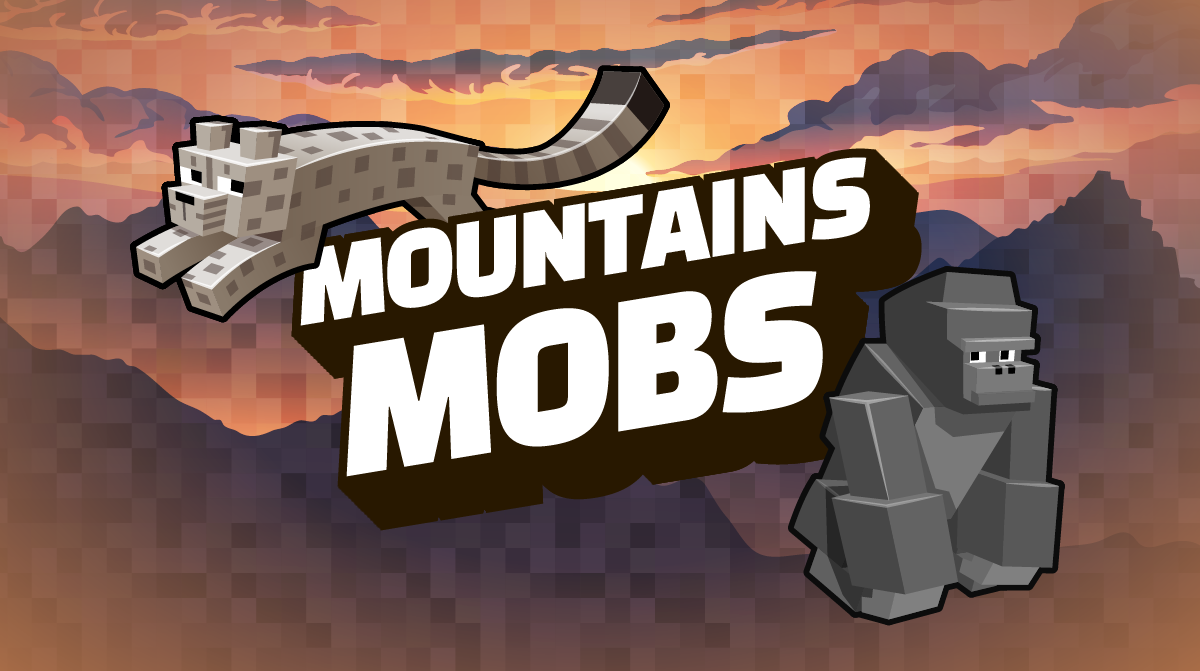
Mountains Mobs
Suggested mountain animals: Giant panda, tree kangaroo, snow leopard, mountain gorilla.
Mountains Story
Choose a mountain animal and write an interactive story about that animal.
Multi-Level Platformer
Create your own multi-level platformer game.
Multiplayer Soccer
Program a multiplayer soccer game.

Multiplayer Volleyball
Program a multiplayer volleyball game.

Multiplication Escape
Make a fun math game!
My Art Studio
Program a customizable art studio.
My Favorite Things
An interactive slideshow that shows images and scenes.

My Health and Fitness Plan
Create a Tynker project to share your health and fitness plan.
My Piano
Program a virtual piano.

My Sports Moment
Recreate a memorable sports moment.
My Summer
Create an animated project that describes your summer adventures!
Mythicraft
Learn to build Minecraft add-ons and mobs with custom behaviors. Deploy your creations on Minecraft for Windows 10 and iPad.No prior programming experience required.
Mythicraft
Learn to create Minecraft Add-Ons with code! Bring 20 fun creatures like thunderbirds and mermaids to life.
Mythicraft (2019)
Learn to build Minecraft add-ons and mobs with custom behaviors. Deploy your creations on Minecraft for Windows 10 and iPad.No prior programming experience required.

Mythicraft (Lite)
Learn to create Minecraft Add-Ons with code! Bring fun creatures to life.
New Year's Resolution
Make a special promise to yourself to do something in the new year. Create an interactive New Year’s resolution project!

Night Sight Carrots
Eat a carrot and gain temporary night vision.
OMG!
Use face tracking to create a surprised, silly face.
Oceans Habitat
Follow the tutorial to create a coral reef. Be creative, and customize it with code.
Oceans Life
Create a lively ocean scene.
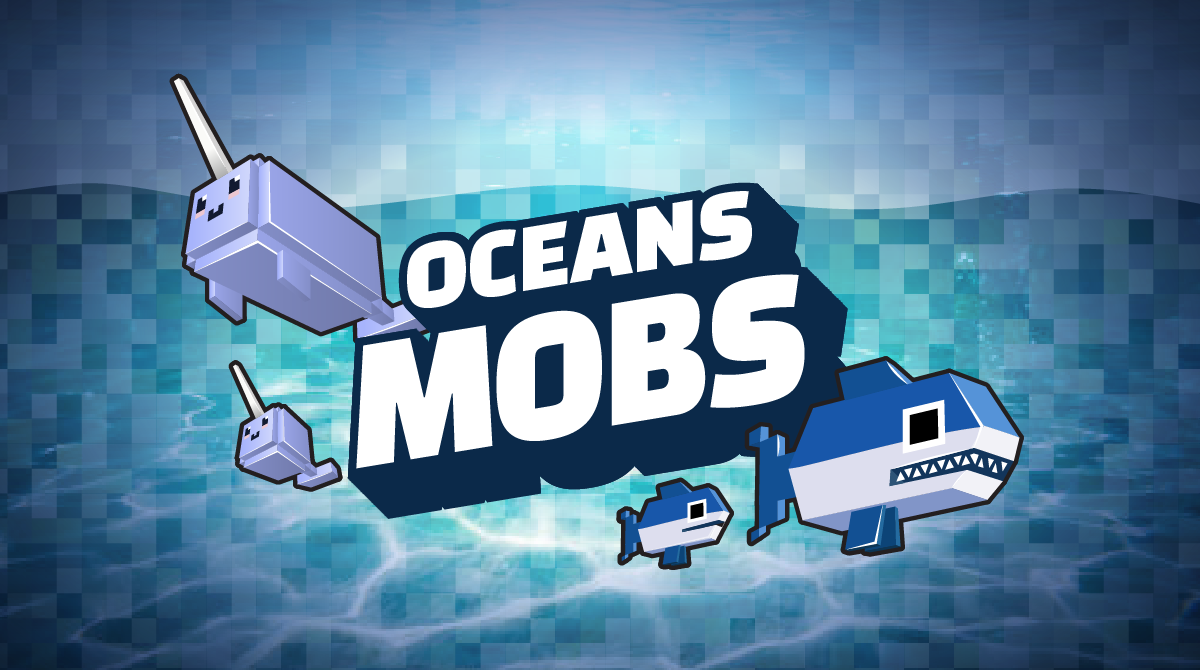
Oceans Mobs
Suggested ocean animals: Blue whale, fin whale, North Atlantic right whale, bluefin tuna, great white shark, narwhal, beluga.
Oceans Story
Choose an oceans animal and write an interactive story about the animal.

Olympic Sport
Celebrate the Summer Olympics by representing your favorite event, athlete, or team.
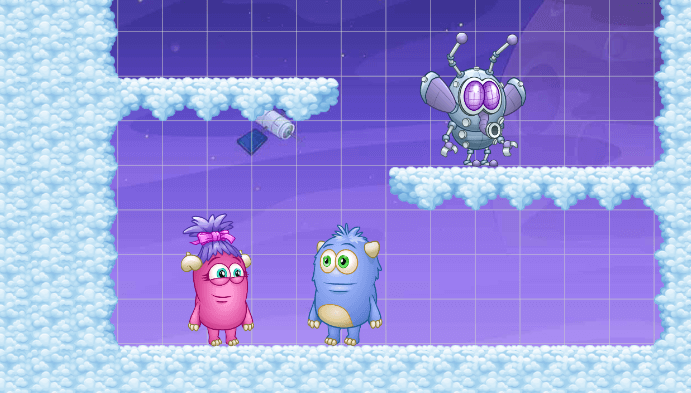
On Cloud Nine
Celebrate Valentine's Day by creating an interactive platformer game.
Optical Illusion
Create an optical illusion.
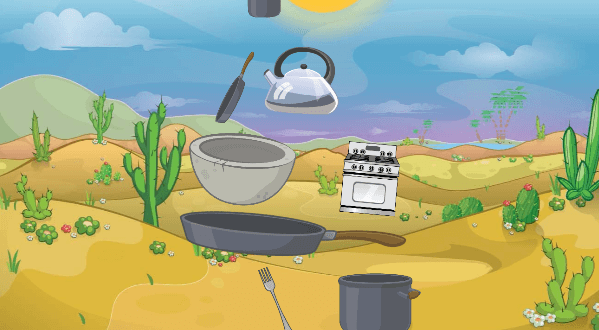
Pan Pile-Up
Program the pans to pile up.
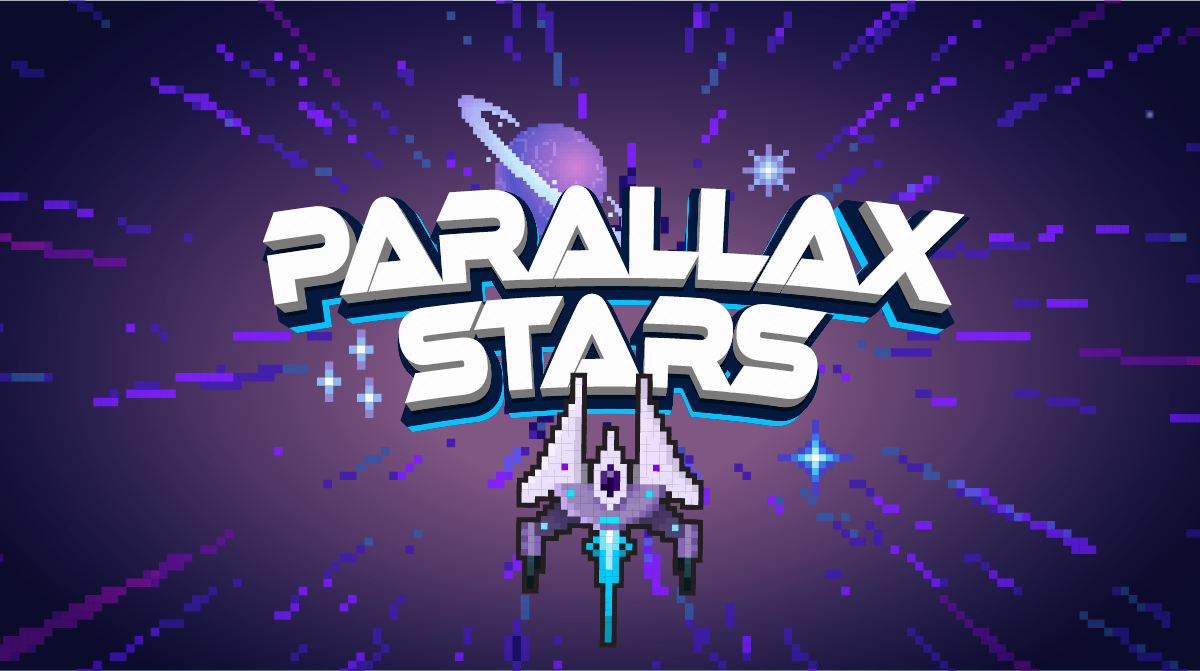
Parallax Stars
Program stars to move seemlessly from one side of the screen to the other.

Path of Petals
Create a mod that leaves a path of flowers behind as you walk.

Peep: Dance with Friends
Make Peep and his friends dance!

Peep: Nature Walk
Go for a nature walk with Peep!
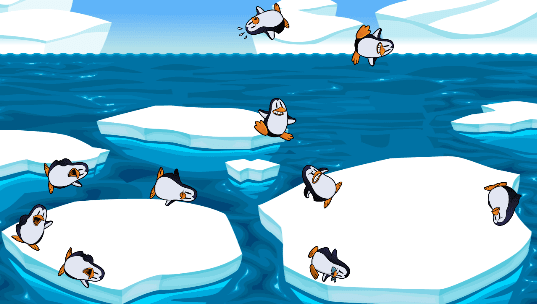
Penguin World
Create penguin clones using physics and code.
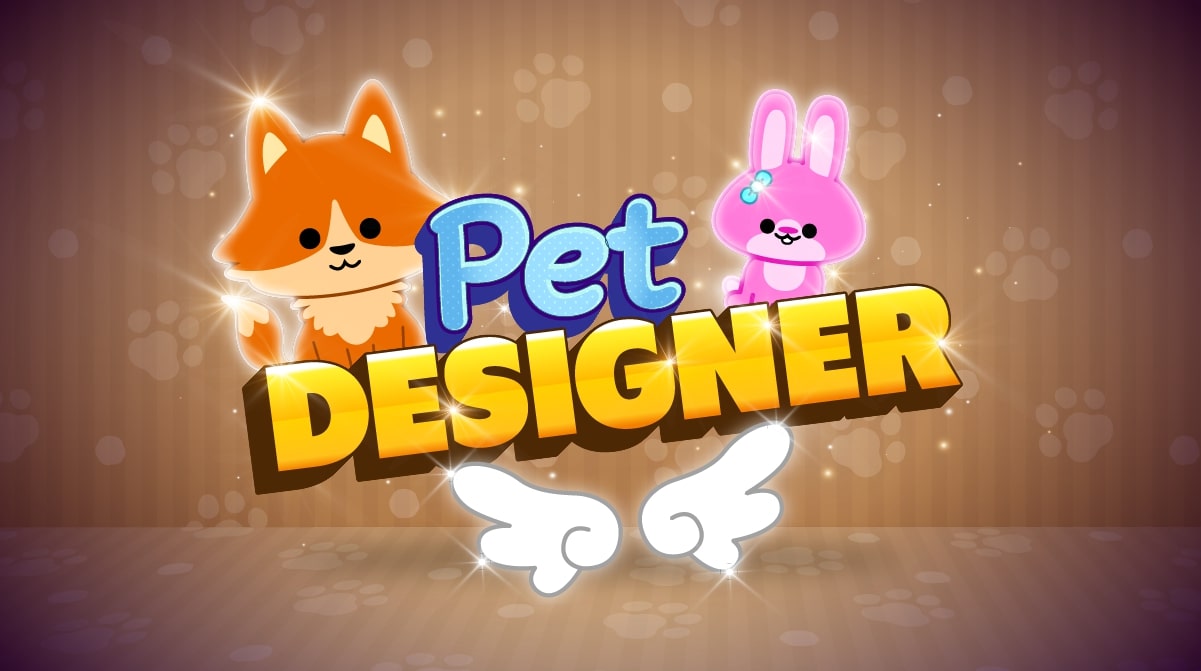
Pet Designer
Create a pet dress-up game using zero code and share with others!
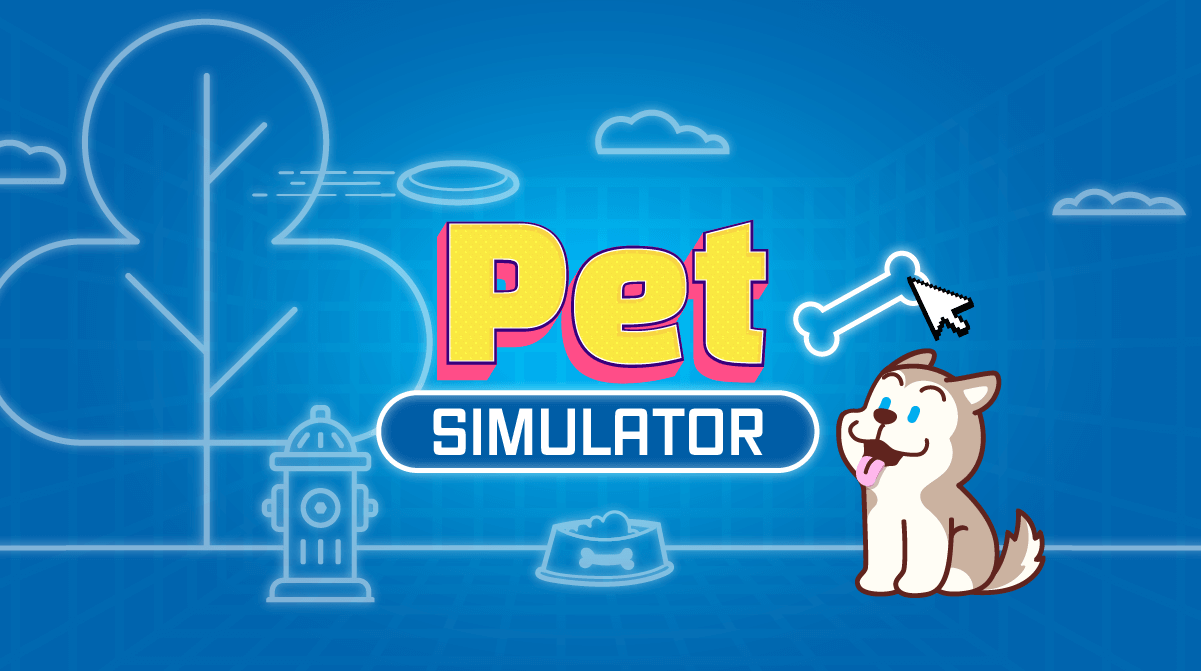
Pet Simulator
Create and bring a virtual pet to life with code.

Pets Game
Create a fun game about pets.
Physical Science 101
Fun coding lessons designed to integrate with subjects like physics and chemistry. All projects are NGSS-aligned and promote project-based learning for 3rd–5th graders.
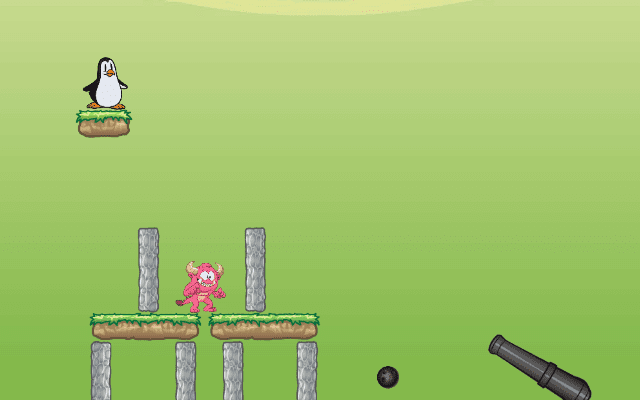
Physics Game
Program a brick breaker game.
Pi Day Art
Join the Pi Day fun. Turn the digits of Pi into a work of art!

Pi Day Quiz
Cretae a Pi Day quiz to challenge your friends.

Piano Chords
Learn how to use to play multiple notes at once to make a chord!

Piggy Balloon
Modify Minecraft pigs to float when leashed.

Piggy Bank
Modify a Minecraft pig to hold a chest for you.

Pinball Machine
Program a virtual pinball machine.
Pirate Treasure Hunt
Add levels to storytelling to go between multiple scenes.
Planet of Adventure
Intro to coding with these immersive self paced courses
Plant Trees!
Plant trees with code for Earth Day!
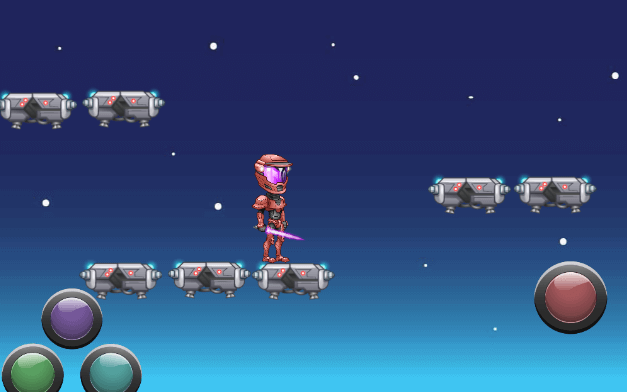
Platformer Game
Program a chopper game.
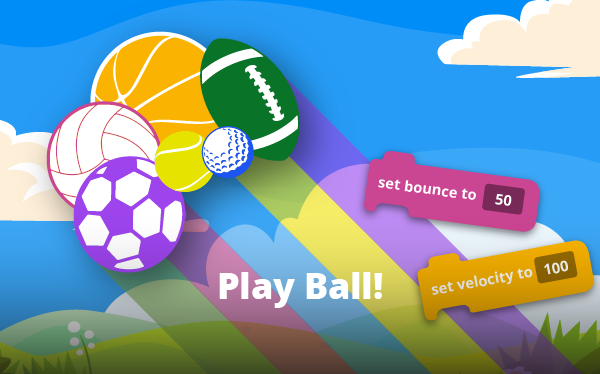
Play Ball!
Recreate a real-life ball game with code.
Playing MIDI Files
Upload and play your own MIDI sequence files.
Polar Regions Game
Build your own fishing game in Tynker. Be creative, and customize it with code.
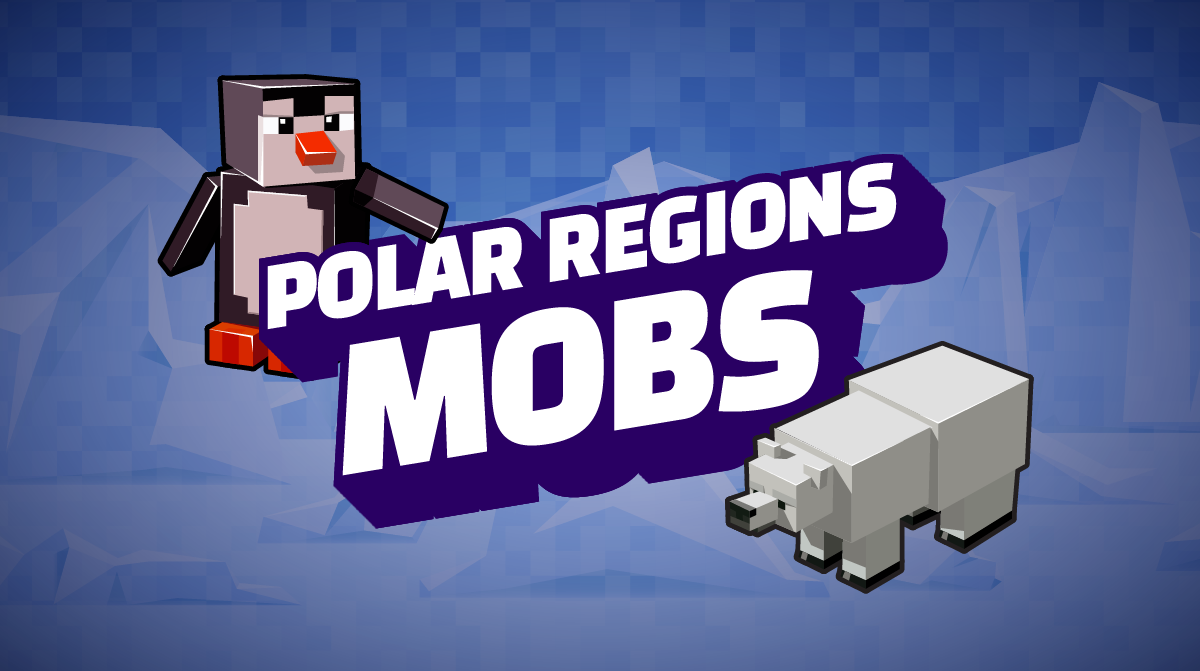
Polar Regions Mobs
Suggested polar region animals: brown bear, a Pacific salmon, or a gentoo penguin.

Polar Regions Quiz
Choose an animal from the world's polar regions and write an interactive quiz about the animal.
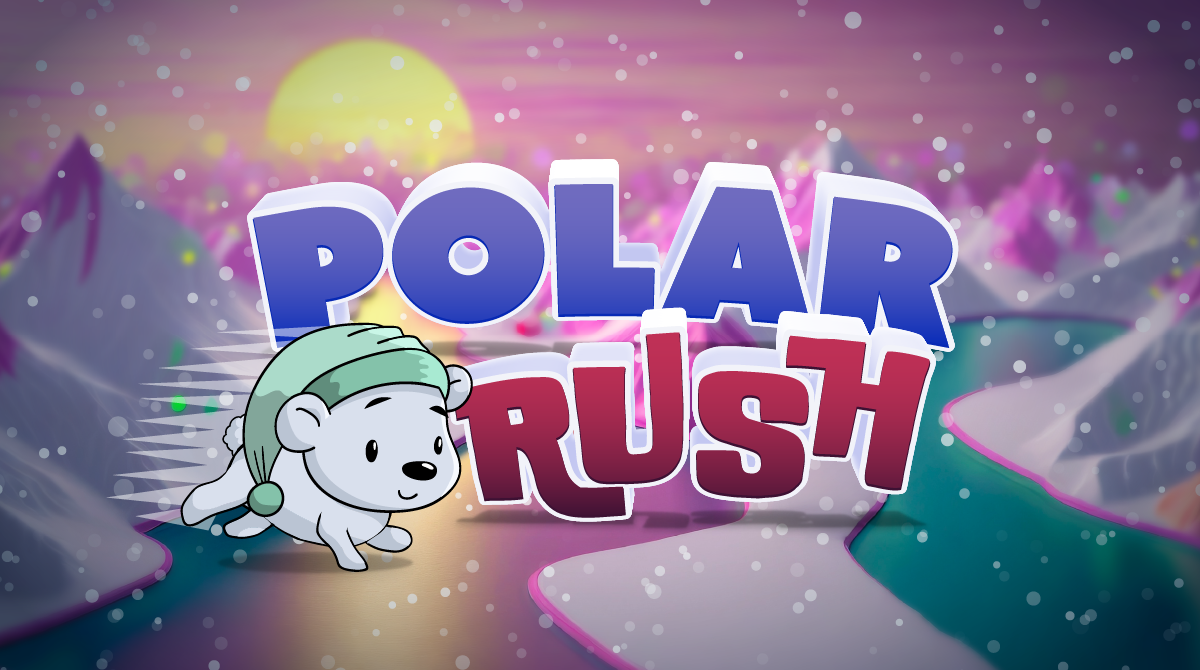
Polar Rush
Create a fun winter-themed game in Tynker!
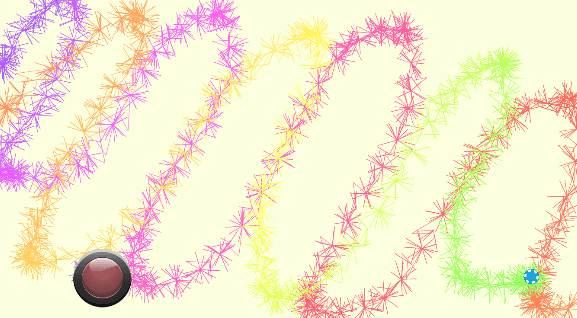
Porcupine Draw
Draw spiky patterns with code.
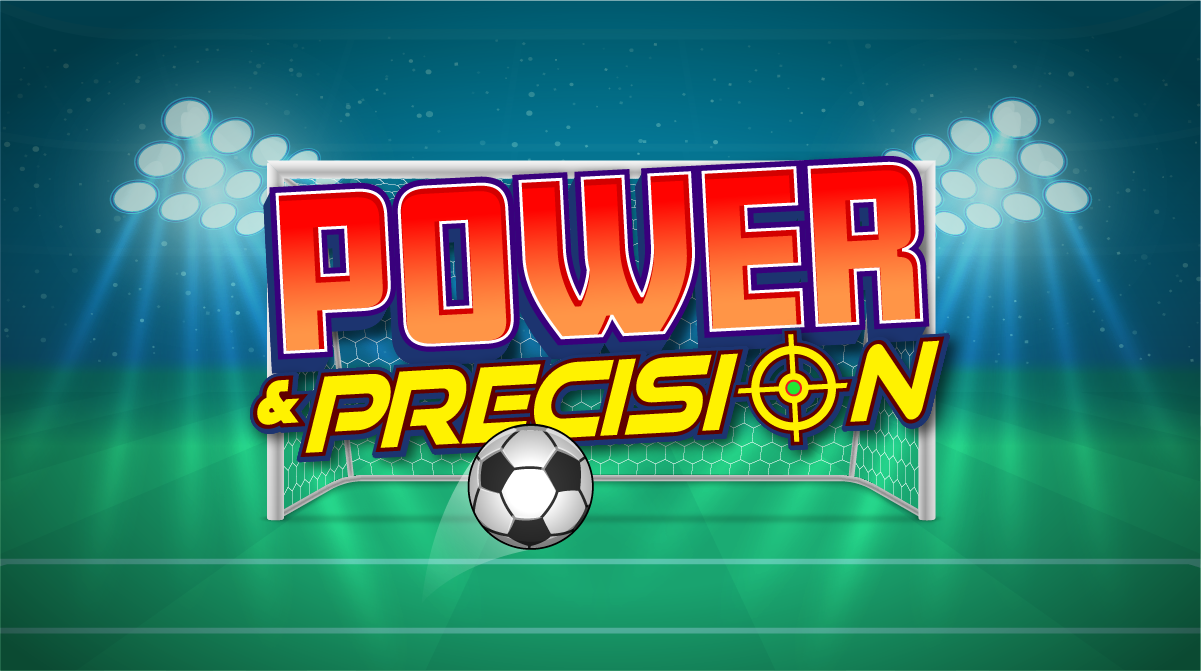
Power and Precision
Learn how to implement a power-meter using code. Choose your power, then where to aim. Will you score?

Presidents Day Trivia
Create a Presidents Day trivia game!
Programming 100
Introduce elementary school students to visual programming with this free coding lesson plan. Students learn basic coding concepts as they create interactive stories and design animations.
Programming 101
An easy introduction to programming for 3rd and 4th graders. Students unlock the power of coding to build games, design characters, make music, and draw math art.
Programming 101 (2015)
An easy introduction to programming for beginners in lower elementary grades. Familiarize your class with visual programming techniques. Students progress through the lessons learning concepts in a game-like interface. To complete each lesson, students typically go through a concept review, solve a puzzle, run through a tutorial, build their own project, and take a quiz. They create interactive stories, animations, and mini-games to help Professor Ada battle the evil Dr. Glitch! After completing this lesson plan, students will be able to build a wide variety of simple programs with events, loops, and some conditional logic. Topics Covered: Sequencing, repetition, events, conditional logic, animation, pen drawing, drawing shapes and patterns, playing musical notes, sending and receiving messages, handling user input, and color detection.
Programming 102
Intermediate programming for 3rd and 4th graders. Students learn to build a multi-stage adventure game, a math art game, and several fun mini-games.
Programming 1A
An easy introduction to programming for 1st and 2nd graders. Students solve coding puzzles to get familiar with basic programming concepts in this fun coding lesson.
Programming 1B
Intermediate programming for 1st and 2nd graders. Students solve even more challenging coding puzzles and use Tynker Workshop to build their first working programs.
Programming 201
Introductory programming for 5th and 6th graders. Students play games that teach coding and learn to build their own games, animations, and projects.
Programming 202
Intermediate programming for 5th and 6th graders. Students use their coding skills to build a drawing-based car racing game and a projectile-based physics game.
Programming Studio 1
Students build Snowball Siege, Star Runner, and other intermediate-level games using concepts such as layering, Actor visibility, motion, line drawing, math art, and sprite collisions. Topics Covered: More complex animation sequences combined with motion, game design basics, built-in animation commands, advanced keyboard and mouse control, sending and receiving messages, Actor layering, advanced events, math operators, and functions.
Projects Pack 1 (Elementary)
A collection of fun and educational projects with step-by-step instructions and samples for grades 3-5.
Python 1: Python Fundamentals
.
Python 2: Advanced Python Concepts
.
Python 3: Real-world Python
.
Python Game Design
Browser-based Python games! Students learn Python syntax, variables, functions, turtle graphics, and conditional logic and build classic games like Connect 4, Tetris, Snake and Frogga. Topics Covered: Python syntax, sequencing, repetition, conditional logic, nested loops, automation, pattern recognition, simple motion, keyboard and mouse events, pen drawing, operators, expressions, variables, Turtle graphics, using arrays and objects to store structured data.
Python Game Design (2020)
Browser-based Python games! Students learn Python syntax, variables, functions, turtle graphics, and conditional logic and build classic games like Connect 4, Tetris, Snake and Frogga. Topics Covered: Python syntax, sequencing, repetition, conditional logic, nested loops, automation, pattern recognition, simple motion, keyboard and mouse events, pen drawing, operators, expressions, variables, Turtle graphics, using arrays and objects to store structured data.
QA CURR-023 Reading Probe
Quick Farm
Spawn a mini farm and start planting!
Quiz
Program a quiz.
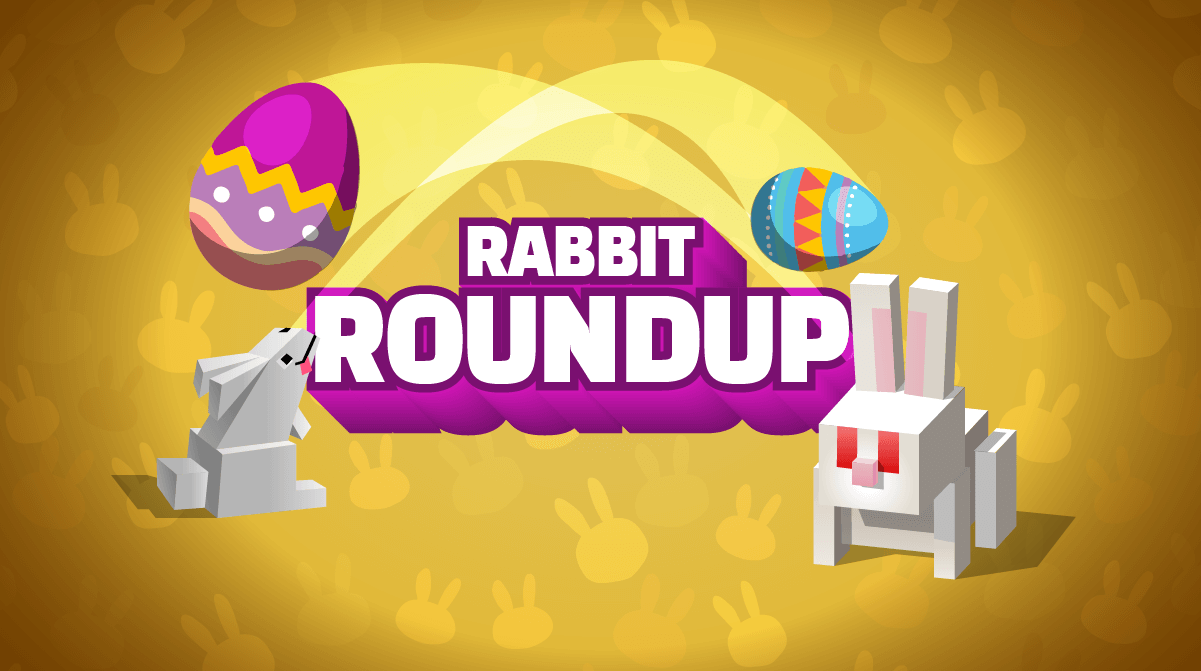
Rabbit Roundup
Spring is an egg-cellent time for an egg hunt coding game!
Rainbow Hearts
For Valentine's Day, draw colorful hearts using Tynker!
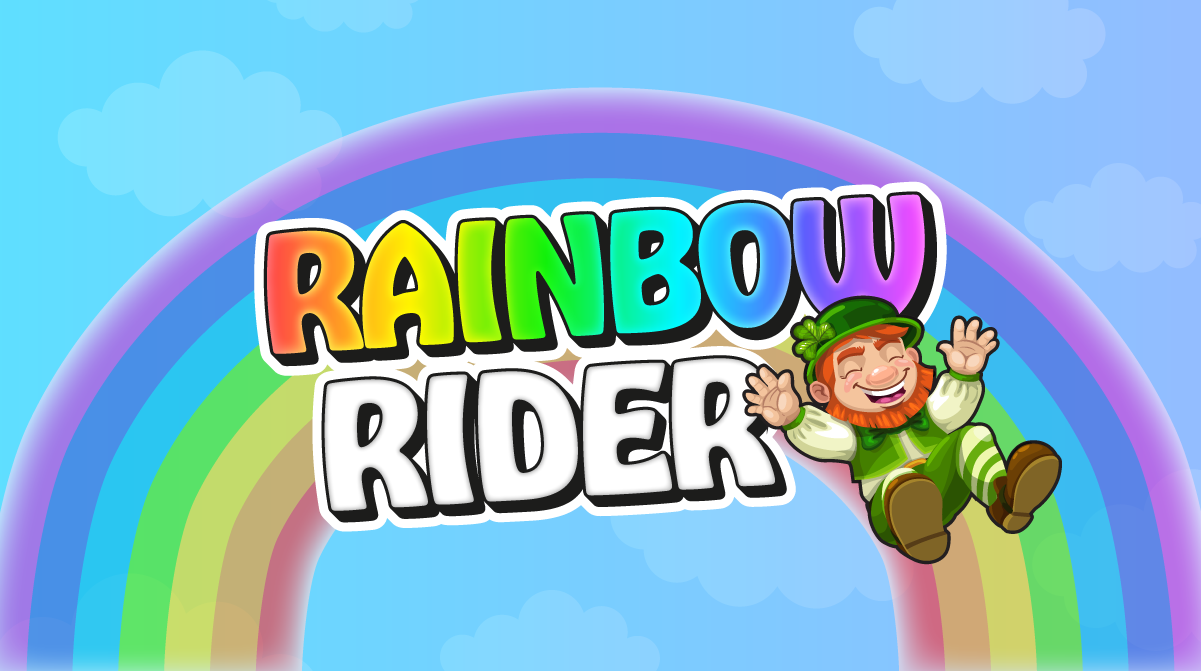
Rainbow Rider
For St. Patrick’s Day, create an exciting game in Tynker!

Raining Cats and Dogs
Make it so when it rains, it rains cats and dogs.
Rare Thrills Runner
Use cloning and scaling to simulate perspective and build an endless runner game.
Real World Python
Learn Python like the pros! Students master Python programming including I/O, data types, math operators, loops, strings, lists, functions, dictionaries, classes, objects, and recursion. Topics Covered: Python syntax, variables, data types, math operators, boolean logic, Turtle graphics, branching, while loops, strings, lists, for loops, functions, dictionaries, classes and objects, and recursion.

Red Light, Green Light
Recreate the classic schoolyard game. If you don't stop, something bad might happen....

Responsible Consumption and Production
Explore recycling with code!
Ribbon Dance
Create a fun AI-based ribbon dance project using Tynker!
Riddle
Program a riddle using code.
Robots (Learn Station)
Bring the robot factory to life by fixing the programming.
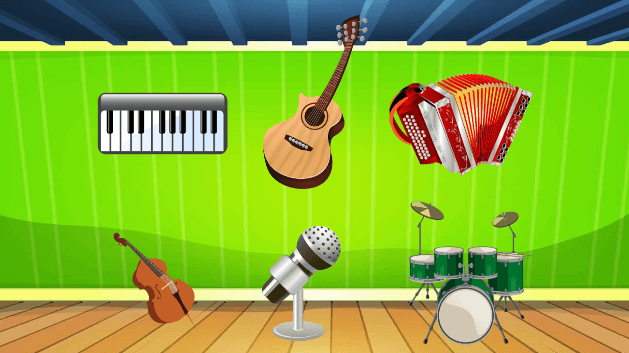
Rock Band
Create your own rock band with code.
Rollercoaster
Build a rollercoaster and go for a ride!
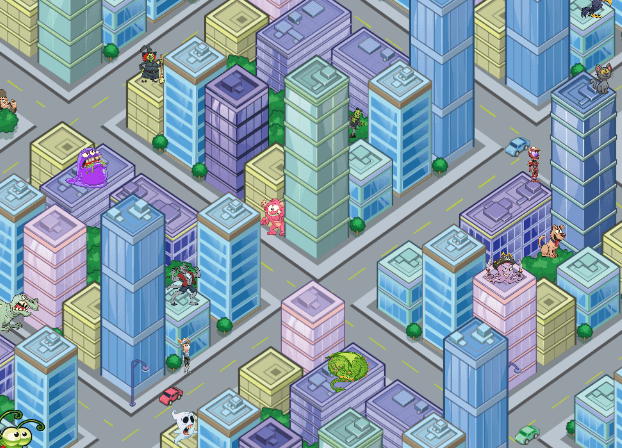
Scavenger Hunt Game
Program a scavenger hunt game.
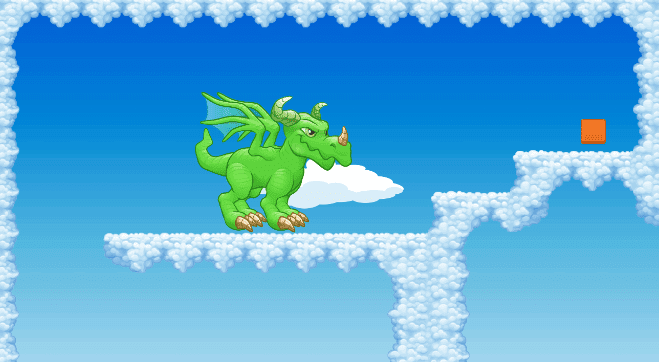
Scavenger Hunt Maze
Create your own scavenger hunt maze.
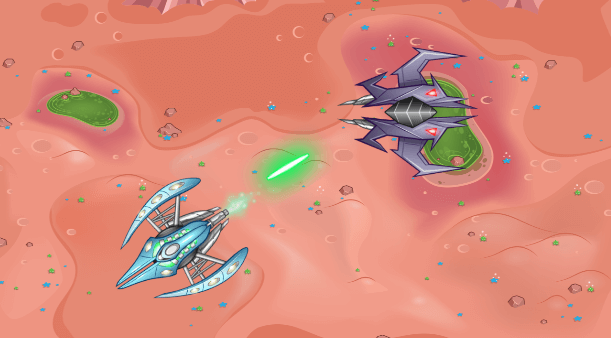
Ship Blasters
Program a ship blasters game.
Shoulder Buddy
Create a webcam project where your virtual pet follows you wherever you go.

Side Scroller Survival
An introduction to programming for beginners in upper elementary grades. Introduce your class to programming using a fun scenario-based approach where they build two complete games. Side Scroller Survival introduces the basics of motion and animation. In BeatBot Battle, they program a robot to make it dance. On completing this lesson plan, students will be able to build simple games, animations, and a variety of simple projects.Topics Covered: Use sequencing, pattern recognition, loops, and conditional logic to create programs. Create scenes, add sounds and music, and use keyboard controls to drive your programs. Learn about motion, broadcasting messages, and special effects.

Sir Bouncealot
Staying airborne is the name of the game! Try and get the highest score.

Skelly Survival
Night falls... Can you last three rounds against the skeleton onslaught?
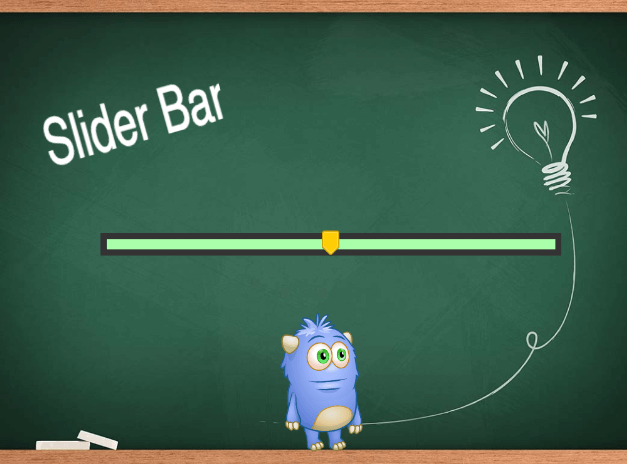
Slider Bar
Program a slider that controls Codey's movements.
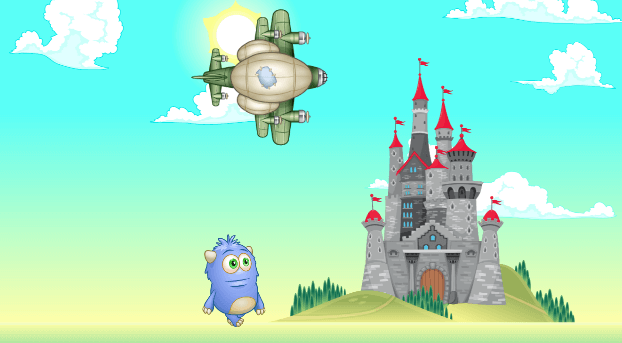
Slideshow
Program a slideshow using code.
Sliding Stuff
Demonstrate friction using actors and physics.
Slimeoline
An extra-bouncy ooey-gooey trampoline, complete with a high dive!

Snow Angel
Make a snow angel by moving your hands up and down.
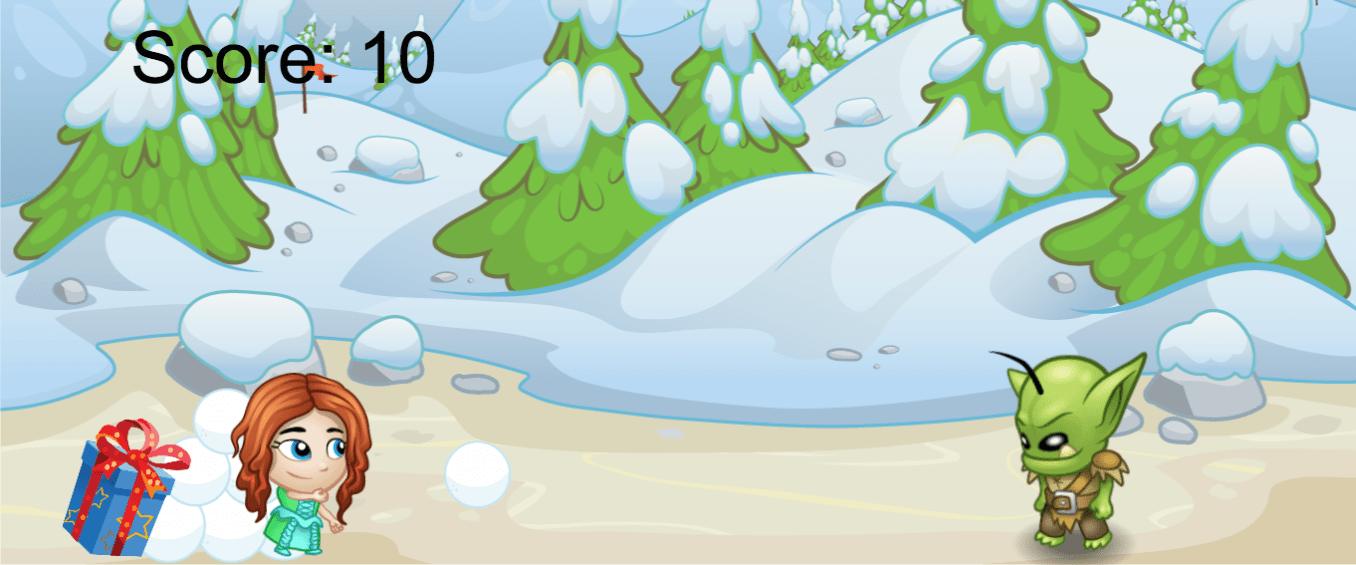
Snowball Hero
Stuck inside on a snowy day? Try this fun winter coding project!
Snowball Siege
Winter is here! Celebrate the season by coding a snowball defense game.
Snowflake Maker
Get ready to draw snowflakes using Tynker!
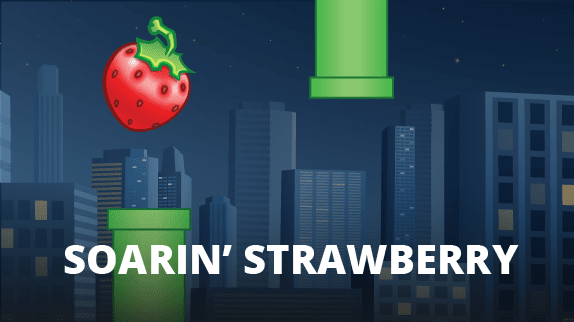
Soarin' Strawberry (Video)
Create a Flappy Bird style game in Tynker!
Social Studies 101
Fun coding lessons designed to integrate with subjects like history, geography, civics, ethics, and digital citizenship. All projects are NGSS-aligned and promote project-based learning for 3rd–5th graders.
Sock Puppet
Turn your hand into a monster and take some buildings down.
Solar Power Clicker
Harness the power of the sun to save the environment!
Sounds
Create a custom sound board with code.
Spa Day Simulator
Create a relaxing virtual spa day for Mom in Tynker!
Space Cadet
Students learn coding concepts as they solve these puzzles to help their astronaut through the space journey.
Space Cadet
This is a beginner level curriculum for K-2nd graders with no prior programming experience. Students get introduced to programming by solving the puzzles.
Space Chicken
Program the space chickens to bounce in space using physics and code.
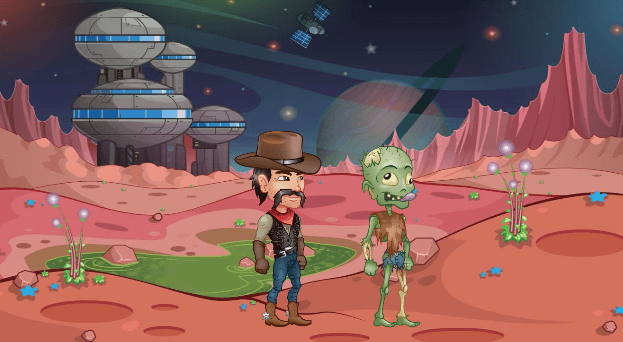
Space Cowboy
Make a cowboy kick a zombie...in space!

Space Rush
Program the space rush game.
Spider Spin
For Halloween, spin colorful webs using Tynker!

Spin Draw
Design your own magic pen!
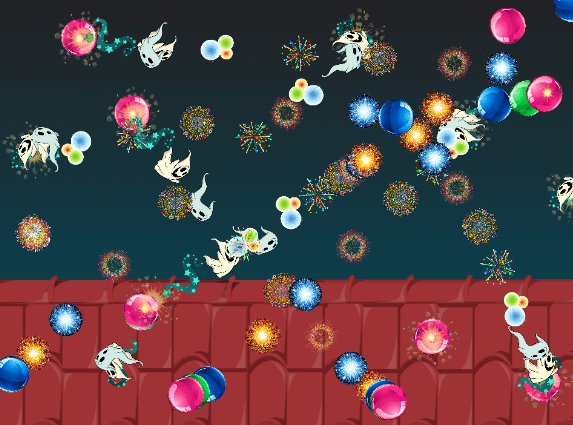
Spin Draw
Draw patterns with code!
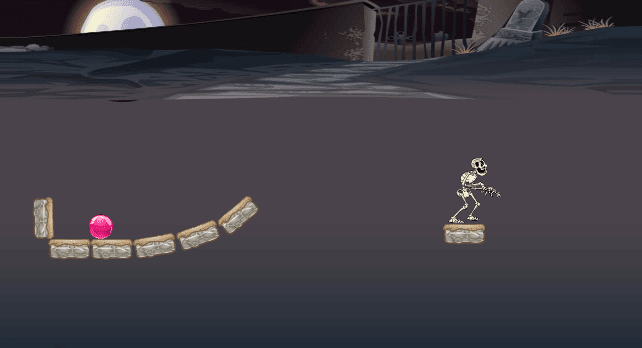
Spin Launcher
Program a spin launcher.
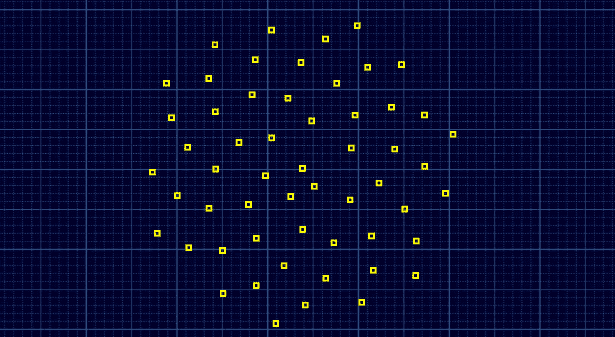
Spinning Squares
Draw spinning square patterns with code.
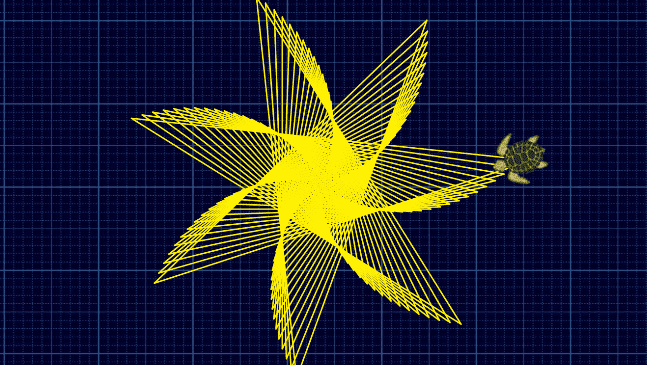
Spiral Triangles
Draw spiral triangle patterns with code.
Spiraling Shapes
Get ready to draw spiral shapes using Tynker!
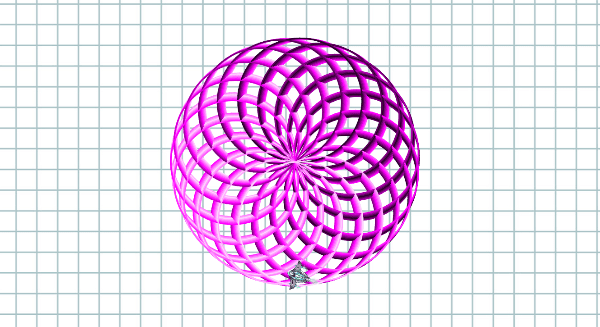
Spirals
Draw spiral patterns with code.
Spooky Brew
Have some potion-making fun this Halloween with Spooky Brew!
Spooky Sounds
Add sounds and music to projects!
Spooky Treats
Code your own spooky Halloween project!

Sports Interview
Catch up with the pros after the big match! Customize this project to ask and answer questions from your favorite sports player.

Sports Trivia
Customize this game to ask questions about your favorite sports and athletes.
Spread the Love
Spread Valentine's Day cheer with code!
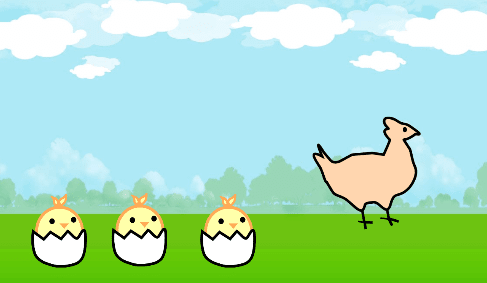
Spring is Here!
It’s springtime! Flowers are peekng out, leaves are regrowing on trees, and the baby chicks are chirping.
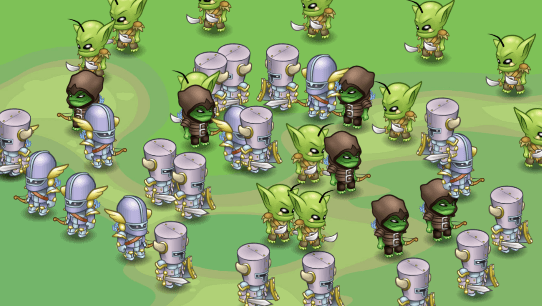
Stamp an Army!
Create a massive army with the "stamp" block.

Starter Course
Experience a sample Tynker Lesson. To complete each lesson, campers typically go through a concept review, solve a puzzle, run through a tutorial, build their own project, and take a quiz. They create interactive stories, animations, and mini-games during each lesson and apply the programming concepts that they have learned. Each camp or after-school course has several lessons packaged together to support a wide variety of camps and after-school schedule formats. After completing a lesson plan, students will be able to build a wide variety of simple programs with events, loops, and conditional logic. They will leave the camp with their own account and a portfolio of apps and games that they build during camp to share with friends and family.
Starter Course (2019)
Experience a sample Tynker Lesson. To complete each lesson, campers typically go through a concept review, solve a puzzle, run through a tutorial, build their own project, and take a quiz. They create interactive stories, animations, and mini-games during each lesson and apply the programming concepts that they have learned. Each camp or after-school course has several lessons packaged together to support a wide variety of camps and after-school schedule formats. After completing a lesson plan, students will be able to build a wide variety of simple programs with events, loops, and conditional logic. They will leave the camp with their own account and a portfolio of apps and games that they build during camp to share with friends and family.
Student Onboarding (Intro Levels)
Student Onboarding (Intro Levels)
Student Onboarding (Python Levels)
Student Onboarding (Python Levels)
Stunt Pilot
Connect to a drone and program it to perform advanced piloting maneuvers.

Super Moon Eclipse
Program a simulation of an eclipse.
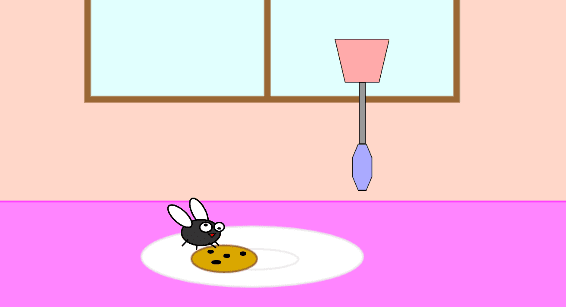
Swat the Fly
Program the swatter to swat the annoying fly.
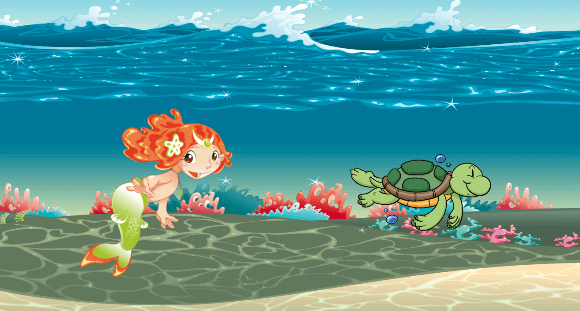
Swimming Around
Bring the marine animals to life with code.
Talking Tofu
Draw and program a cute tofu character that change expressisons while talking.

Tell Your Lunar Gateway Story
Explore life as an Artemis astronaut on the Lunar Gateway!

Tell a Joke
Make two birds tell each other a joke.
Tempo
Learn how to control tempo in your projects.
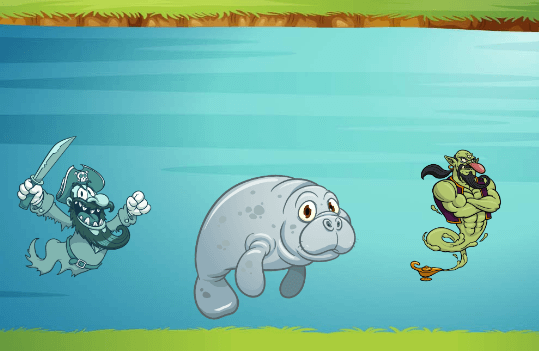
Text Draw
Fix the genie's code and code the mermaid.
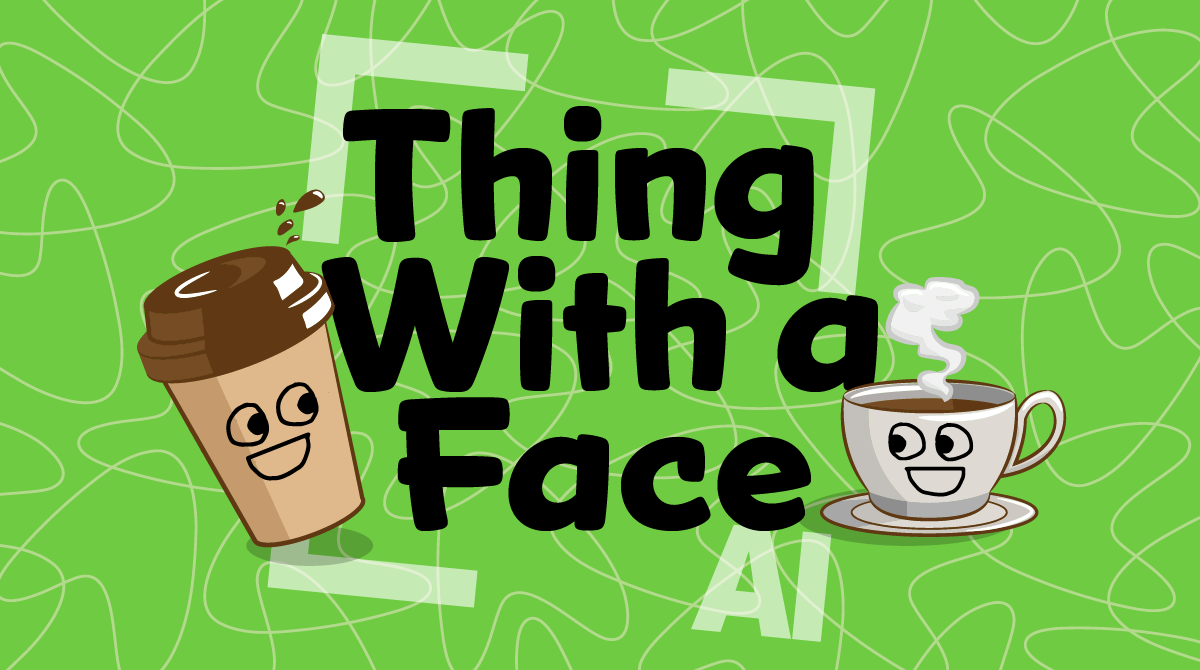
Thing with a Face
Make a blinking face follow an object of your choice.

Tile Bomber
Program a tile bomber game.
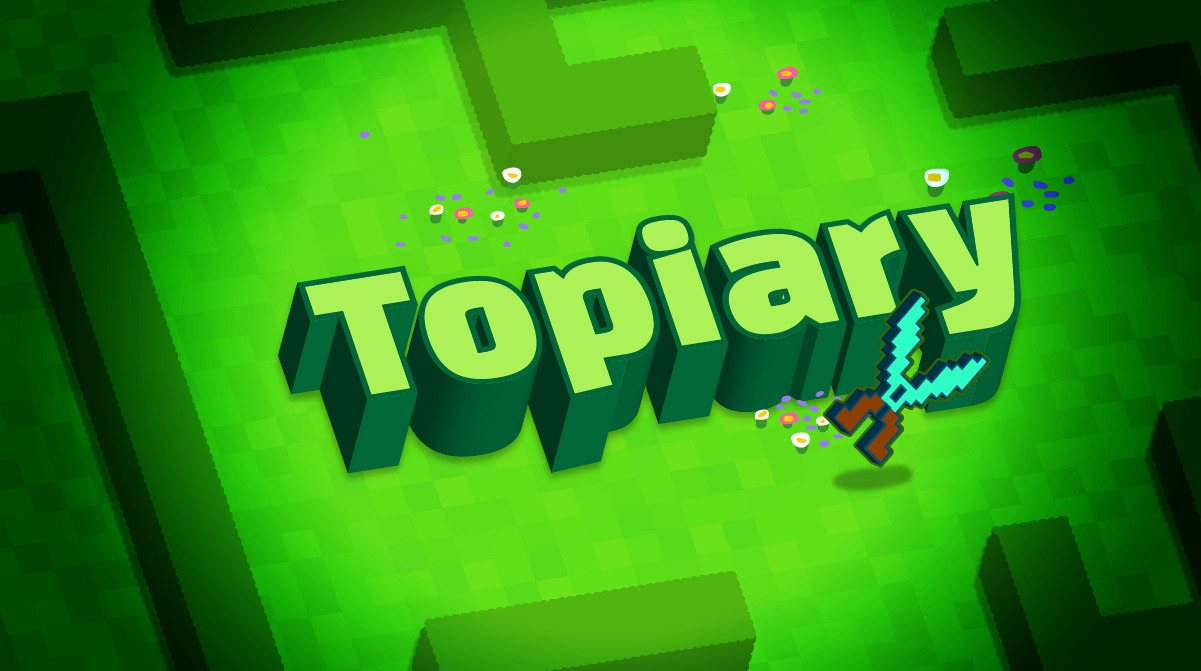
Topiary
Spawns a solid hedge. Use the shears to carve a sculpture, or even maze!
Training Day
Enter an amazing immersive Minecraft world in this adventure. Create your own Minecraft skins, items, blocks, mobs, and more!
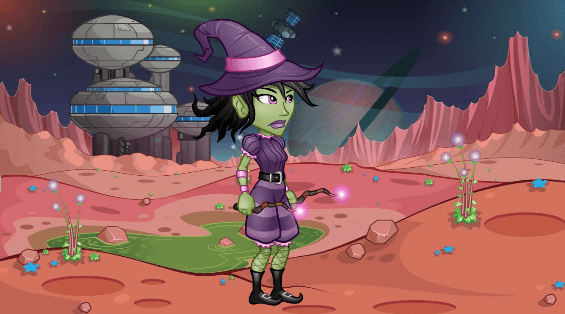
Transformer
Program the actor to constantly switch costumes.
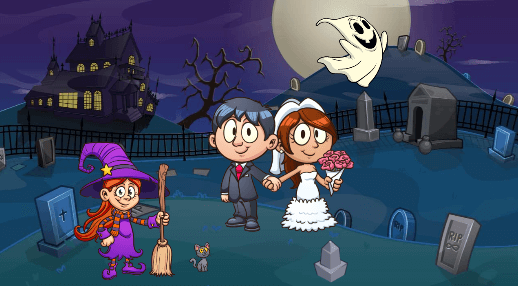
Trick or Treat
Create a spooky scene using code and music.
Tricky Turkeys
Build a hide-and-seek Thanksgiving game using Tynker!
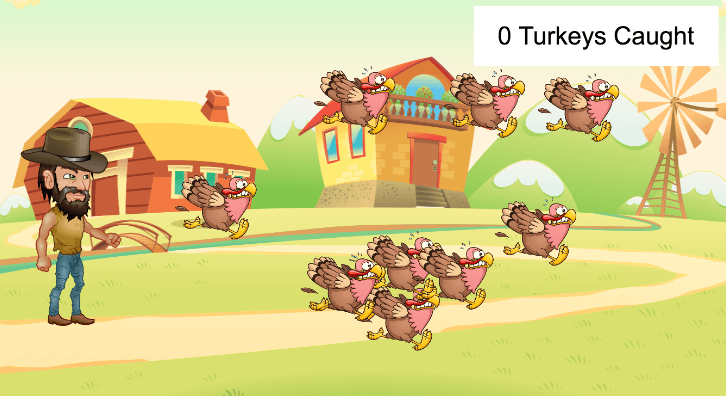
Turkey Trot
Celebrate Thanksgiving by creating the Turkey Trot game!

Turtle Racer
Create an AI-based turtle racing game!
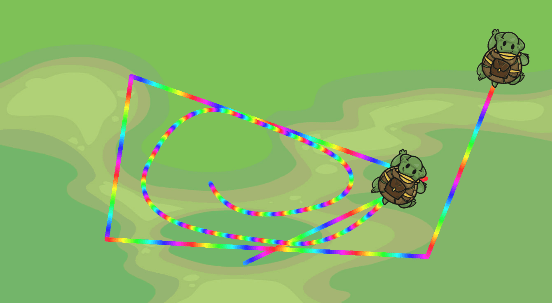
Turtle Trails
Draw awesome trails with turtles and code.
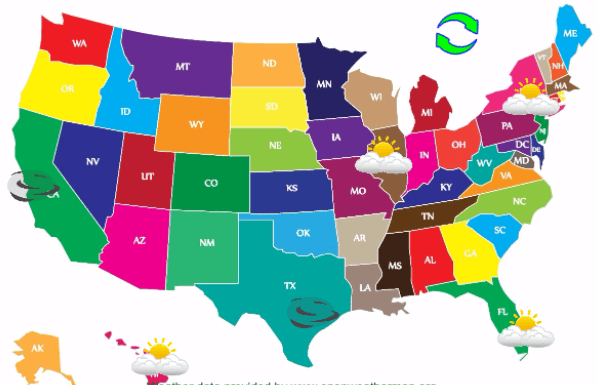
USA Weather
Utilize web services to build an interactive weather map.
Valentine's Card
Celebrate Valentine's Day by programming a custom Valentine's Day card.
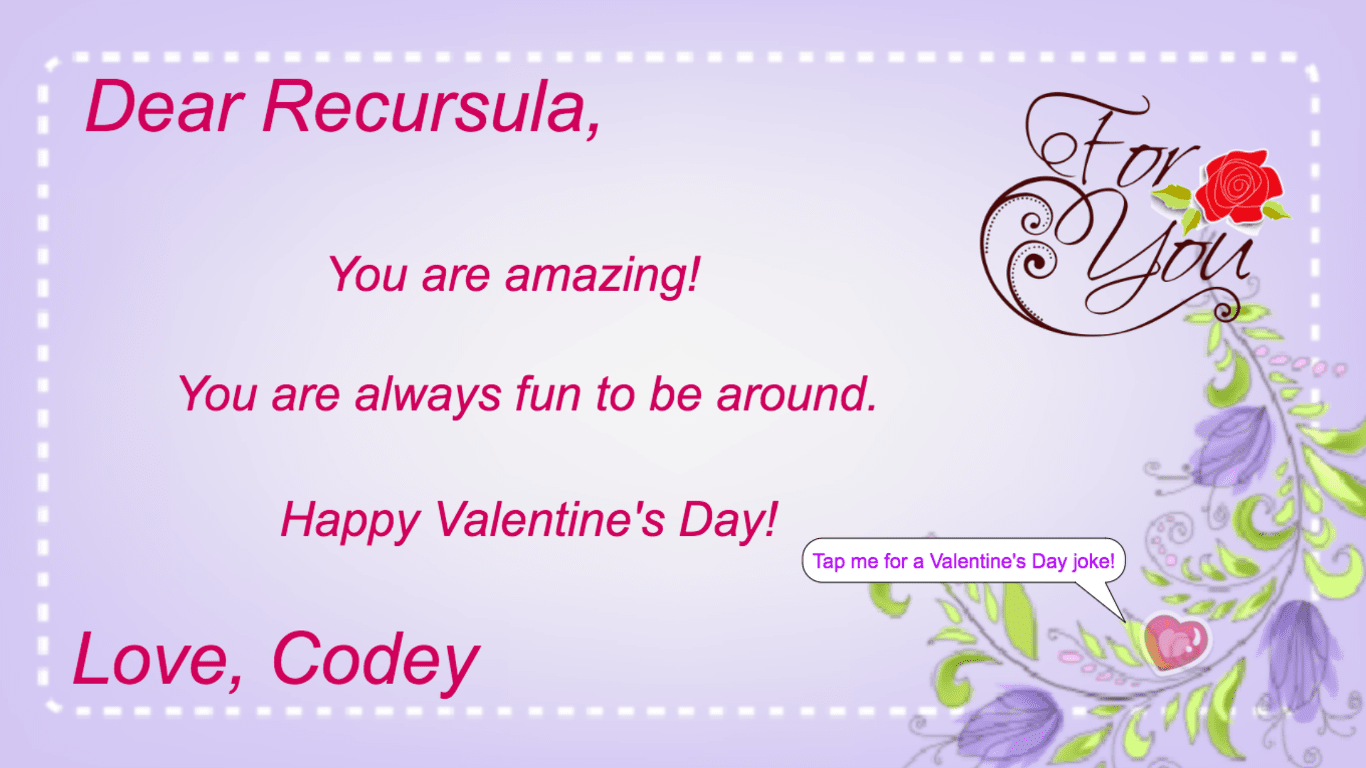
Valentine's Day E-card
Write and program your own E-card for Valentine's Day!
Virtual House
Use levels to explore multiple rooms inside a house.
Virtual Pet (Video)
Create a virtual pet in Tynker!
Virtual Piano
Create a virtual piano that can play several instruments.

Virus Bust
Complete a block puzzle game with code.
Volume
Code your own music track mixer.
Wailing Siren
Learn to create synth sound effects as you manipulate pitch and frequency.
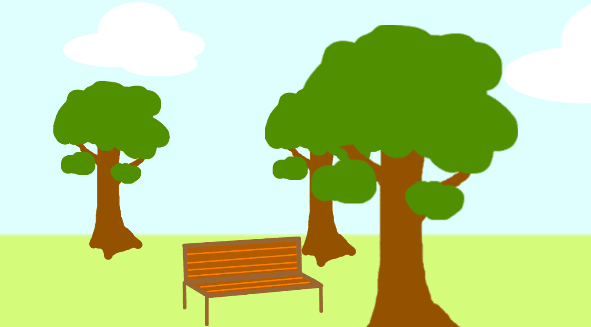
Walk in the Park
Draw and program a walk in the park scene.

Walk on Water
Replace every water block you swim in with an ice block.
Walking Around
Program the actors to walk around randomly.
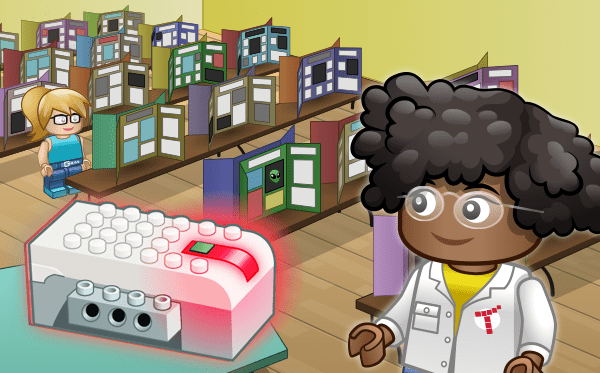
WeDo Coding
Introduce your class to WeDo 2.0 and coding. Tynker’s coding platform allows students to do so much more with LEGO WeDo, integrating it with web services, programming the WeDo to interact with other devices, using the WeDo as a controller for virtual games, and more.Using a combination of interactive lessons, concept explanations, videos, puzzles, quizzes, and DIY projects, this courses teaches students to write block-based programs that integrate the WeDo Smart Hub with the environment.The coding activities build and reinforce STEM skills, math, and science, while introducing programming concepts such as repetition, conditional logic, variables, and functions.Each lesson is designed for a class period of 45-60 minutes. All student work is automatically tracked and assessed, and you'll be able to monitor individual progress and mastery charts for your students. How this course works: There are two ways you can use this course: If using Chromebooks/Desktop Computers: Students sign in to their Tynker accounts and complete a Tynker lesson online from a desktop Internet browser. Then, they sign-in to their account from the Tynker app on a shared iPad device. The DIY projects will be available under the "My Projects" section in their app. They will be able to modify and run the programs on the iPad to control the accessory via Bluetooth. You can share one or two tablets between all students in a classroom and they can take turns controlling the accessary.If using iPads: Students sign in to their Tynker accounts and complete the Tynker lessons from the Tynker app on an iPad. The DIY projects will be available as they work on the course in their app as well as under the "My Projects" section. They will be able to modify and run the programs on the iPad to control the accessory via Bluetooth. Recommended Accessories: This course requires a LEGO WeDo 2.0 Kit and a tablet (each sold separately). Once students complete each lesson, they need a tablet to try out the programs with the WeDo Smarthub and sensors. You can share one or two tablets between all students in a classroom.At least one LEGO WeDo 2.0 kitOne iPad for each kitThe free Tynker app for iPadsLaptop, desktop, or Chromebook computers for students to work through the modulesTopics Covered: WeDo command library, sequencing, repetition, events, conditional logic, problem solving, and debugging.
WeDo Coding Studio
Make coding come to life with the LEGO WeDo kit. Using Tynker's intuitive visual coding approach, and the WeDo kit, you'll will engage in both digital and physical creation. Incorporating the the touch sensor, the accelerometer, and the optical sensor allows for an array of inspiring STEM projects. By the end of the week, you'll build 10 fun real-world projects including a game controller, a rock band, and a car that is programmed to avoid obstacles. How this course works: Students sign in to their Tynker accounts from a Chromebook or desktop computer and complete a Tynker lesson online. Then, they sign-in to their account from the Tynker app on a shared iPad device. The DIY projects will be available under the "My Projects" section in their app. They will be able to modify and run the programs on the iPad to control the accessory via Bluetooth. You can share one or two tablets between all students in a classroom and they can take turns controlling the accessary. Recommended Accessories: This course requires a LEGO WeDo 2.0 Kit and a tablet (each sold separately). At least one LEGO WeDo 2.0 kitOne iPad for each kitThe free Tynker app for iPadsLaptop, desktop, or Chromebook computers for students to work through the modules No experience with coding or LEGO WeDo is necessary.
WeDo Coding Studio (2019)
Make coding come to life with the LEGO WeDo kit. Using Tynker's intuitive visual coding approach, and the WeDo kit, you'll will engage in both digital and physical creation. Incorporating the the touch sensor, the accelerometer, and the optical sensor allows for an array of inspiring STEM projects. By the end of the week, you'll build 10 fun real-world projects including a game controller, a rock band, and a car that is programmed to avoid obstacles. How this course works: Students sign in to their Tynker accounts from a Chromebook or desktop computer and complete a Tynker lesson online. Then, they sign-in to their account from the Tynker app on a shared iPad device. The DIY projects will be available under the "My Projects" section in their app. They will be able to modify and run the programs on the iPad to control the accessory via Bluetooth. You can share one or two tablets between all students in a classroom and they can take turns controlling the accessary. Recommended Accessories: This course requires a LEGO WeDo 2.0 Kit and a tablet (each sold separately). At least one LEGO WeDo 2.0 kitOne iPad for each kitThe free Tynker app for iPadsLaptop, desktop, or Chromebook computers for students to work through the modules No experience with coding or LEGO WeDo is necessary.
Web Development
Design and publish web sites! Students start by building their first web page, and then complete more than a dozen practical projects using HTML to lay out pages and CSS to style them. Topics Covered: Basic web page design, formatting text and images, numbered and bulleted lists, tables, sections and div blocks, styling using CSS, creating hyperlinks, Embedding video and audio, creating modal popups, building responsive sites, creating pixel art, building a photo gallery, and building an Instagram clone.
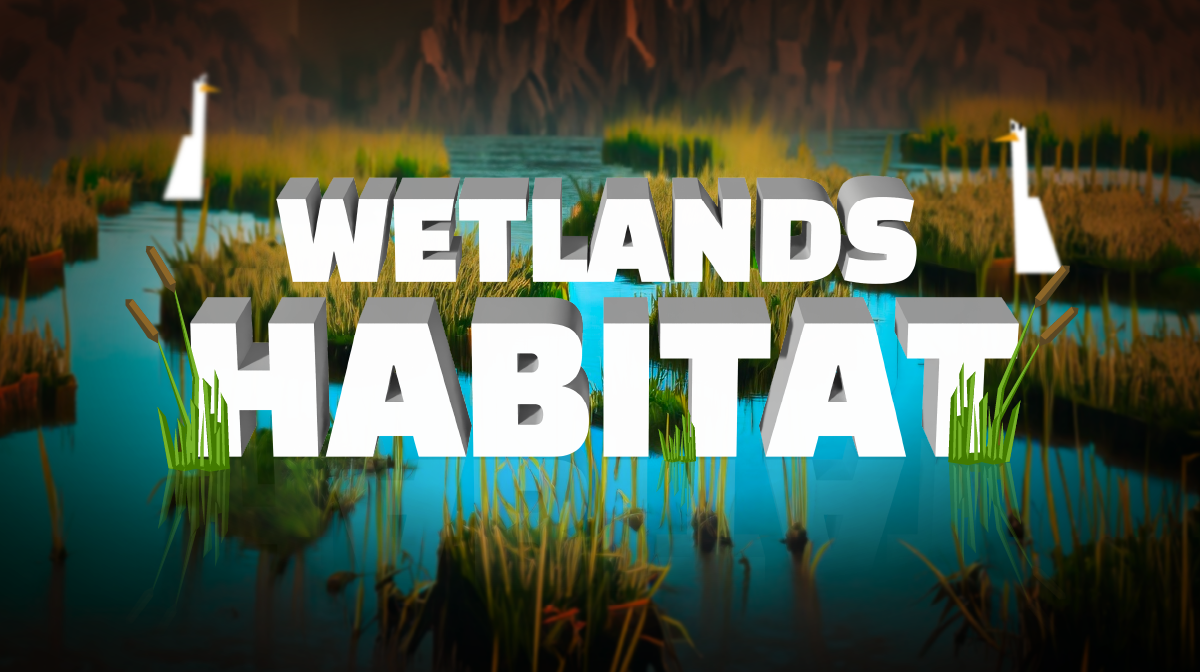
Wetlands Habitat
Use code to build your own wetland habitat in Minecraft with shallow water to make your own ponds and deltas
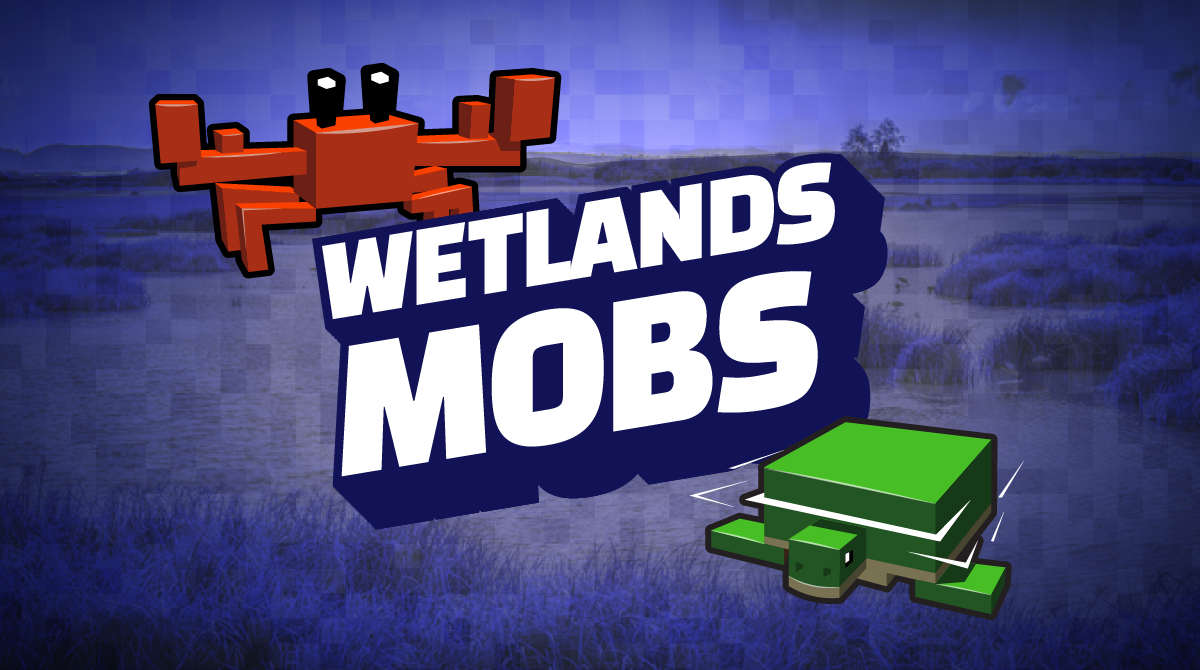
Wetlands Mobs
Suggested wetland animals: Malayan/Sumatran tiger, eastern indigo snake, wood stork, or a Florida panther!
Wetlands Story
Create an interactive slideshow in Tynker showcasing a wetland animal.
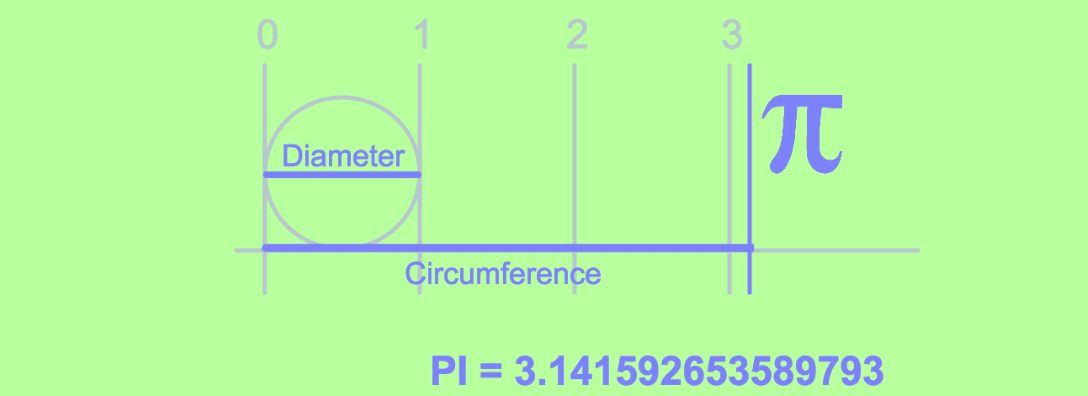
What is Pi?
Demonstrate the relationship between a circle’s circumference and diameter.
Where There Be Dragons
Program these actors with more advanced animations and movement to tell a story about dragons.
Wild West Ka-Boom!
Create an old western scene using code.
Wipe Away! (Video)
Create an exciting augmented reality (AR) game in Tynker!
Zombies!
Program a scary zombie story.
micro:bit 101
Learn to code the micro:bit, a tiny programmable computer with built-in sensors, an LED array, and Bluetooth.

micro:bit Block Coin Toss
In this project, you will use micro:bit gestures to create a virtual coin.

micro:bit Block Emoji Thermometer
In this project, you will learn how to use the micro:bit sensors along with simple conditionals and expressions.

micro:bit Block Laser Game
In this project, you will use two micro:bit to play a multiplayer laser blaster game.
micro:bit Block Loaded Die
In this project, you will create a loaded die using Tynker micro:bit Blocks.
micro:bit Studio
Introduce your campers to physical computing with micro:bit and Tynker Blocks. The micro:bit is a tiny, microcomputer with programmable LEDs, light, and temperature sensors, physical connection pins, motion sensors, and wireless communication via radio and Bluetooth. Hands-on learning with Tynker’s curriculum engages campers as they see their abstract programs come to life on a tangible physical device. Using a combination of interactive lessons, concept explanations, videos, puzzles, quizzes, and DIY projects, this course teaches campers to write block coding programs and then deploy the code to the micro:bit wirelessly. Students can use code to program physical buttons, display messages on the micro:bit, animate the LEDs, simulate dice and coin flips, and detect gestures and shakes. The lesson plans in this course build and reinforce engineering, math, and science skills, while applying programming concepts such as repetition, events, conditional logic, variables, and functions with a physical computing device. Each lesson is designed for a class period of 45-60 minutes. All student work is automatically tracked and assessed, and you'll be able to monitor individual progress and mastery charts for your campers. This course is recommended for campers who are just starting to get familiar with block programming. More advanced campers who are familiar with Python may enroll in MicroPython 101 where they use MicroPython, a Python-like text-based programming language to program micro:bit. This course is supported online as well as on an iPad through the Tynker app. Recommended Accessories: This course requires micro:bit devices (not included). You may purchase these separately at a variety of resellers.micro:bit, USB cable, Battery pack, 2xAAA batteries (for each camper or group)Optional: microBit Inventor’s Kit: Classroom Pack Topics Covered: micro:bit command library, variables, deploying code to the micro:bit, types of loops, reading sensor values, conditional logic, programming the LED grid, lists, and arrays.
micro:pet
In this project you will create a virtual pet that will work with your microbit.

Candy Quest
Design your own candy troll character and go on a multi-level quest for candy to eventually help your character find its way home. You'll solve coding puzzles to navigate your character through the human world, while avoiding obstacles and collecting gumdrops and mints.

Dragon Blast
Blast off into block coding by training your very own dragon.

Dragon Dash
Design your own custom dragon, then use programming to guide it through fun puzzles on its quest for treasure and coins! You'll have to navigate through complex castles, find power-ups, and conquer knights to get all the treasure.

Space Cadets
Pilot a spaceship and solve puzzles while learning core CS logic.

Puppy Adventure
Pixel the puppy was enjoying a nice day out with his family, but they forgot to put him in the car and left without him! Can you program Pixel to find his way home? In each puzzle, you'll navigate Pixel to avoid obstacles so he can get back home to his family.

Lost in Space
Biff was on a routine mission to the Titan Base when his spaceship was hit! Luckily, he was able to crash-land on a nearby planet. Biff needs your help to collect his scattered belongings, find the emergency launchpad, and get back to the moon.
Pattern Maker
Draw flowers, butterflies, fractals, and spirals or program your own fun mathematical patterns using a library of commands. Save and share with friends.
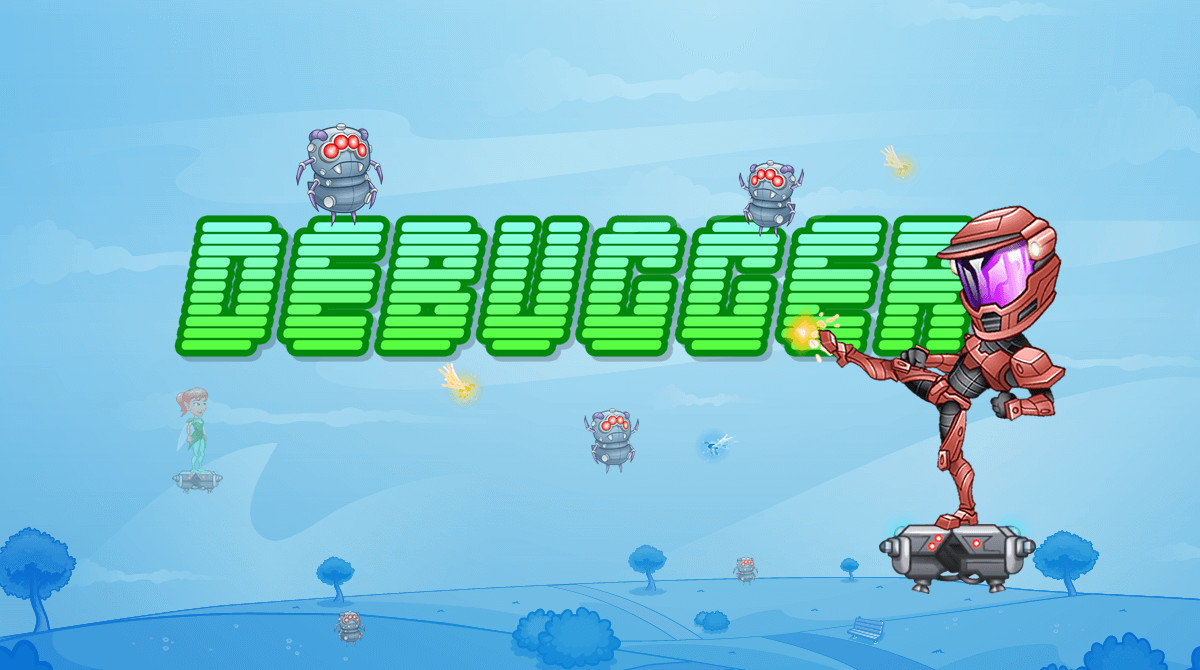
Debugger
Design a custom hero and play as that character through this multi-level adventure game. You'll need to use your coding skills to solve puzzles, fight bugs, and save the motherboard!

Scavenger Hunt
Monster High is hosting a scavenger hunt! Solve coding puzzles with drag-and-drop blocks to help Frankie, Draculaura, Clawdeen, Cleo, and Ghoulia. Avoid obstacles and find all the school crests as you quest through the halls of Monster High.

Monster High: Music Video
Use code blocks to program a music video.

Hot Wheels: Obstacle Course
Learn to program with Hot Wheels in this high-octane racing game! Choose from a wide selection of cars, then learn to program as you navigate through complex race tracks. Jump over obstacles, skid around corners, and win the race.

Barbie™ You Can Be Anything™
A themed introduction to block coding where you explore programming challenges in six fun careers with Barbie as your guide.

Hot Wheels: Hack the Track
Learn to program with Hot Wheels in this high-octane racing game! Choose from a wide selection of cars, then learn to program as you navigate through complex race tracks. Jump over obstacles, skid around corners, and win the race.
Code Commander
Prepare your army for battle! Code the attack logic of each member of your army to exploit your enemy’s weaknesses and emerge from battles victorious. As you learn, you unlock new characters that you can program. Build up your army, then battle with friends. Whose code is best?
Programming 100
A starter course that introduces beginner students in lower elementary grades to programming concepts using Tynker Blocks.
Code Monsters
Explore the enchanted forest to capture monsters and learn how to program them by completing coding puzzles. Collect, code, and evolve all the unique monsters. Devise strategies based on your monsters’ abilities so they can battle in the multiplayer arena. Whose code will win?
Multiplayer Soccer
Use physics and messaging to make a local two-player soccer game.
Counter Hack
Save the computer from a malicious virus! You'll have to hack your way through the system by deleting viruses, opening doors, solving mazes, and navigating through the portals. Watch out for viruses and glitches!
Hour of Code – Elementary
Whether your students are beginners or expert coders, there are 50+ fun ways to complete an Hour of Code with Tynker.

Space Quest
Choose an astronaut, then guide your character across an unfamiliar landscape. Collect the scattered belongings by solving beginner-friendly coding puzzles. You'll encounter aliens and obstacles as you search for a ship to bring your astronaut home.

Dragon Blast
Choose a dragon, then embark on a quest for treasure. You'll navigate complex puzzles and learn new coding techniques as you travel through the mystical jungle. Your dragon will eat tasty bugs and gain cool power-ups along the way!

Barbie™ Pet Vet
A busy day at the Pet Vet leads to fun as you and Barbie help a variety of pets through their very first checkups. From guiding pets into the Examination Room to diagnosing their sniffles, boo-boos, and itches, you’ll find every puzzle has a solution to make the pets feel better than ever! <br><br>Trademarks used with permission of their respective owners. ©2017 Mattel. All Rights Reserved

Toxic Jungle
Long before the War of the Magi, the evergreen floating islands were considered a monument to nature's beauty. But it all changed when the evil warlock Urian engulfed the whole forest in a magical haze. Learn Python to help Archie and Feather collect the sachets of pixie dust to unlock the mysteries of the jungle and restore the islands to their original beauty.
Premium Quest
A premium adventure — the first two lessons are a free preview; the rest unlocks with a subscription.
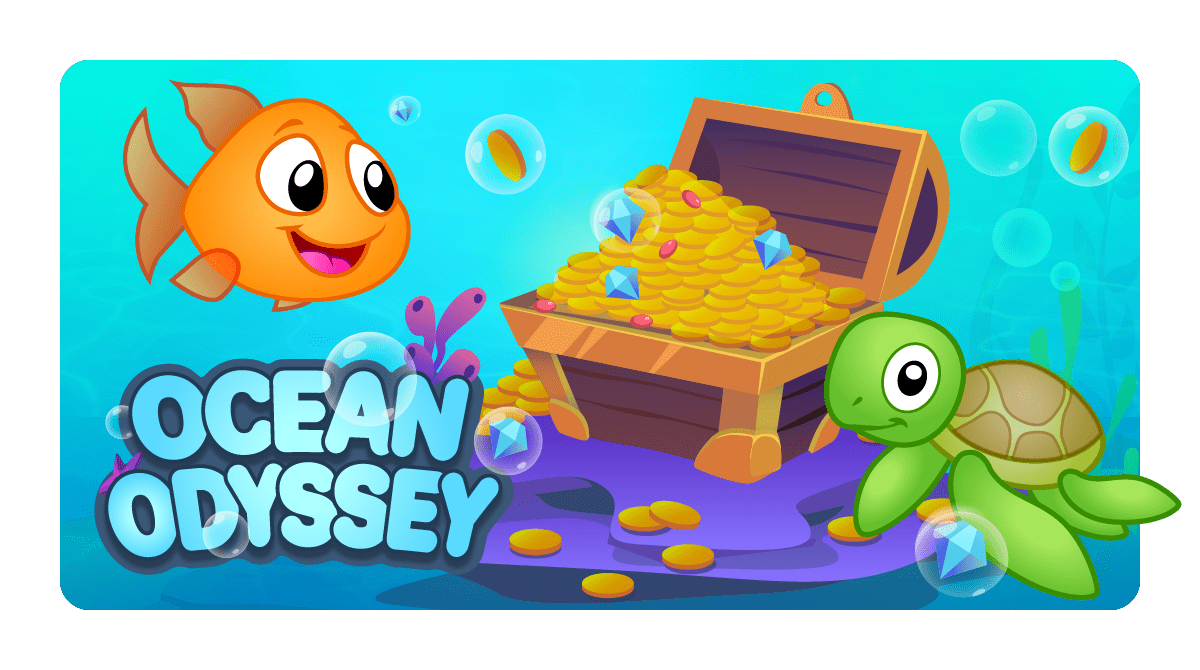
Ocean Odyssey
Learn sequencing as you help Gillie the goldfish collect coins using word-free icon coding.
Robots
Bring the robot factory to life by fixing the programming.
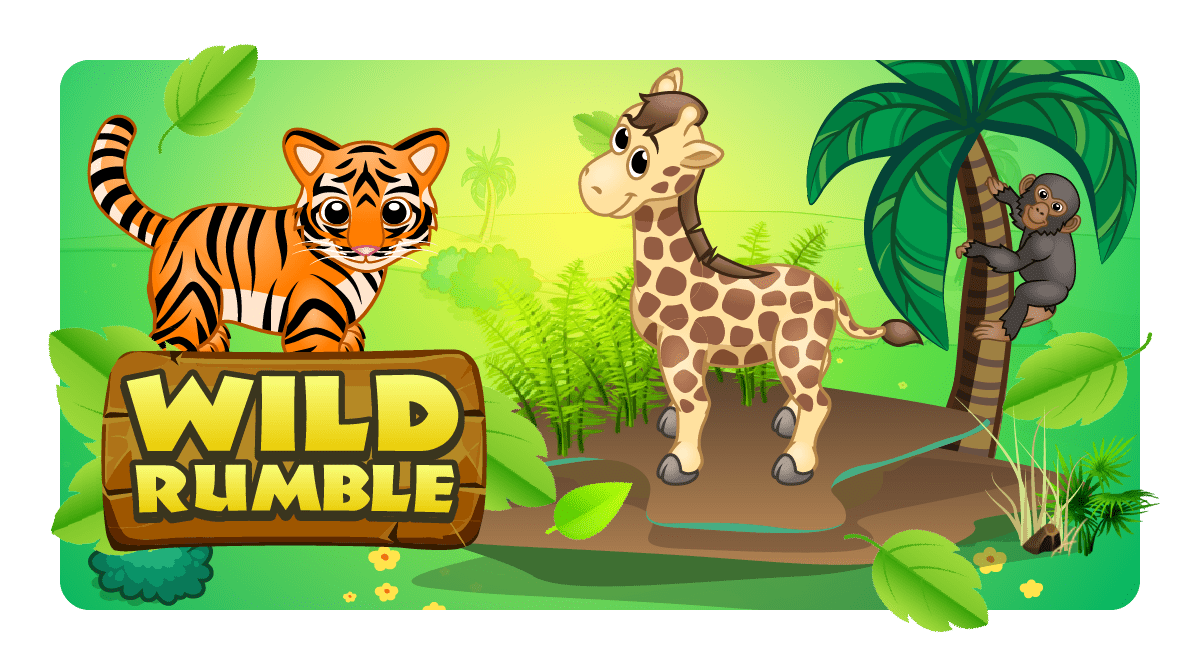
Wild Rumble
Solve puzzles to help eight endangered animals return home.
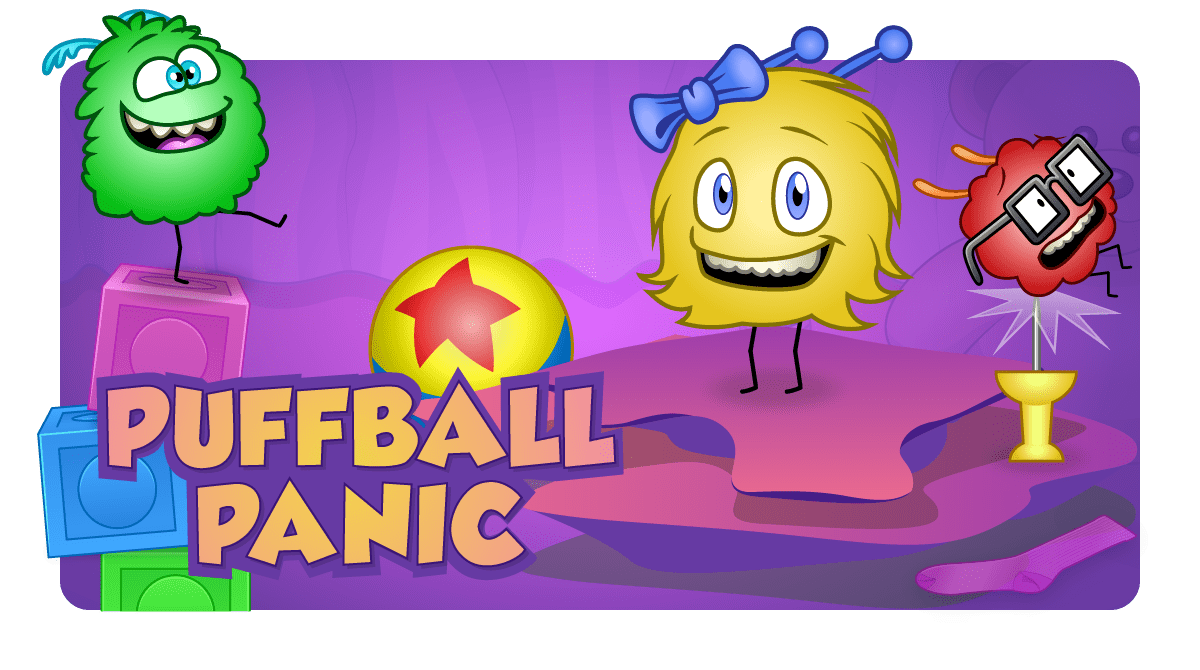
Puffball Panic
Help the dust bunnies with their sock collection using word-free icon coding.
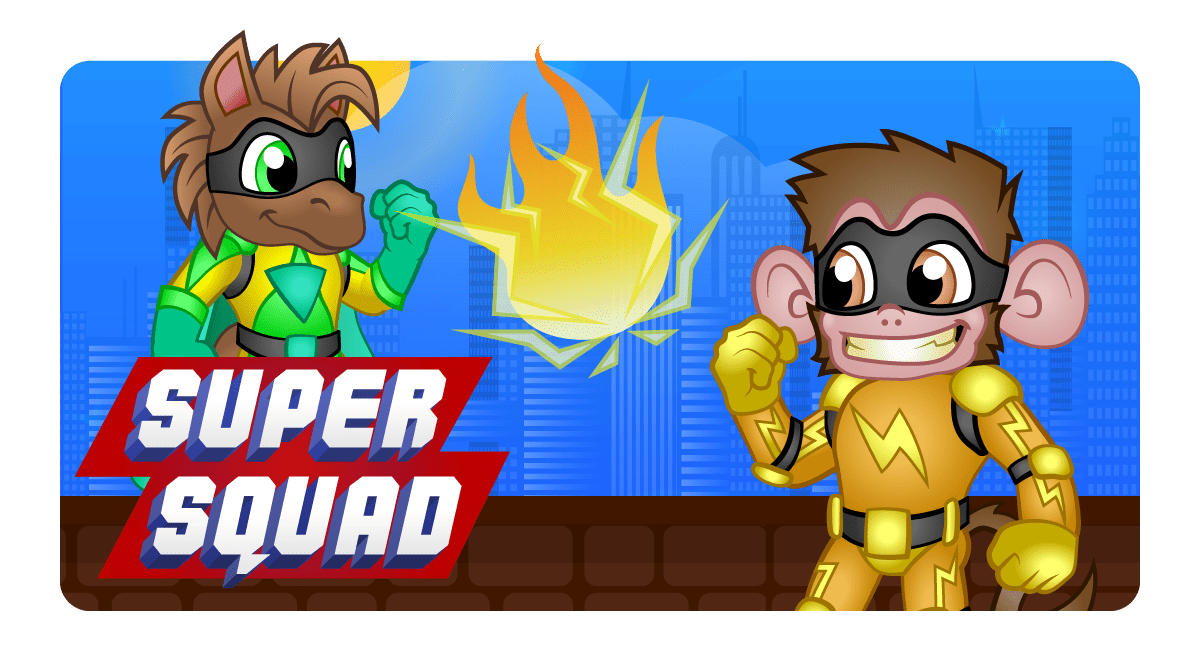
Super Squad
Join the Super Squad and retrieve stolen museum treasure.
Art Studio
Generate math art with this open-ended creative coding environment.

Music Studio
Make interactive greeting cards with this open-ended creative coding environment.
Animation Studio
Make interactive animations and tell stories using open-ended creative coding environments.
Greeting Studio
Make interactive greeting cards with this open-ended creative coding environment.
Game Studio
Make interactive games with this open-ended creative coding environment.

All About Computers 1
Learn about computers, computing, and digital literacy through a series of animated episodes.

Space Cadet
Learn coding concepts and solve puzzles to help an astronaut on their journey.

Dragon Spells
Solve these puzzles to train your dragon to find treasure.

All About Computers 2
Watch videos to learn about computers, networks, cybersecurity, and digital literacy.
Ada's Adventure
As you learn to code, you’ll help Professor Ada defeat Dr. Glitch with math and problem-solving skills.
Training Day
Enter an amazing immersive Minecraft world in this adventure. Create your own Minecraft skins, items, blocks, mobs, and more!

Agent Recall
Can you complete the 48 Minecraft coding challenges to unlock 6 exciting worlds and 4 hidden minigames?
Mythicraft
Learn to build Minecraft add-ons and mobs with custom behaviors. Deploy your creations on Minecraft for Windows 10 and iPad.
Mod Starter Pack
Mod your world! Try out these simple mods that modify Minecraft with resource packs and code blocks.
You Can Be Anything™
Learn to code while you explore six of the coolest careers ever!
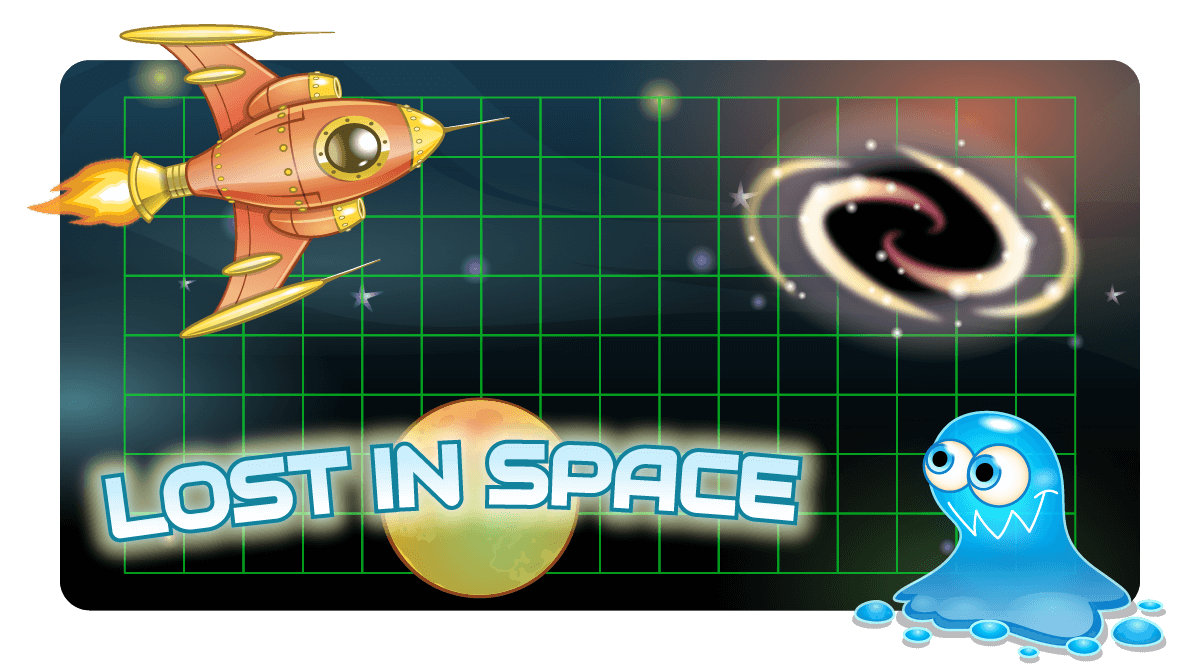
Lost In Space
Help Gus reach his moonbase by using programming to avoid obstacles, unlock doors, and trace a path.
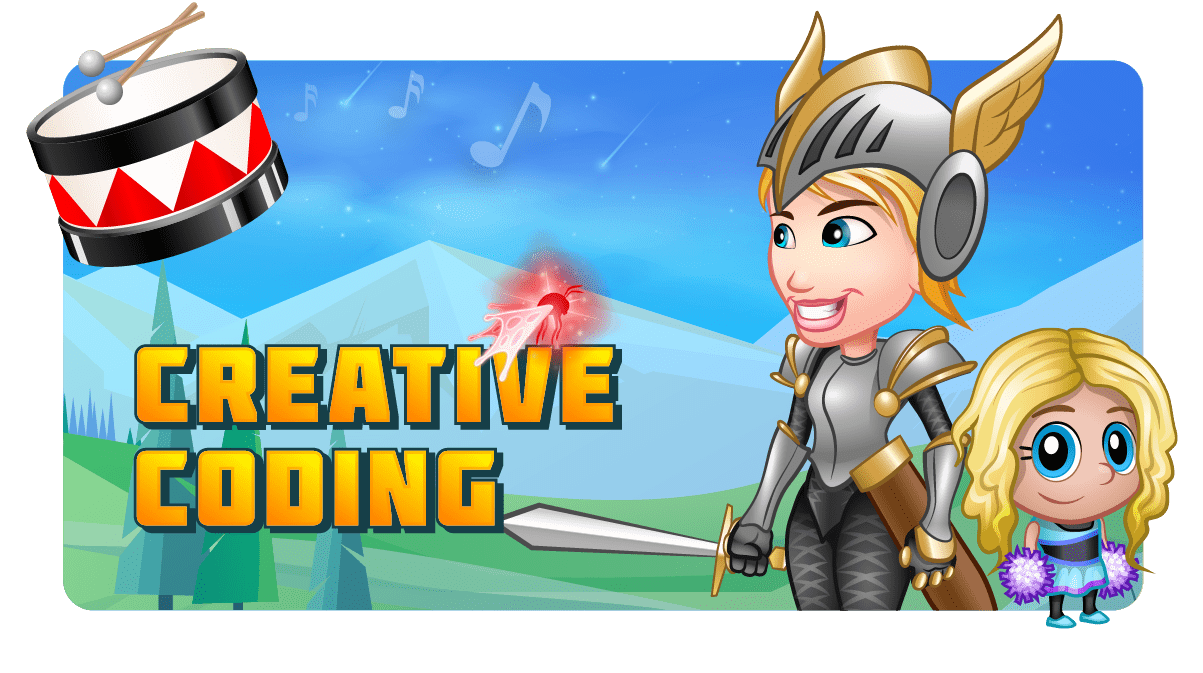
Creative Coding
Discover programming through art, animation, music and game design.
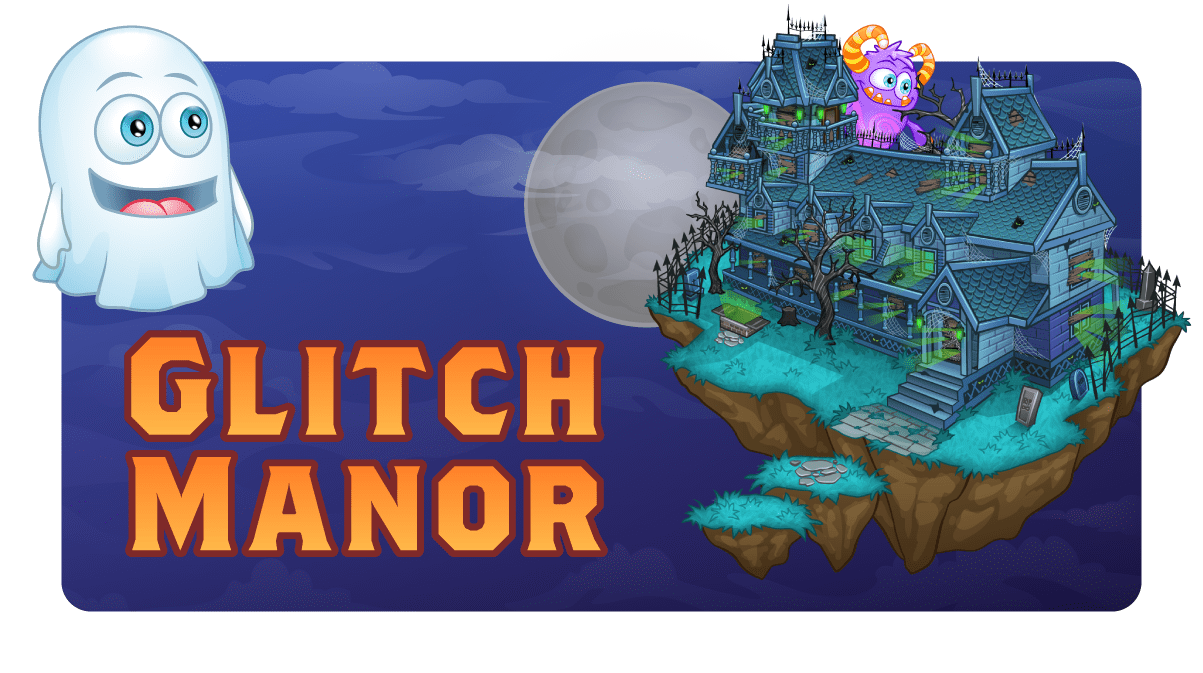
Glitch Manor
Explore a haunted mansion, fight off zombies, solve mysteries, and more.

Turing's Tower
A steampunk-styled platformer game. Scour the globe and repair a flying tower to fight off a giant robotic dragon.
Tynker Toolbox
Code 12 incredible interactive projects.
My Coding Path
My Coding Path