



Special Savings: 40% Off

Digital Literacy Elementary School Lesson

Introduces beginner students in lower elementary grades to concepts about computers, computing, and digital literacy.

Course

Beginner Level
100% Online
7 Lessons
26 Activities
Digital Literacy Elementary School Lesson Digital Literacy Elementary School Lesson Digital Literacy Elementary School Lesson Digital Literacy Elementary School Lesson Digital Literacy Elementary School Lesson Digital Literacy Elementary School Lesson Digital Literacy Elementary School Lesson Digital Literacy Elementary School Lesson

Access this and 5,000 coding activities!

Get Started for Free

Give as Gift

Recommended for Ages 5+

Web

No Prerequisites

Tynker Code Blocks

Tynker's visual code blocks are a great way for beginners to code, without needing to remember how to type syntax. By dragging and dropping code blocks together, young coders can produce vividly complex programs and games in our proprietary app, which includes support for graphics, sound, physics, and more.

What Kids Learn

  • Networking
  • attribution
  • computer applications
  • computer basics
  • computer errors
  • computer evolution
  • computing careers
  • computing devices
  • copyright
  • cybersecurity
  • data analysis
  • data storage
  • data visualization
  • decomposition
  • digital citizenship
  • hardware
  • input/output
  • internet
  • passwords
  • pattern recognition
  • sequencing
  • software
  • troubleshooting

How Kids Learn with Tynker

Kids learn on their own with a guided, hands-on approach that individualizes the learning experience. Tynker's online courses provide a complete learning system for your child to master the fundamentals of programming. Tynker's visual programming language makes it easy to learn, and once kids gain proficiency, they can seamlessly transition to Javascript coding within the Tynker learning system. Enroll in one of our plans for unlimited play across all courses.

Game-Based Learning

Tynker's self-guided lessons break down coding concepts while solving puzzles and making cool apps.

Interactive Assessments

Quick practice quizzes and assessment tests evaluate a child's comprehension of subjects taught.

Captivating Topics

There's always something to learn with multiple subjects, projects, and coding languages available.

System Requirements

Online courses require a desktop computer, laptop computer, Chromebook, or Netbook with Internet connection and a Chrome (29+), Firefox (30+), Safari (7+), or Edge (20+) browser. No downloads required.

What is a Computer?

What makes a computer, exactly? Learn about how they work.

6 Activities:

  • Paperwork Panic
  • Enter Digiball
  • What's In, What's Out?
  • Puffball Party
  • World Inside
  • The Mystery Device

What Do We Use Computers For?

Computers have many places in our modern life.

3 Activities:

  • The Call Conundrum
  • Packing Problem
  • The Special Class

Data

What is data? Learn about information, how to learn from it, and how a computer handles it.

5 Activities:

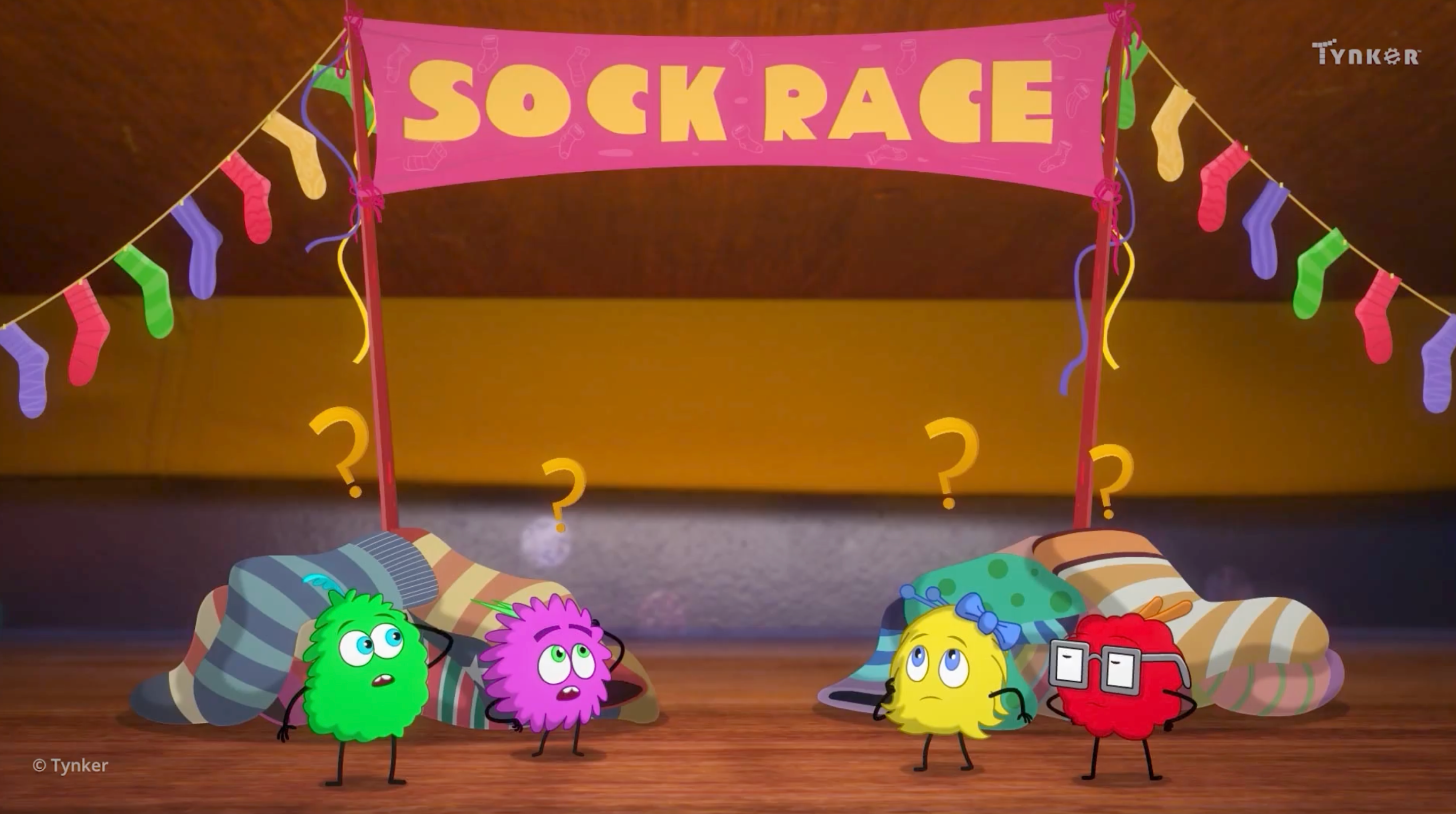
  • The Sock Race
  • The Missing Sock
  • The Sock Situation
  • The Rumbling Monster
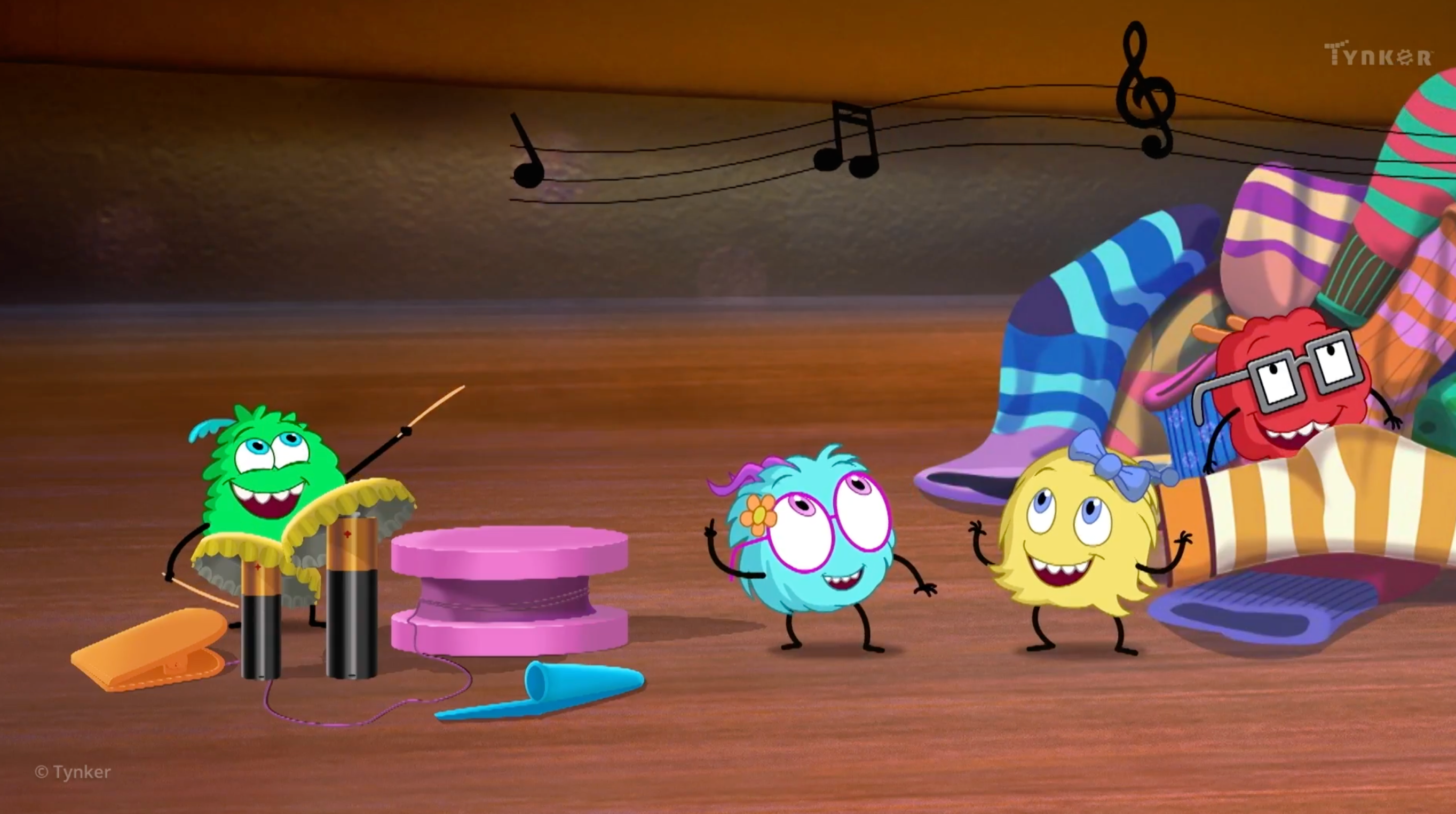
  • The Annual Sock Party

When Something Doesn't Work

Tips and tricks to troubleshoot common computer errors.

2 Activities:

  • Error Terror
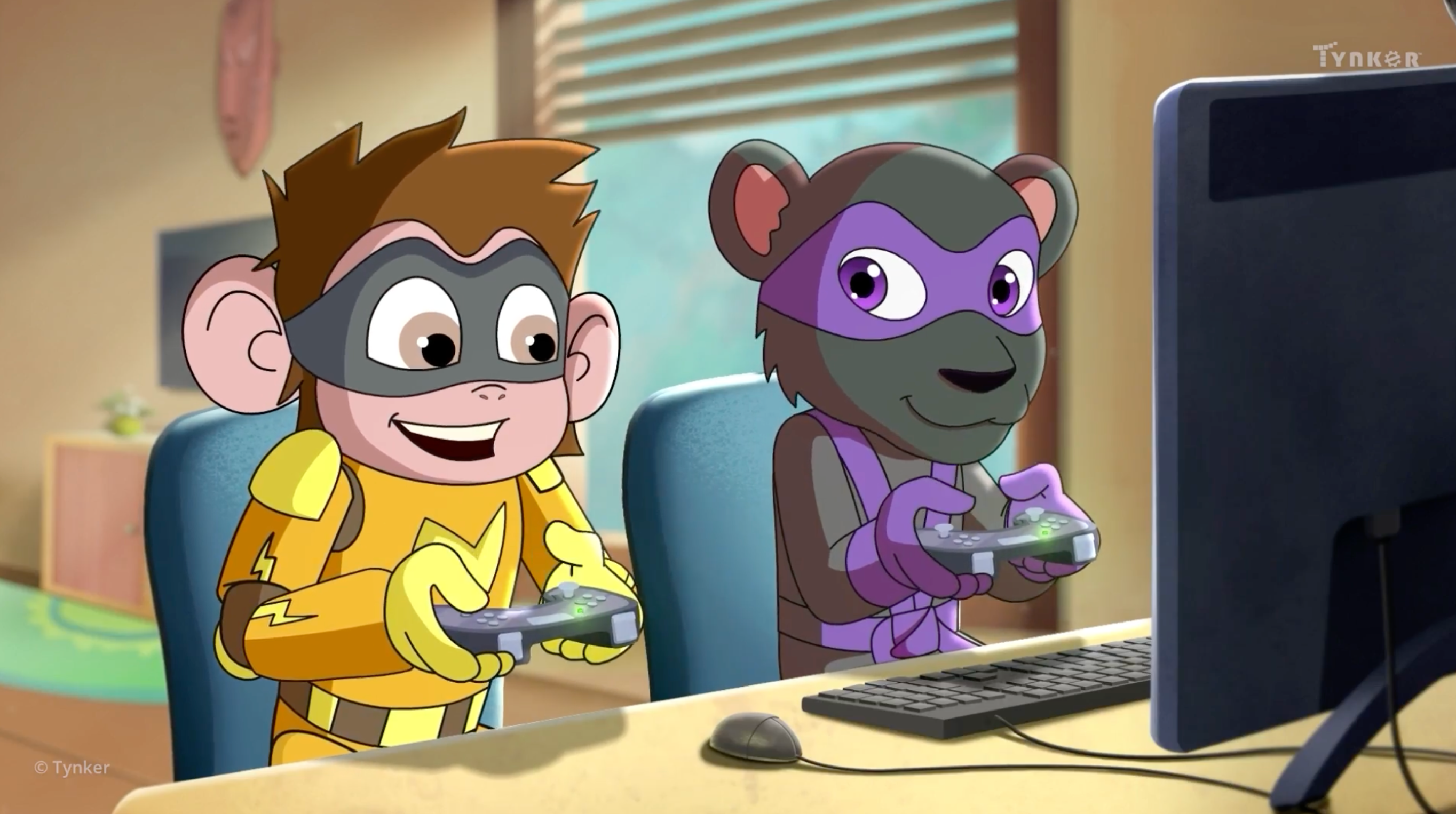
  • Game On!

Algorithms and Programming

Learn about the programming process.

4 Activities:

  • Watch Your Step
  • Follow the Manual
  • The Emergency
  • Ask Permission First

Online Safety

Get familiar with the Internet... and how to navigate it safely and respectfully.

4 Activities:

  • A Safe Place
  • Guard It!
  • Password Fiasco
  • The Secret Message

Then Versus Now

Technology has changed much over the years. Let's take a closer look.

2 Activities:

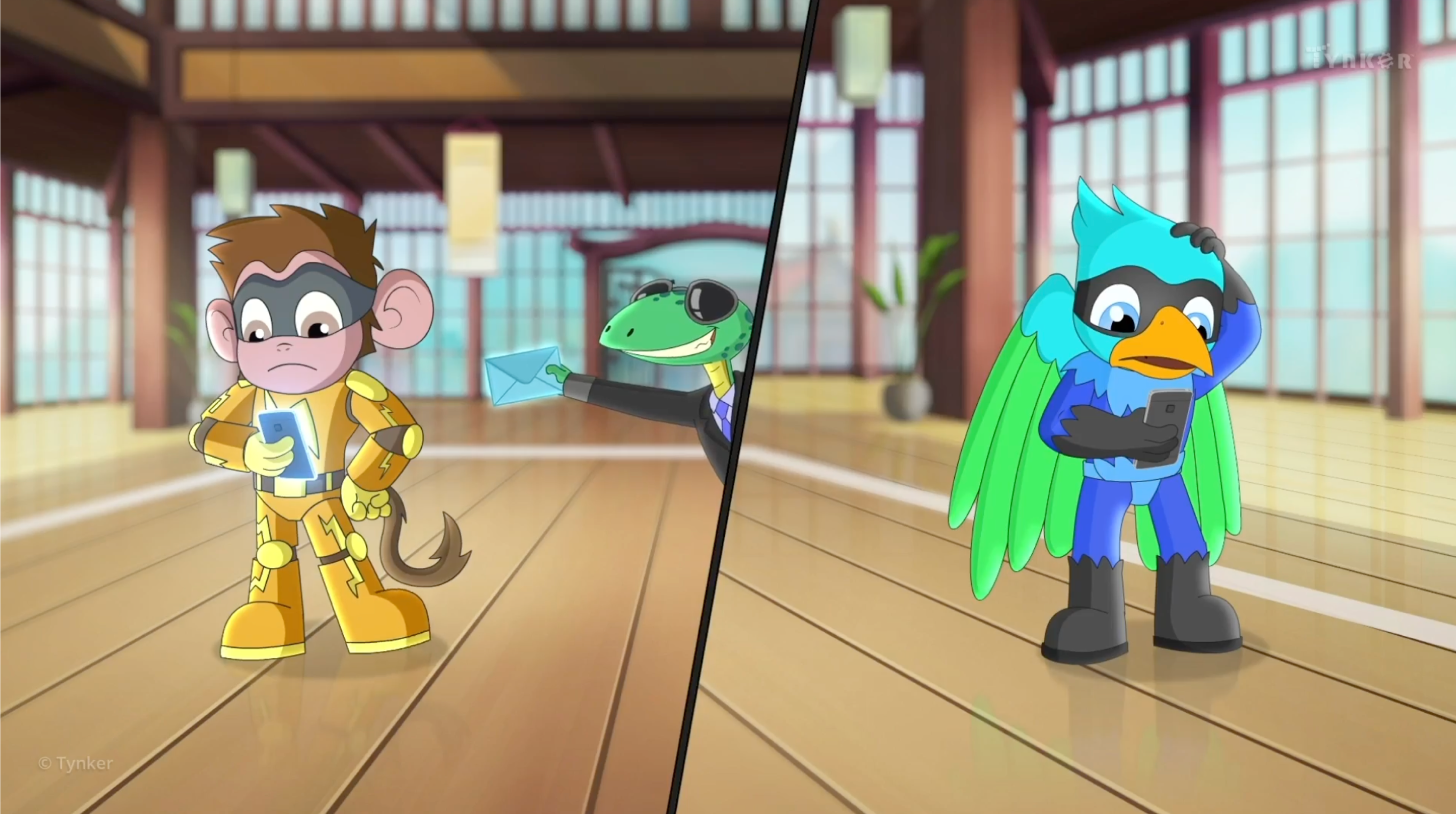
  • A Karate Tale
  • Then vs Now

Networking

attribution

computer applications

computer basics

computer errors

computer evolution

computing careers

computing devices

copyright

cybersecurity

data analysis

data storage

data visualization

decomposition

digital citizenship

hardware

input/output

internet

passwords

pattern recognition

sequencing

software

troubleshooting

Choose a Plan to Accelerate Learning

All plans include access for up to 3 children

40% OFF

Quarterly

$30 $18/month Now $54 billed quarterly cancel any time
40% OFF

Yearly

$25 $15/month Now $180 billed annually cancel any time
40% OFF

Lifetime*

$780 $468 one time payment Best Deal

Access everything Tynker offers

  • Thousands of hours of creative projects in Game Design, Minecraft, Python concepts, and more
  • Personalized assessments and certifications in real-world languages
  • Access to our highly rated mobile apps: Tynker, Tynker Junior & Mod Creator
  • 5,000+ lessons built to improve problem solving skills and academic performance
  • Parent dashboard with mastery stats - watch as they progress from novice to expert
  • 30 Day Money-Back Satisfaction Guarantee
