


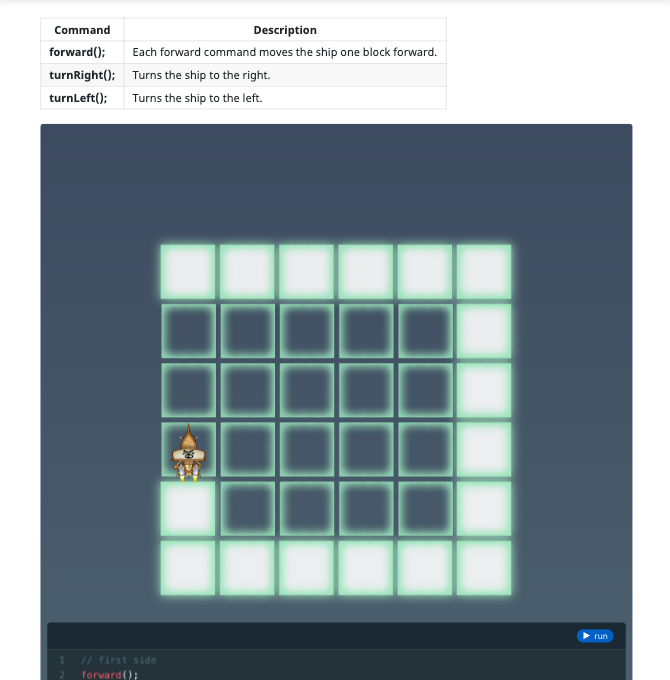
The Basics
Learn how to write basic code in JavaScript
16 Activities:
- Introduction to JavaScript
- Video
- Set Sail
- Smooth Sailing
- Turn Right
- Treasure Ahoy!
- Turn Right, Turn Left
- What Are Comments?
- Turn! Turn! Turn!
- Buggy Code
- What Are Naming Conventions?
- More Bugs?
- Complete the Path
- Light It Up!
- Review
- Quiz
Loops and Patterns
Learn about for loops in JavaScript
16 Activities:
- Repeating Commands
- What Are For Loops?
- What Is Indentation?
- What Are Arithmetic Operators?
- Onwards, Forward!
- Broken Steering 1
- Broken Steering 2
- Two Loops
- Jump, Forward
- Forward, Jump
- Up and Down
- What are Nested Loops?
- Navigating the Cs
- Pattern Maker
- Review
- Quiz
Conditional Logic
Learn about conditional logic in JavaScript
16 Activities:
- What Are Conditionals?
- Path Left
- Path Right
- More Turns!
- What Are Assignment Operators?
- What Are Comparison Operators?
- What Are Logical Operators?
- Stormy Path
- What Is Else?
- Stormy Turns 1
- Stormy Turns 2
- What Are Nested Ifs?
- Stormy Night 1
- Stormy Night 2
- Review
- Quiz
Conditional Loops
Learn about conditional loops.
11 Activities:
- What Is a While Loop?
- Detect a Path
- Forward, Left
- Right, Forward
- What Is a Do-While Loop?
- Path Ahead
- Left Spiral
- Right Spiral
- Choose a Path
- Review
- Quiz
Variables
Learn about variables in JavaScript.
15 Activities:
- What Are Variables
- Fuel Up
- Stockpile
- Rocket Jump
- What Are Strings?
- Treasure Chest 1
- How Do You Declare Multiple Variables?
- Open Fire
- It's a Toughie
- Treasure Chest 2
- Junkyard
- Smart Cannon
- Treasure Chest 3
- Review
- Quiz
Expressions
Learn about expressions in JavaScript.
11 Activities:
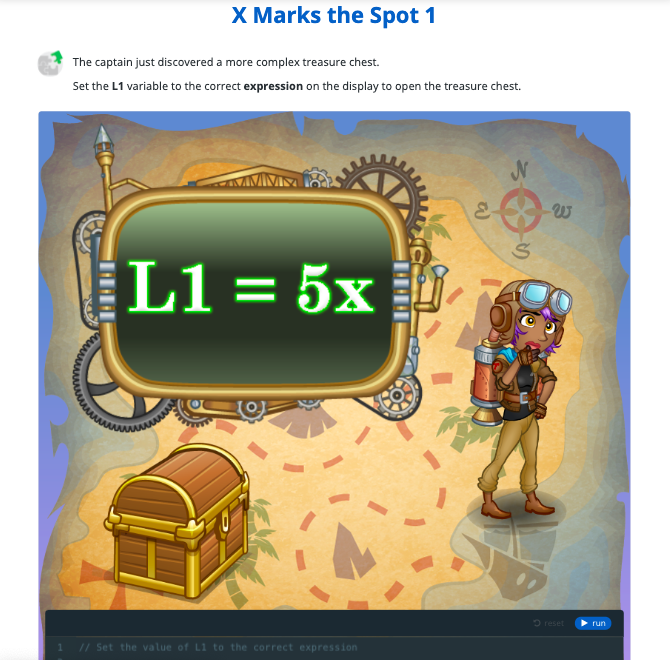
- What Are Expressions?
- X Marks the Spot 1
- Expressions: X Marks the Spot 2
- What Are Numbers?
- What is Operator Precedence?
- X Marks the Spot 3
- X Marks the Spot 4
- What Are Arrays?
- What are Objects?
- Review
- Quiz
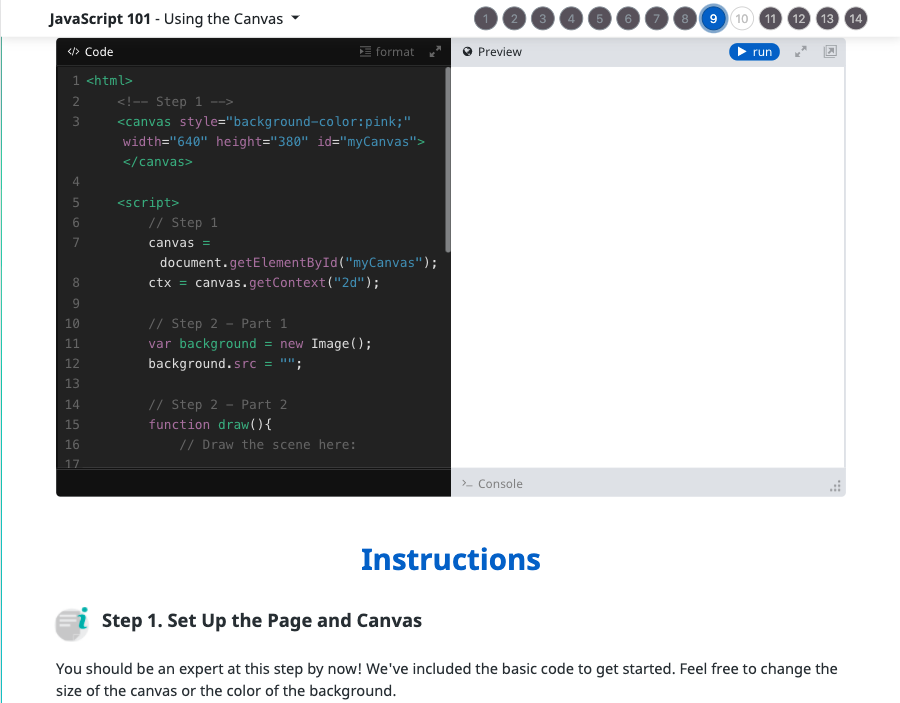
Using the Canvas
Learn how to use the JavaScript Canvas.
14 Activities:
- What Is the HTML Canvas?
- How Do You Set Up the Canvas?
- How Do You Add Delays?
- How Do You Add Images?
- Create a Slideshow
- What Are Canvas Coordinates?
- Design a Scene
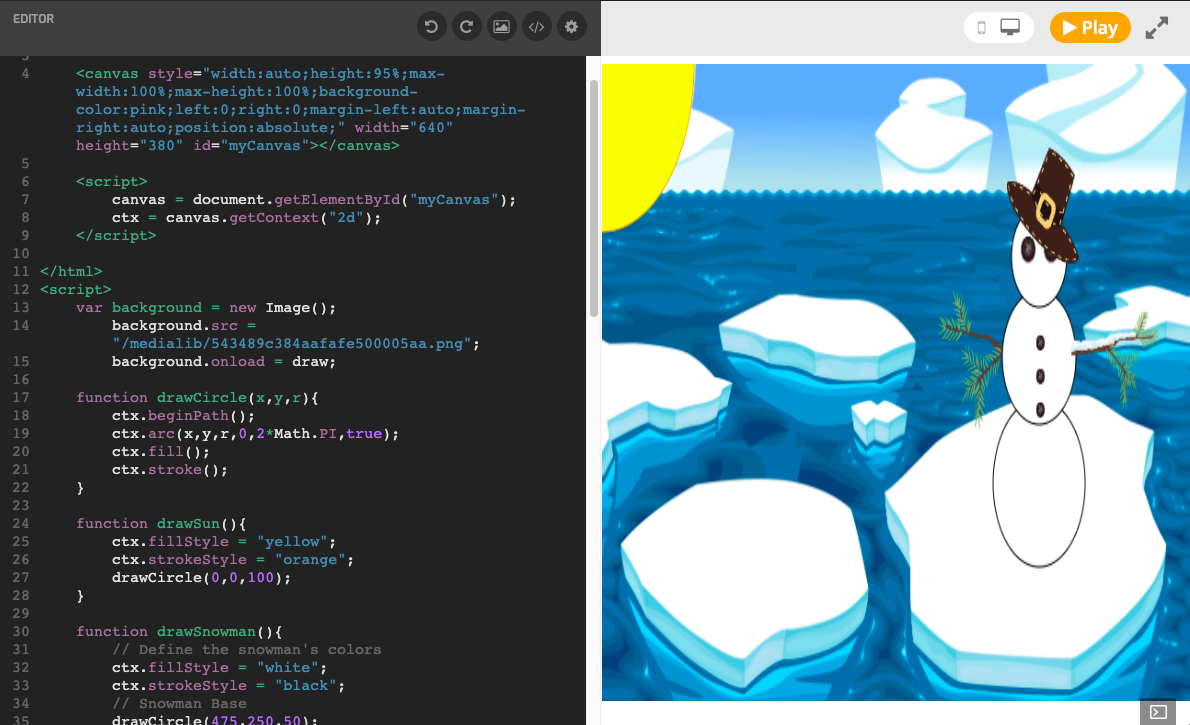
- What Is Canvas Drawing?
- Draw a Snowman
- Draw Concentric Shapes
- How Do You Create Timed Loops?
- Animation
- Review
- Quiz
User Interaction
Learn about user interaction in Javascript.
10 Activities:
- What is User Interaction?
- What are Keyboard Events?
- What are Key Codes?
- Moving Ships
- Line Art
- What Are Mouse Events?
- What Is the Mouse Location?
- Follow the Mouse
- Stamping Tool
- Quiz
Game Design
Learn about game loops, win/loss conditions, and keeping score in JavaScript.
16 Activities:
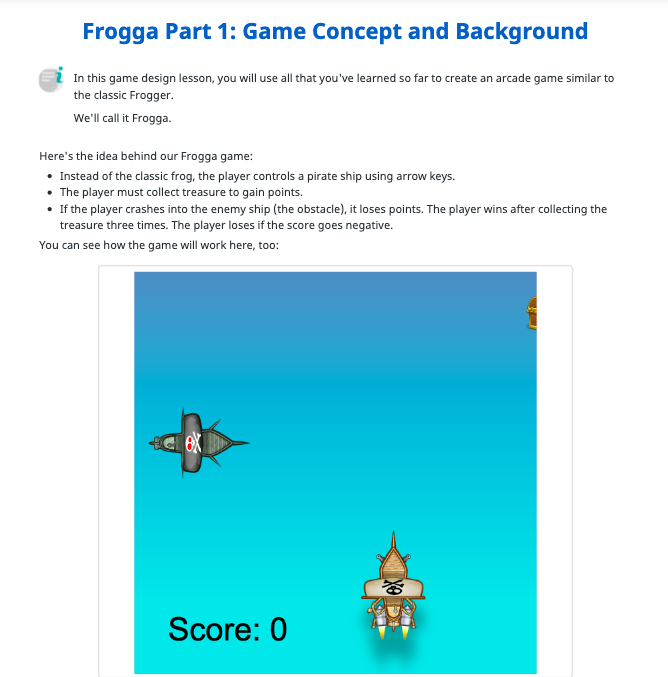
- What Are Game Loops?
- Game Setup and Concept
- Game Obstacle
- Game Hero
- What Is Collision Detection?
- First Contact
- Finders Keepers
- How to Keep Score?
- Score Keeper
- What Are Win/Loss Conditions?
- Losing It
- Winning
- What Are Credits?
- Roll Credits
- Review
- Quiz
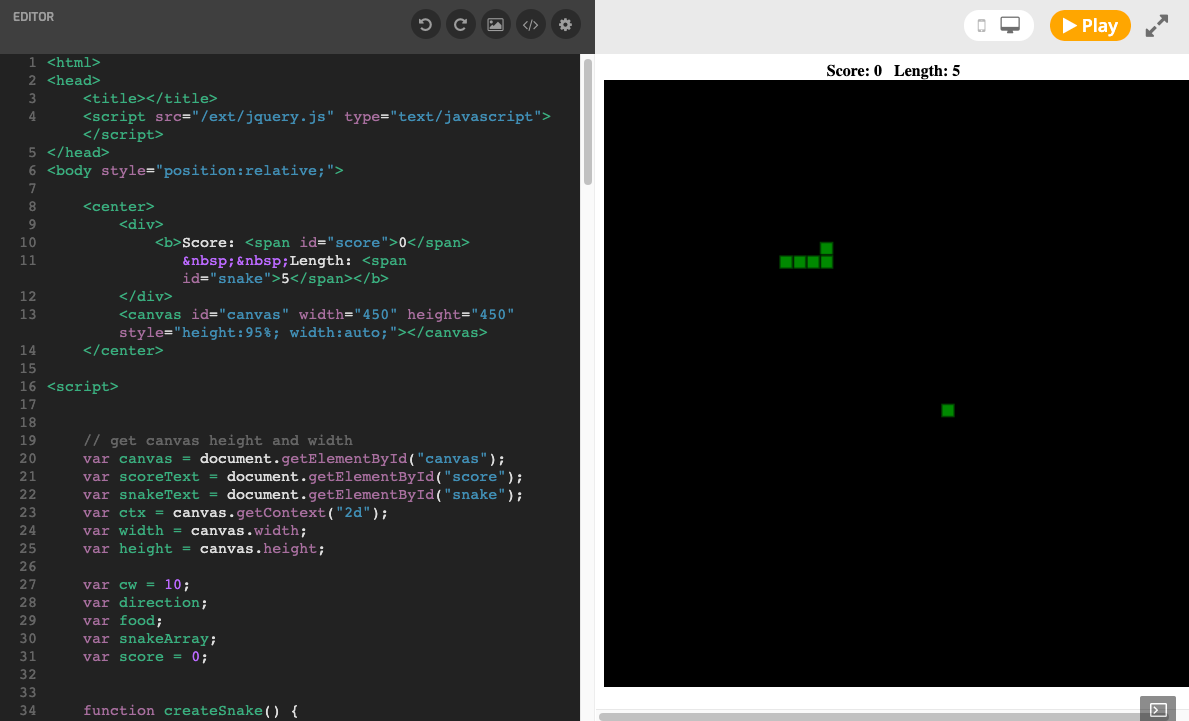
Snake
Create the snake game with Javascript.
9 Activities:
- Snake Game
- Step 1. Create the Canvas
- Step 2. Get the Context
- Step 3. Create a Background
- Step 4. Draw a Square
- Step 5. Create the Food
- Step 6. Create the Snake Segment
- Step 7. Keyboard Control
- Snake: Completing the Game
Breakout
Make a Breakout game in JavaScript
7 Activities:
- Make A Game: Breakout
- Step 1. Set up Variables
- Step 2. Add the Images
- Step 3. Create the Canvas
- Step 4. Start the Game
- Step 5. The Game Loop
- Breakout: Completing the Game
Pong
Make a Pong game in Javascript.
8 Activities:
- Make a Game: Pong
- Step 1. Create the Canvas
- Step 2. Get the Context
- Step 3. Create the Background
- Step 4. Set up the Ball
- Step 5. Set up the Paddles and Scoreboard
- Step 6. Keyboard Control
- Pong: Completing the Game
Final Game
Create popular games in JavaScript.
3 Activities:
- Geometry Dash
- Alien Invaders
- Flappy Bird
