


Unit 1: Java Basics
Get acquainted with the basics of Java programming.
7 Activities:
- 1.1 Warm Up!
- 1.2 Introduction
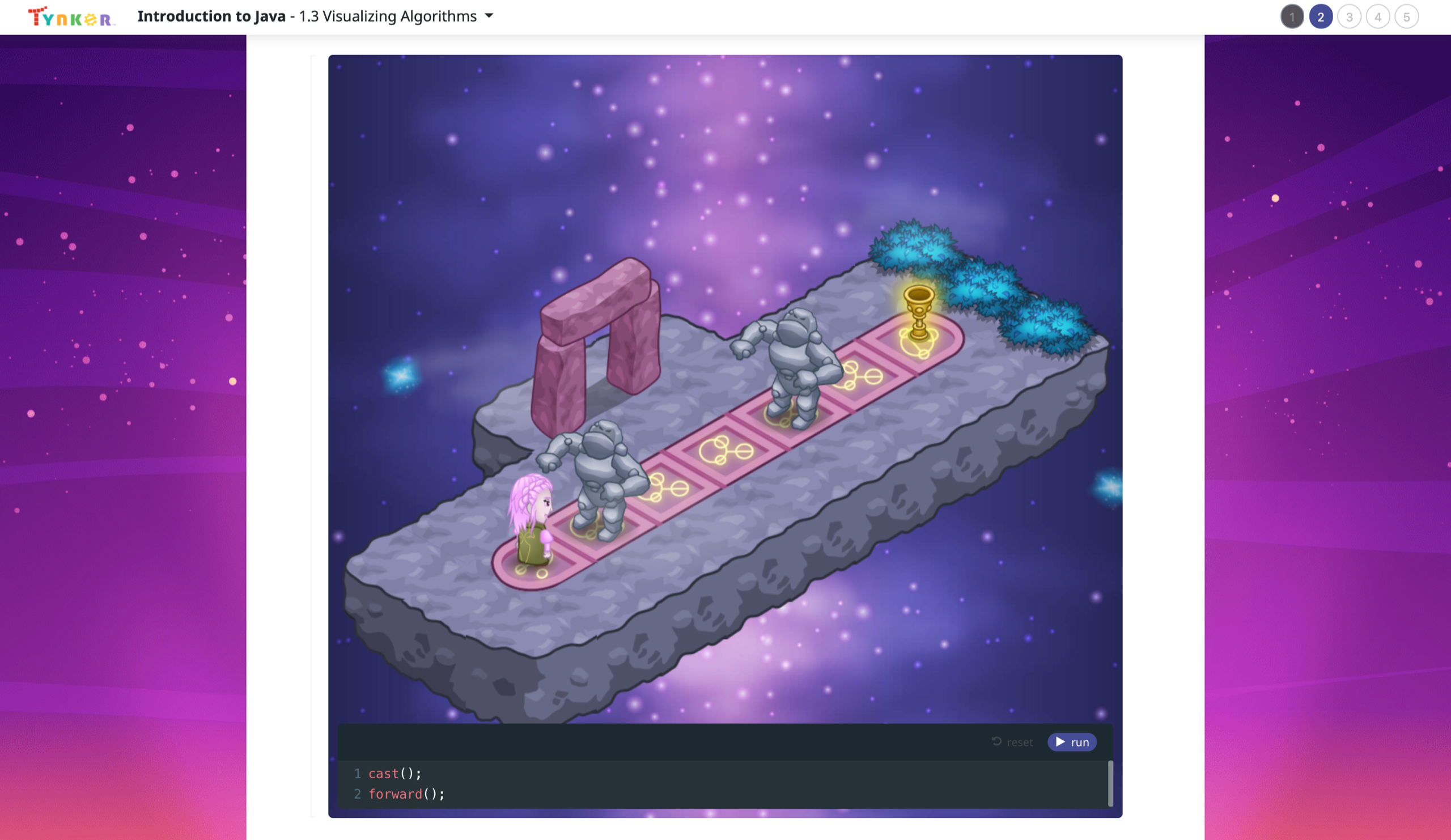
- 1.3 Visualizing Algorithms
- 1.4 Printing to the Console
- 1.5 Strings and Input
- 1.6 Algorithms Review
- 1.7 Algorithms Quiz
Unit 2: Abstraction and Methods
Explore methods, a way to keep code organized and repeatable.
6 Activities:
- 2.1 Abstraction
- 2.2 More on Methods
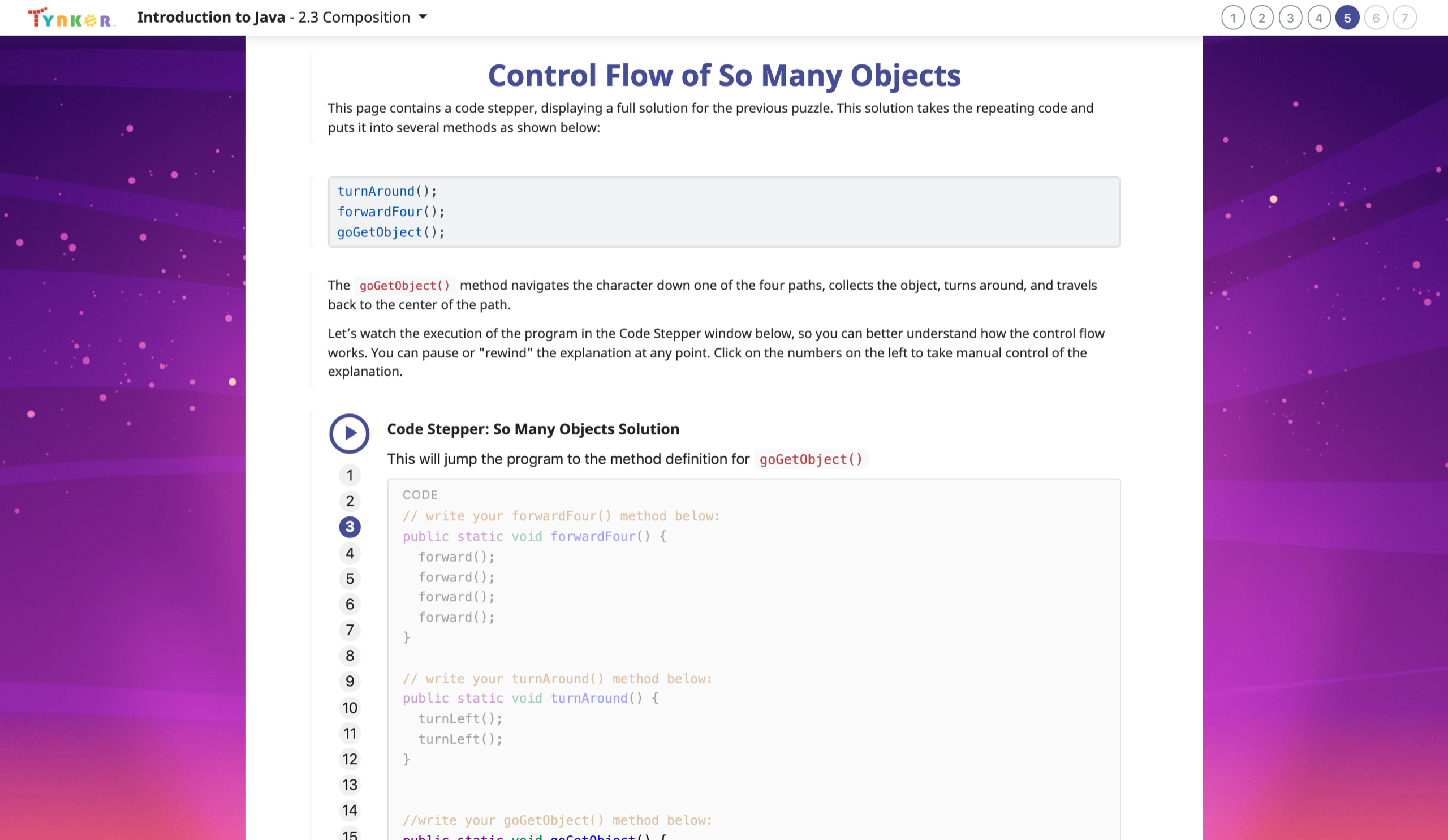
- 2.3 Composition
- 2.4 ASCII Art Methods
- 2.5 Methods Review
- 2.6 Methods Quiz
Unit 3: Variables and Data Types
Learn about variable initialization, declaration, data types, bits, bytes, and more.
7 Activities:
- 3.1 Encoding Information
- 3.2 Binary Numbers
- 3.3 Variables
- 3.4 How to Use Variables
- 3.5 Types
- 3.6 Variables Review
- 3.7 Variables Quiz
Unit 4: Expressions and Operators
Learn how operators can be used to form expressions.
5 Activities:
- 4.1 What's an Expression?
- 4.2 Variable Initialization in Java
- 4.3 Working with Numbers
- 4.4 Expressions, Operators, and Statements Review
- 4.5 Expressions, Operators, and Statements Quiz
Unit 5: Objects
Learn about object-oriented programming basics.
9 Activities:
- 5.1 Variables and Memory
- 5.2 Properties and Behaviors
- 5.3 Classes
- 5.4 Instance Variables and Methods
- 5.5 Constructors
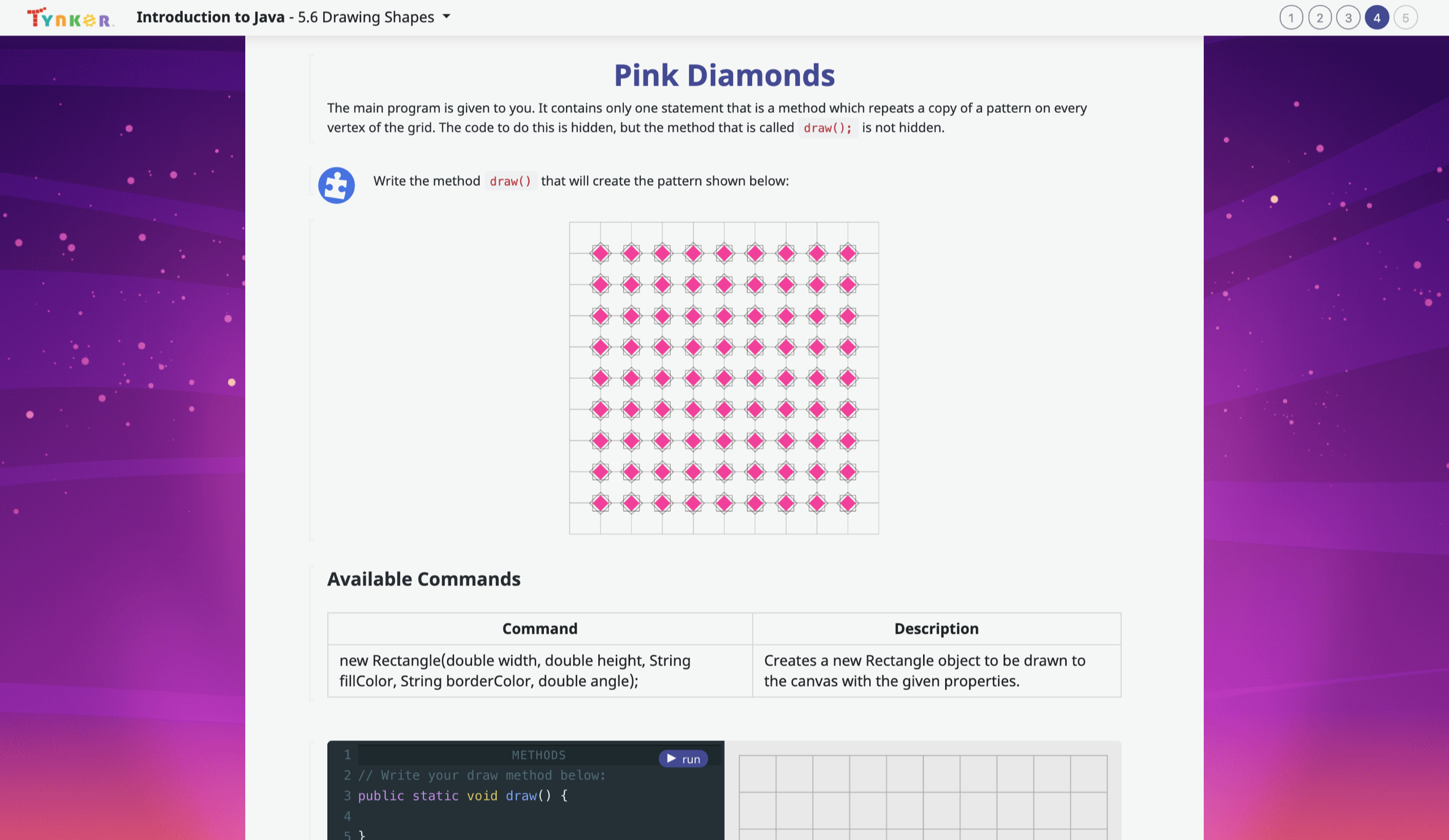
- 5.6 Drawing Shapes
- 5.7 The Math Class
- 5.8 Review
- 5.9 Quiz
Unit 6: Strings
Explore text-processing in Java.
6 Activities:
- 6.1 Introduction to Strings
- 6.2 String Methods
- 6.3 More String Methods
- 6.4 Substrings
- 6.5 Review
- 6.6 Quiz
Unit 7: Boolean Expressions and If Statements
Explore boolean values and boolean logic. Write programs that "make decisions."
7 Activities:
- 7.1 Boolean Expression Basics
- 7.2 Logical Operators in Java
- 7.3 Using Relational and Logical Operators Together
- 7.4 Conditional Statements
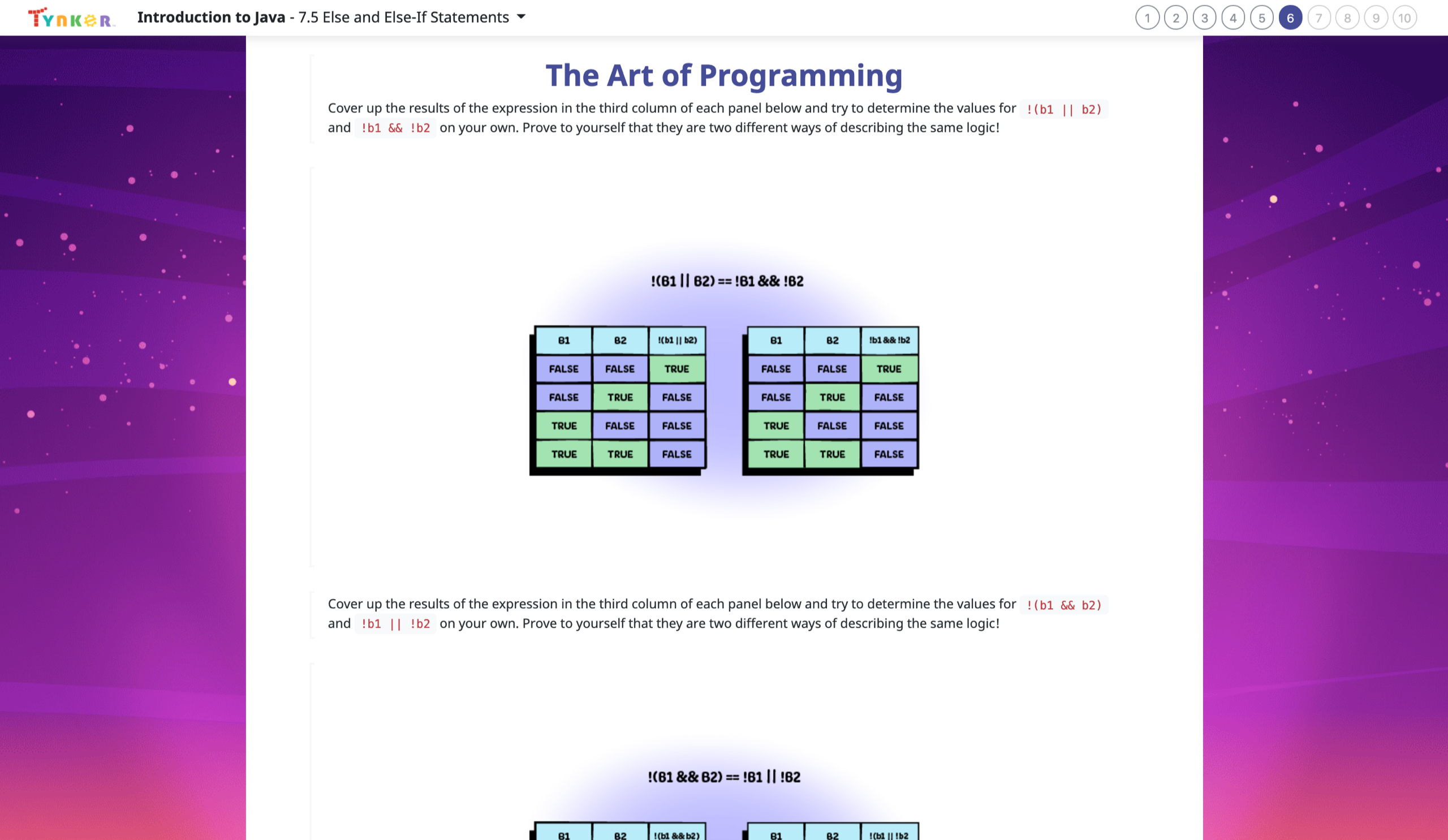
- 7.5 Else and Else-If Statements
- 7.6 Conditionals Review
- 7.7 Conditionals Quiz
Unit 8: While Loops
Write loops that repeat instructions, depending on whether a condition holds true.
8 Activities:
- 8.1 The While Loop
- 8.2 Take Control of Loops
- 8.3 Infinite Loops
- 8.4 Draw with Loops
- 8.5 Randomness
- 8.6 While Loop Puzzles
- 8.7 While Loops Review
- 8.8 While Loops Quiz
Unit 9: For Loops
Learn how to represent repeating patterns with code.
7 Activities:
- 9.1 For Loop Basics
- 9.2 Nested Loops
- 9.3 Accumulating, Filtering, Mapping
- 9.4 Loop Challenges
- 9.5 Common Pitfalls
- 9.6 For Loops Review
- 9.7 For Loops Quiz
Unit 10: Algorithms Challenge Lab
Practice using algorithms with challenge questions in this lab.
1 Activity:
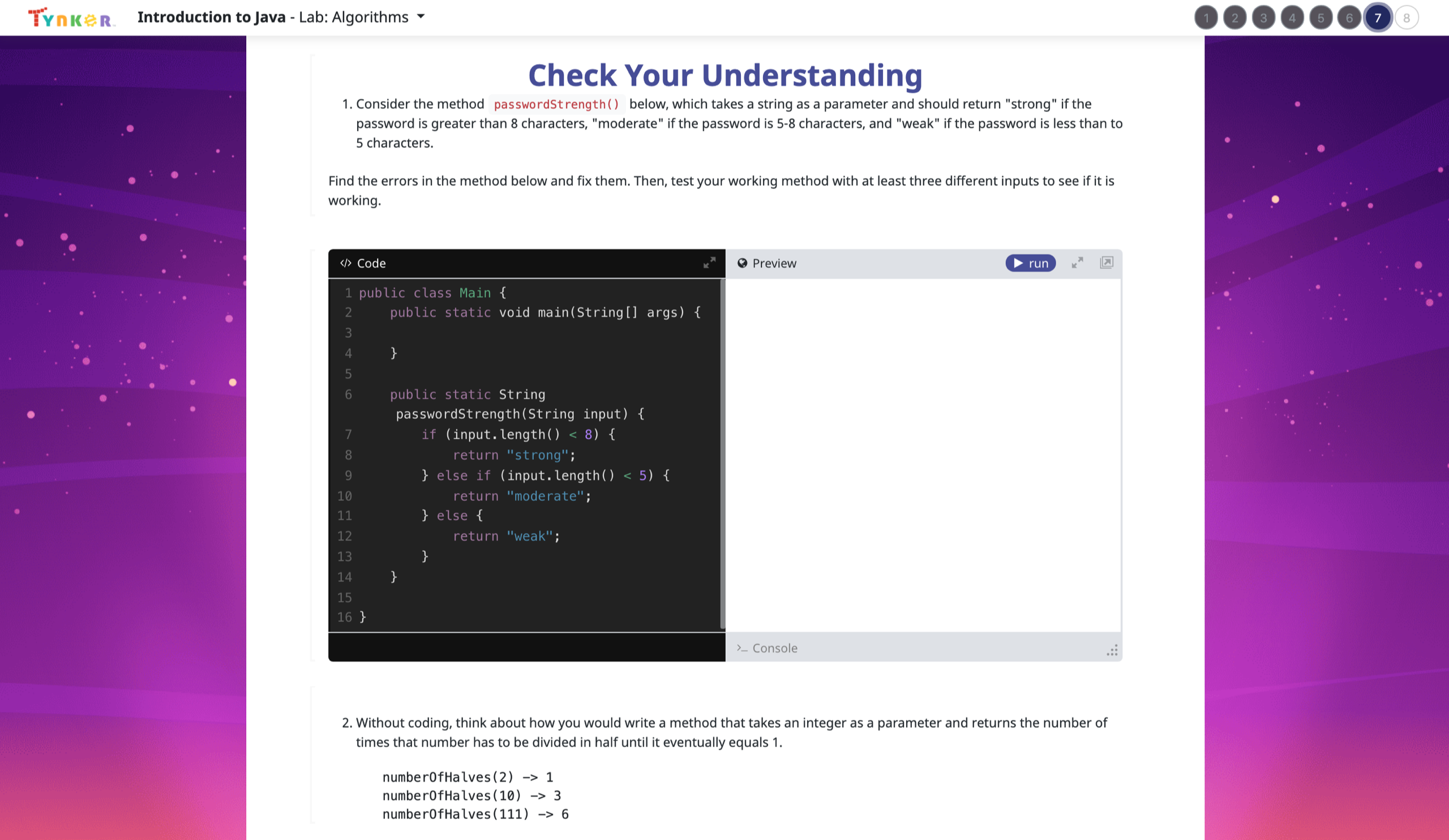
- Lab: Algorithms
Unit 11: Classes
A deeper dive into object-oriented programming.
12 Activities:
- 11.1 Constructors
- 11.2 Methods and Scope
- 11.3 Intangible Objects
- 11.4 Adding Functionality
- 11.5 toString
- 11.6 Separation of Concerns
- 11.7 Setters and Getters
- 11.8 Writing Setters and Getters
- 11.9 National Parks
- 11.10 Impact of Computing
- 11.11 Classes Review
- 11.12 Classes Quiz
Unit 12: Array Basics
Learn the basics of arrays.
7 Activities:
- 12.1 The Case for Arrays
- 12.2 Creating Arrays
- 12.3 For Loops and Arrays
- 12.4 Processing Arrays
- 12.5 Taking Flight
- 12.6 Arrays Review
- 12.7 Arrays Quiz
Unit 13: Array Applications
Create cool programs of your own using array processing.
11 Activities:
- 13.1 Arrays and Objects
- 13.2 Comma Separated Values
- 13.3 Arrays and Objects 2
- 13.4 ToDo List
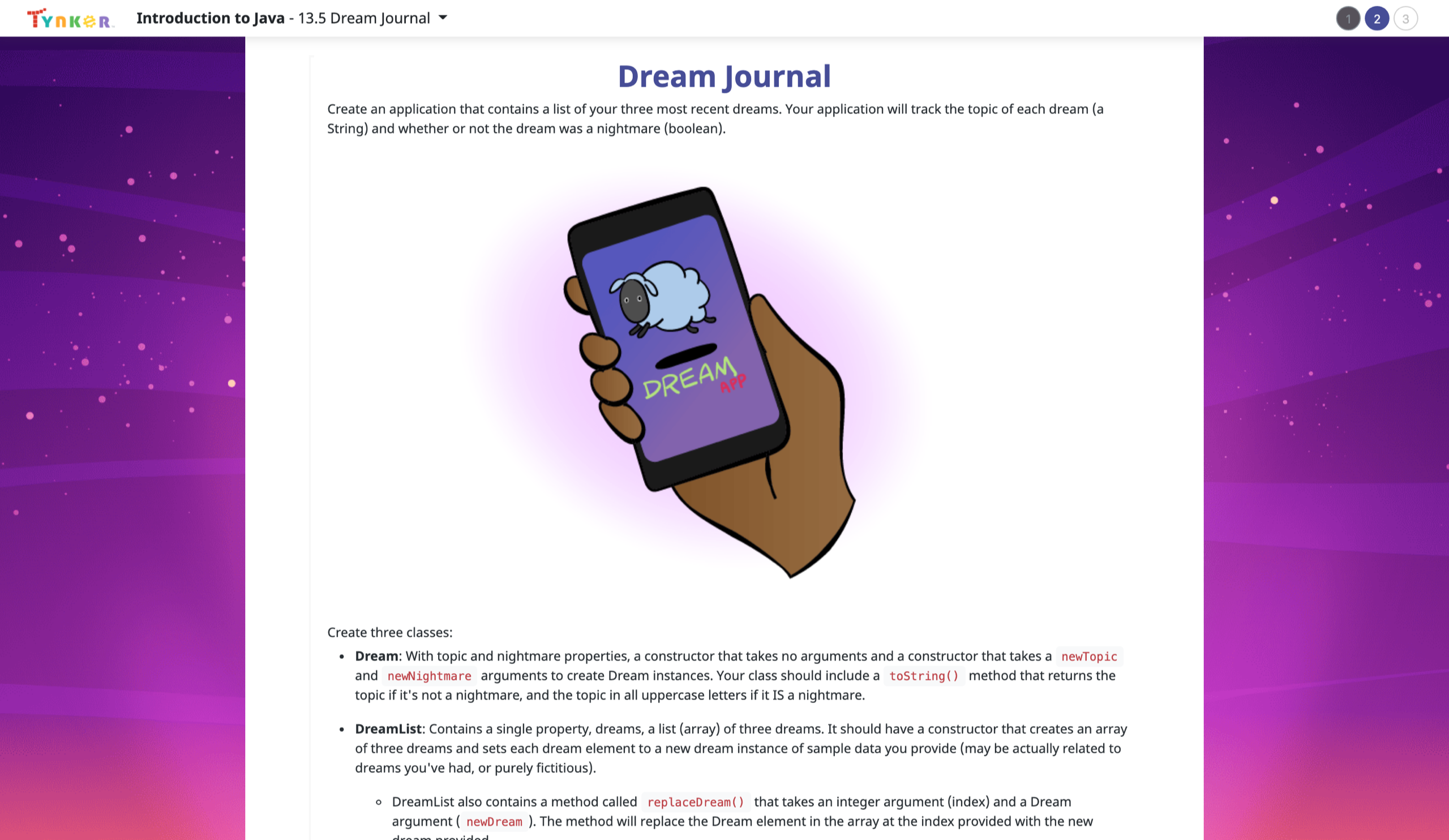
- 13.5 Dream Journal
- 13.6 Global Temperatures
- 13.7 Graphing Temperatures
- 13.8 Regional Temperatures
- 13.9 ForEach Loops
- 13.10 Arrays and Objects Review
- 13.11 Arrays and Objects Quiz
Unit 14: Array Challenge Lab
Practice using arrays with challenge questions in this lab.
1 Activity:
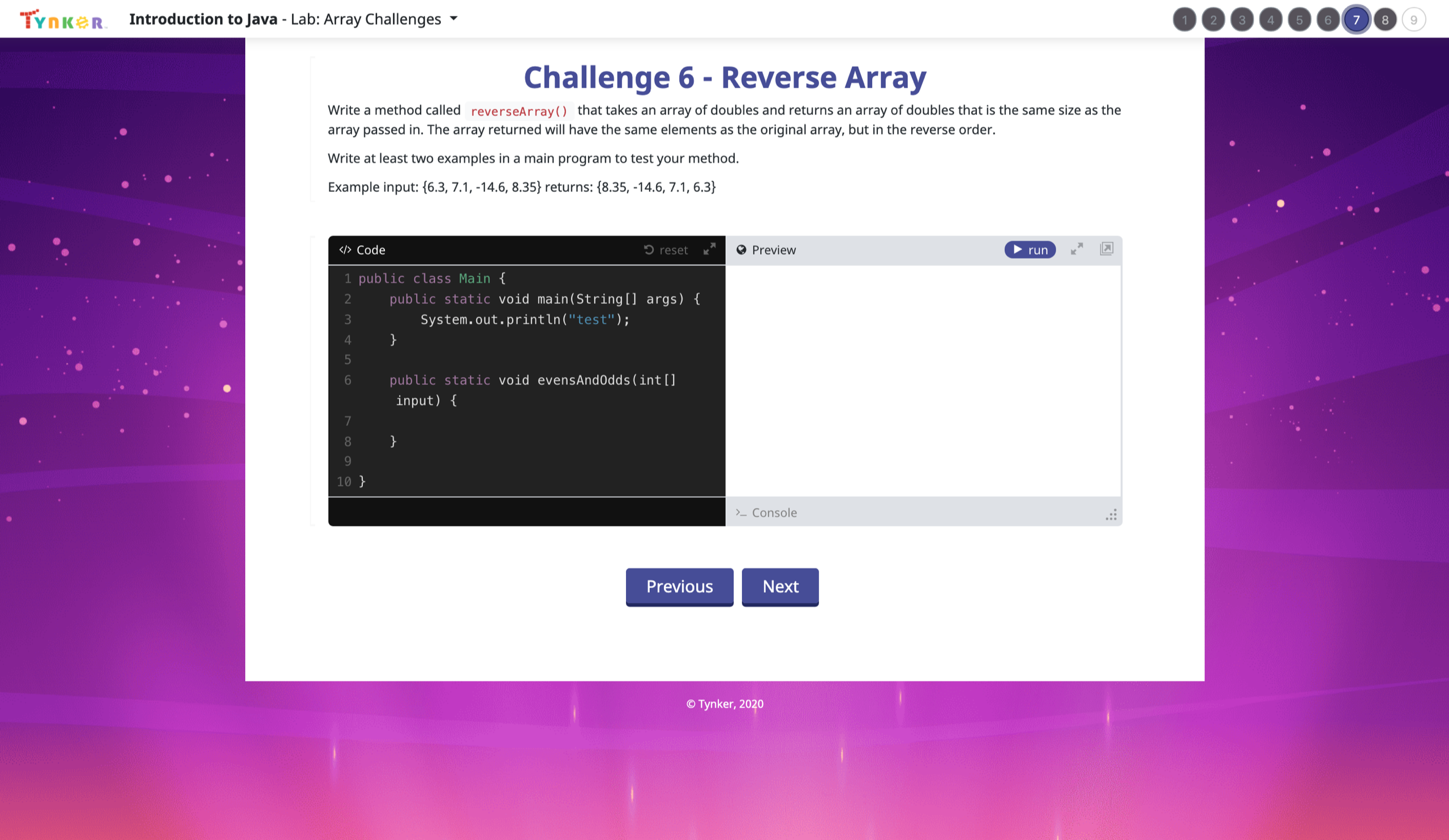
- Lab: Array Challenges
Unit 15: Inheritance
Learn about class inheritance and its applications.
7 Activities:
- 15.1 Introduction to Inheritance
- 15.2 Extends
- 15.3 Equals
- 15.4 Super
- 15.5 Polymorphism
- 15.6 Inheritance Review
- 15.7 Inheritance Quiz
Unit 16: Capstone Project
Create a Java project of your own design.
4 Activities:
- Capstone Project, Day One
- Day Two: Find Bugs
- Day Three: Minimum Viable Product
- Day Four: Polish, Test, and Document
