Special Savings: 40% Off

Processing 1 Course

Welcome to Processing 1 Course, using p5.js. Tynker’s introduction to foundational concepts of art and computer science.

Image Processing and Art Course

Advanced Level
100% Online
7 Lessons
59 Activities
Processing 1 Course Processing 1 Course Processing 1 Course Processing 1 Course Processing 1 Course Processing 1 Course Processing 1 Course Processing 1 Course

Access this and 5,000 coding activities!

Get Started for Free

Give as Gift

Recommended for Ages 14+

Web

No Prerequisites

JavaScript

JavaScript is a lightweight scripting language. Sharing design elements of both Java and Python, it is the language of choice for web pages, enabling sophisticated behaviors and interactivity when paired with HTML and CSS.

p5.js

p5.js is a JavaScript graphics library based on Processing. While not a language itself, it provides JavaScript programmers with revolutionary tools to make the coding of visual web apps much easier.

What Kids Learn

  • Explore the p5.js library
  • Progress through 298 coding activities
  • Dive into image processing with code
  • Draw simple shapes with 2D coordinates
  • Recreate pointillism, cubism, and more

How Kids Learn with Tynker

Kids learn on their own with a guided, hands-on approach that individualizes the learning experience. Tynker's online courses provide a complete learning system for your child to master the fundamentals of programming. Tynker's visual programming language makes it easy to learn, and once kids gain proficiency, they can seamlessly transition to Javascript coding within the Tynker learning system. Enroll in one of our plans for unlimited play across all courses.

Game-Based Learning

Tynker's self-guided lessons break down coding concepts while solving puzzles and making cool apps.

Interactive Assessments

Quick practice quizzes and assessment tests evaluate a child's comprehension of subjects taught.

Captivating Topics

There's always something to learn with multiple subjects, projects, and coding languages available.

System Requirements

Online courses require a desktop computer, laptop computer, Chromebook, or Netbook with Internet connection and a Chrome (29+), Firefox (30+), Safari (7+), or Edge (20+) browser. No downloads required.

Unit 1: Introduction to p5.js

Draw basic shapes while exploring fundamental computing concepts.

9 Activities:

  • 1.1 Welcome
  • 1.2 Introduction to JavaScript
  • 1.3 Colors
  • 1.4 Lab: Piet Mondrian
  • 1.5 Ellipses and Circles
  • 1.6 More Basic Shapes
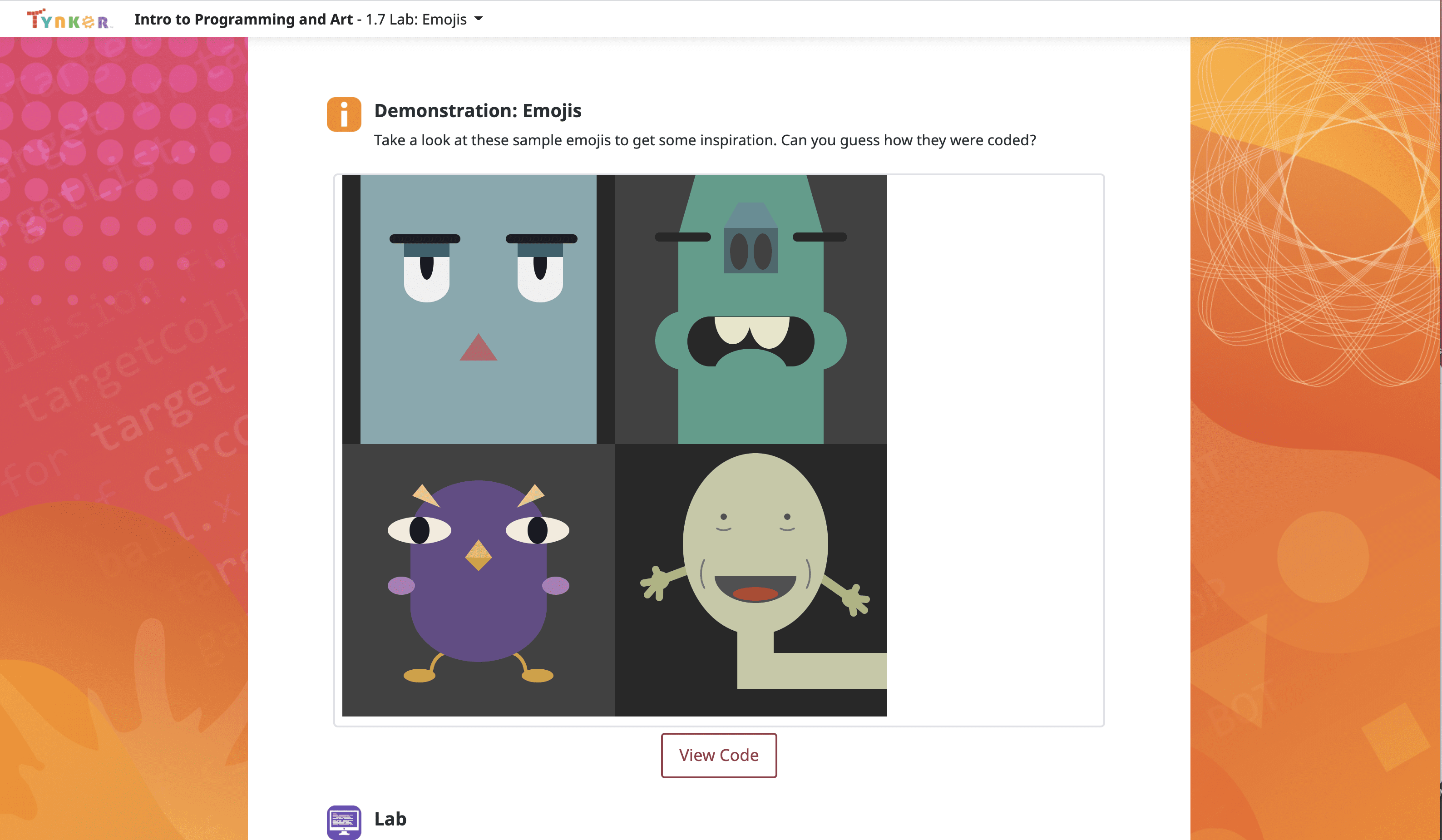
  • 1.7 Lab: Emoji Inventor
  • 1.8 Review
  • 1.9 Quiz

Unit 2: Colors and Shapes

Draw irregular shapes, choose color schemes, and layer and blend colors.

11 Activities:

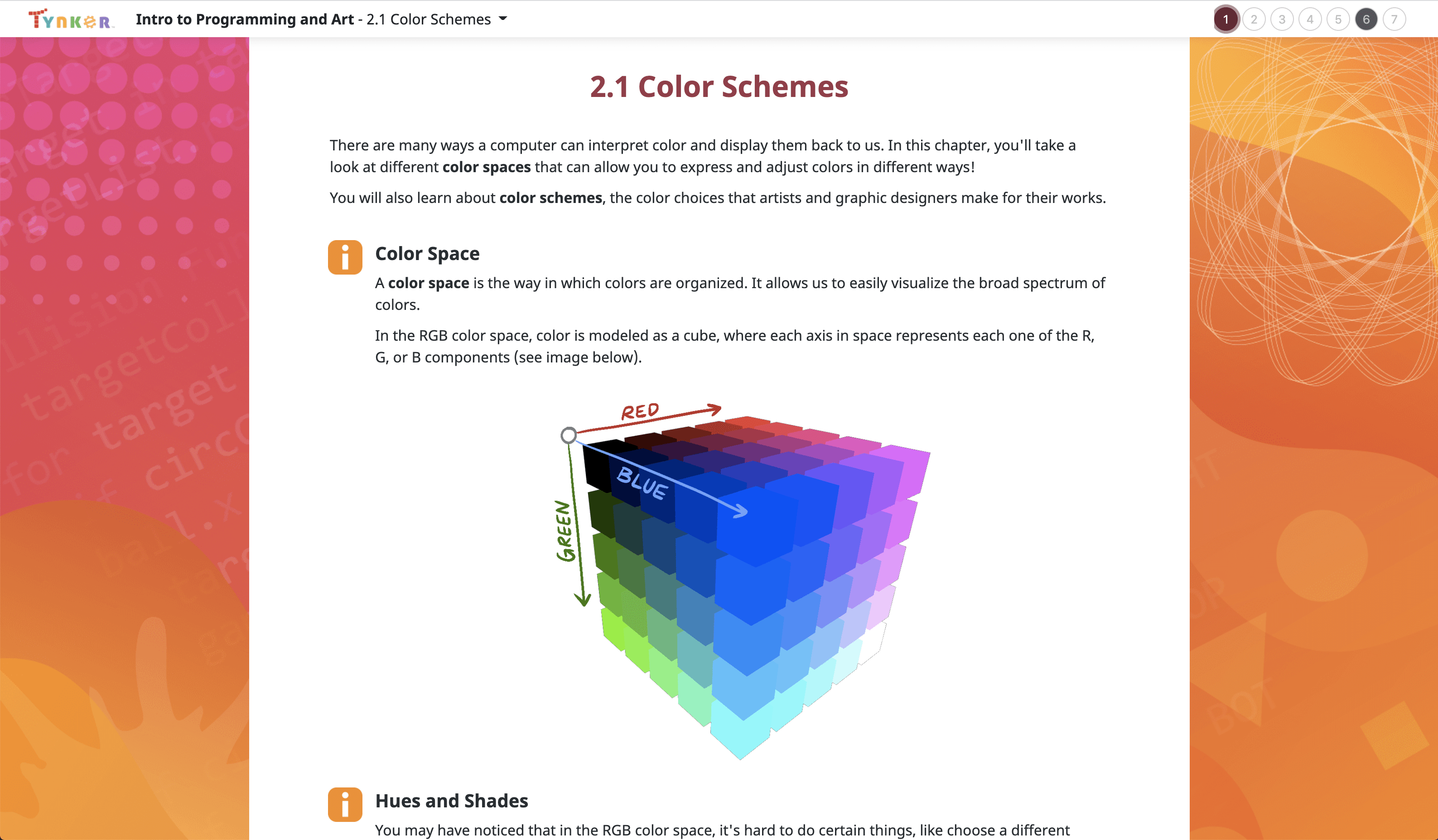
  • 2.1 Color Schemes
  • 2.2 Irregular Shapes
  • 2.3 Lab: Create a Logo
  • 2.4 User-Defined Functions
  • 2.5 Lab: Silhouette
  • 2.6 Transparency
  • 2.7 Lab: Origami Art
  • 2.8 Randomness
  • 2.9 Lab: Cubism
  • 2.10 Review
  • 2.11 Quiz

Unit 3: Beauty of Code

Explore loops, variables, and use them to paint the canvas.

10 Activities:

  • 3.1 Variables
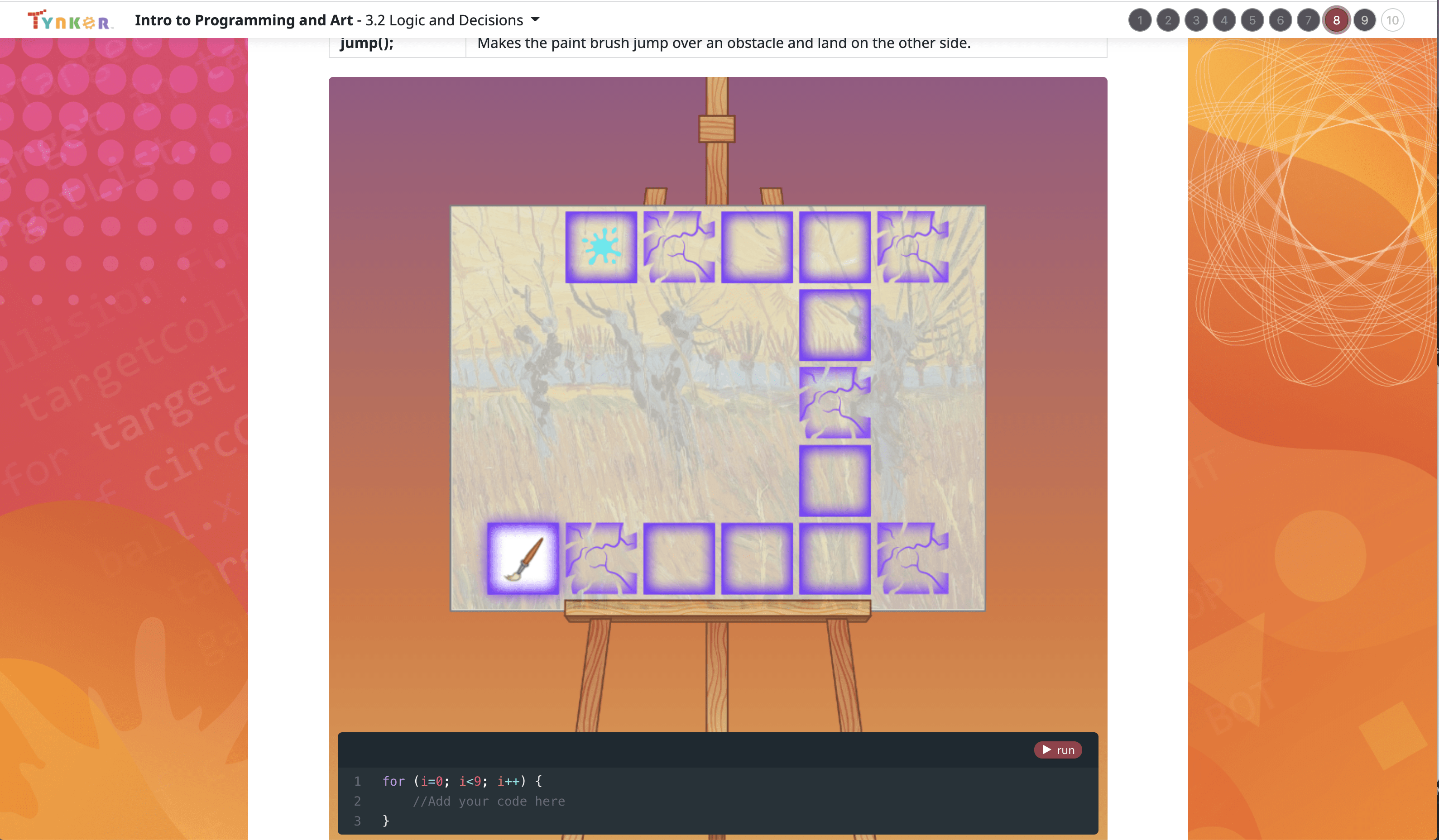
  • 3.2 Logic and Decisions
  • 3.3 Loops
  • 3.4 Lab: Refactoring
  • 3.5 Gradients
  • 3.6 Lab: Create a Cityscape
  • 3.7 Shading: Creating Depth
  • 3.8 Lab: Sol LeWitt
  • 3.9 Review
  • 3.10 Quiz

Unit 4: Logic of Art

Make Impressionist-style paintings using advanced coding techniques!

9 Activities:

  • 4.1 Advanced Logic
  • 4.2 Pixel Art Challenge
  • 4.3 Draw
  • 4.4 Implicit Shading and Shapes
  • 4.5 Lab: Impressionism
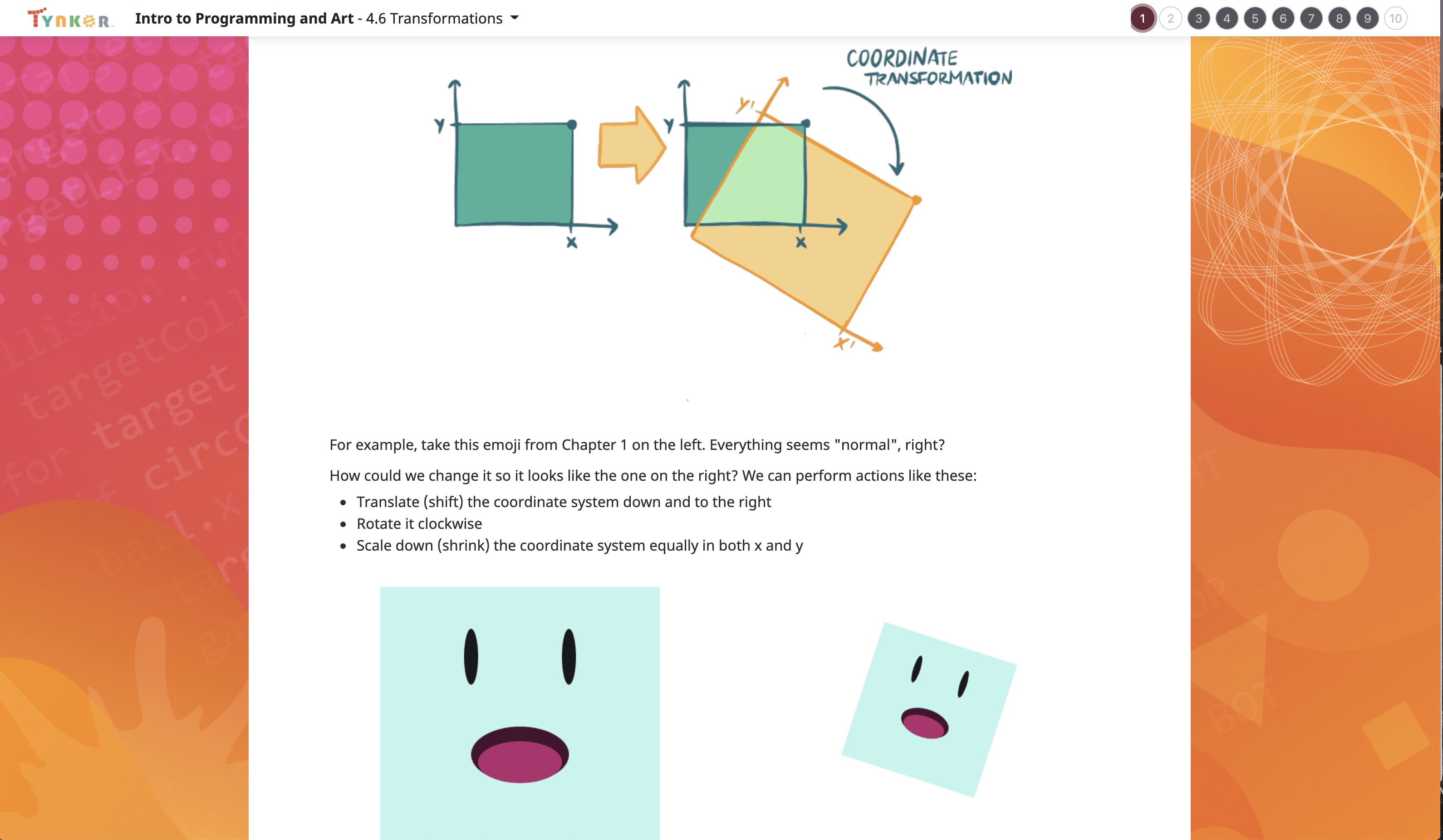
  • 4.6 Transformations
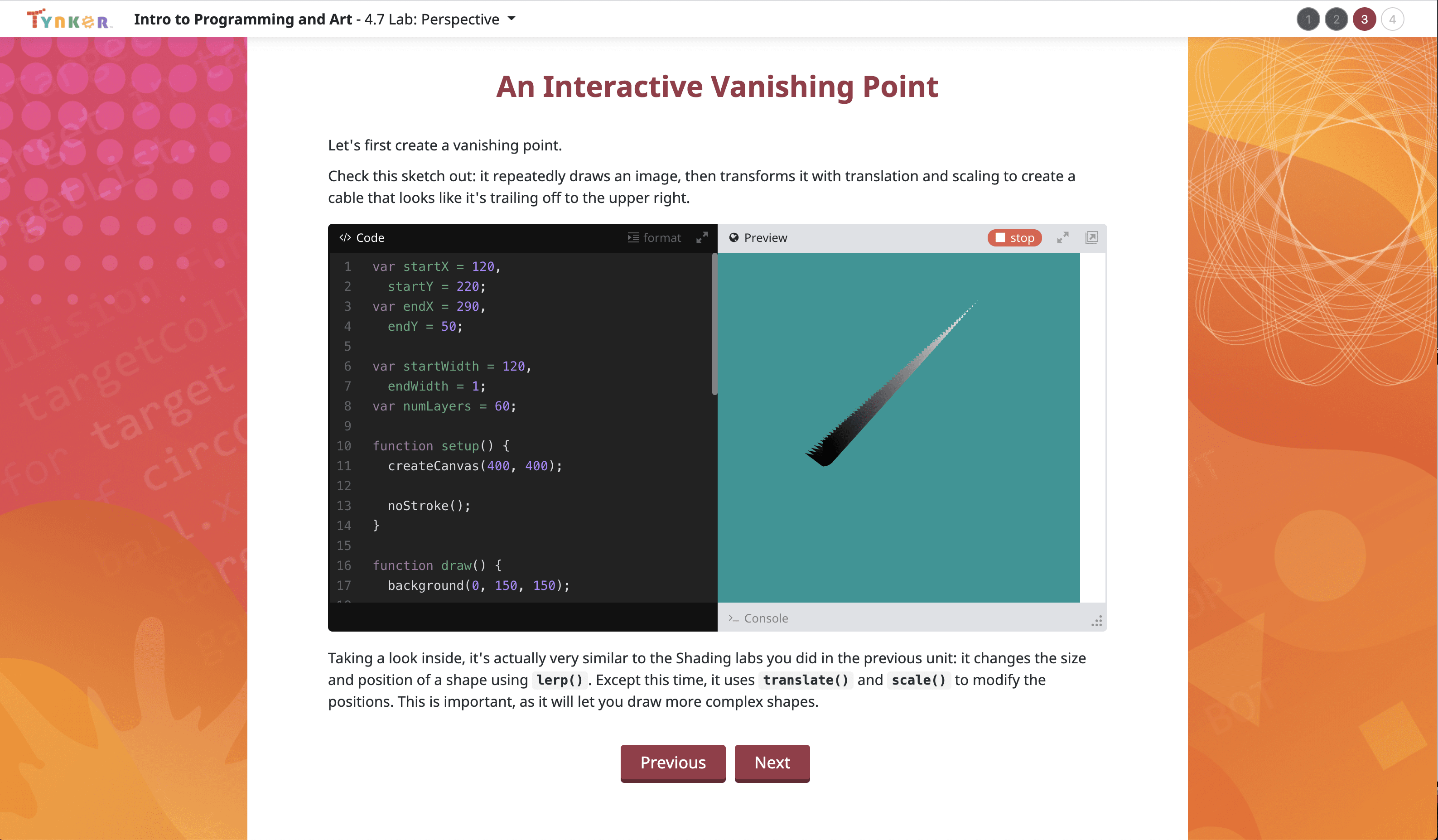
  • 4.7 Lab: Perspective
  • 4.8 Review
  • 4.9 Quiz

Unit 5: Image Processing & Pixel Editing

Manipulate existing images; use cool photo filters and much more.

10 Activities:

  • 5.1 Images
  • 5.2 Lab: Pointillism
  • 5.3 Arrays
  • 5.4 Pixel Data
  • 5.5 Lab: Andy Warhol
  • 5.6 Steganography
  • 5.7 Pixel Art Effects
  • 5.8 Lab: Halftones
  • 5.9 Review
  • 5.10 Quiz

Unit 6: Interactive Art and Animation

Create animations, make games, and play sounds.

7 Activities:

  • 6.1 Mouse Interaction
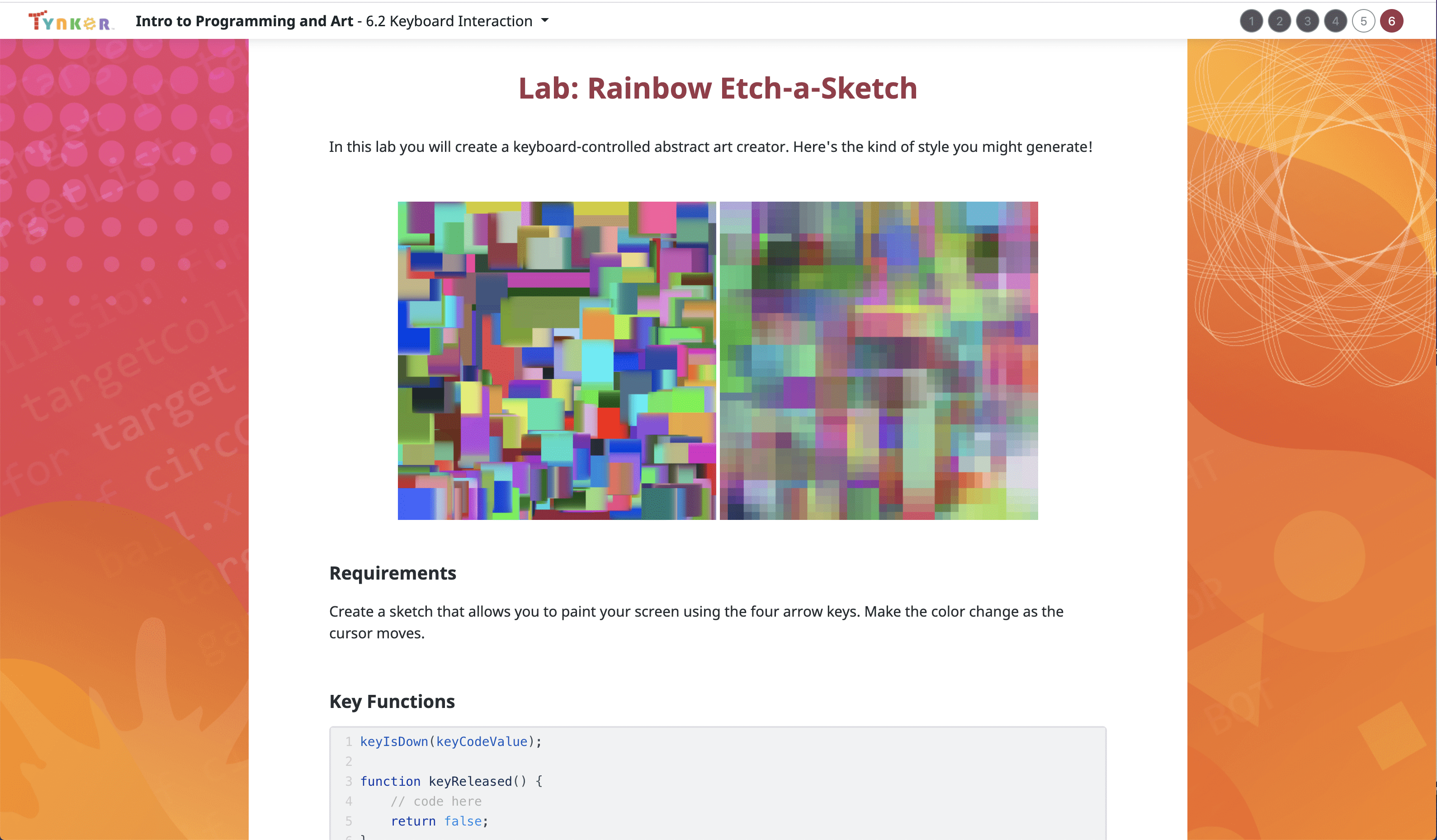
  • 6.2 Keyboard Interaction
  • 6.3 Objects
  • 6.4 Lab: Picture Slideshow
  • 6.5 Lab: Art Gallery
  • 6.6 Review
  • 6.7 Quiz

Unit 7: Collaborative Final Project

Code your own open-ended final art project.

3 Activities:

  • 7.1 Intro to the Final Project
  • 7.2 Breaking Bricks
  • 7.3 Your Final Project

Choose a Plan to Accelerate Learning

All plans include access for up to 3 children

40% OFF

Quarterly

$30 $18/month Now $54 billed quarterly cancel any time
40% OFF

Yearly

$25 $15/month Now $180 billed annually cancel any time
40% OFF

Lifetime*

$780 $468 one time payment Best Deal

Access everything Tynker offers

  • Thousands of hours of creative projects in Game Design, Minecraft, Python concepts, and more
  • Personalized assessments and certifications in real-world languages
  • Access to our highly rated mobile apps: Tynker, Tynker Junior & Mod Creator
  • 5,000+ lessons built to improve problem solving skills and academic performance
  • Parent dashboard with mastery stats - watch as they progress from novice to expert
  • 30 Day Money-Back Satisfaction Guarantee
