
-
October 10, 2023

Quick Tip Videos: Tynker Tricks in 60 Seconds or Less
Getting started with Tynker? Looking for short programs inspire your child to get creative? Watch these videos together. Then let their imagination take over! What will they create with code? To create a new project and follow along, login at tynker.com, visit Projects, then Create a New Project > Blank Block Coding Project. Move Around Make an actor move back-and-forth. […]
0 -
September 8, 2023
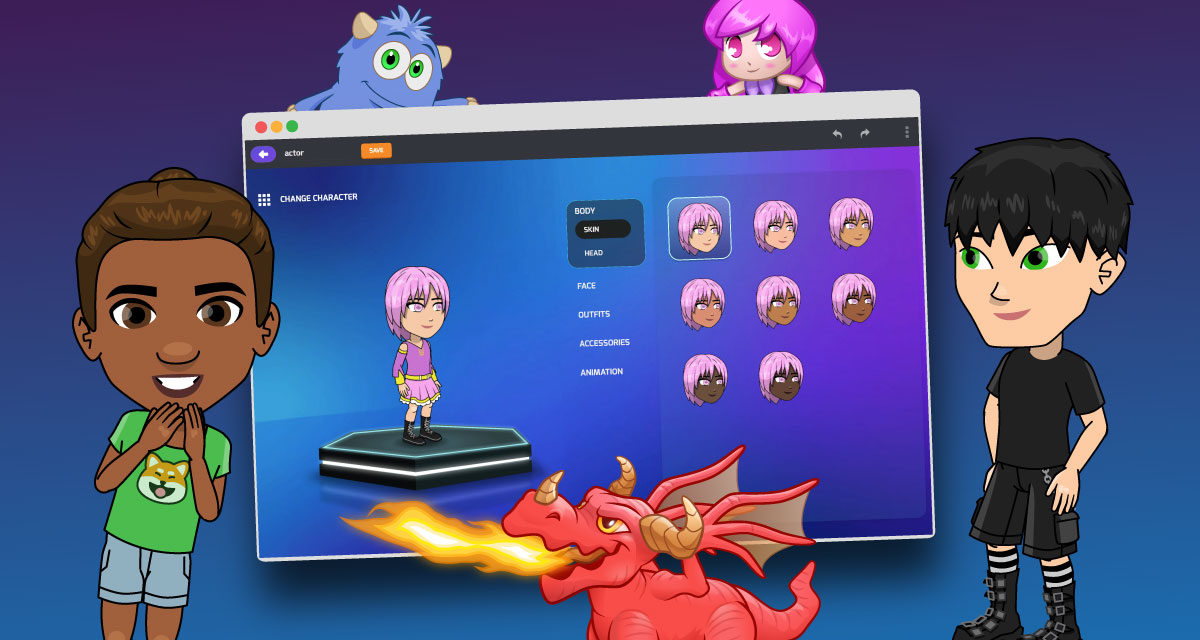
New and Improved! Tynker’s Character Builder
If you’ve been coding with Tynker for a while now, you might have noticed that Tynker has several kinds of actors. Some actors like Codey or the Dragons are created using the Character Builder. You can think of these Character Builder-created actors as rigs that can use common animations, for example: Throw, Run, or Jump. Rigs are in groups, according […]
0 -
July 17, 2023
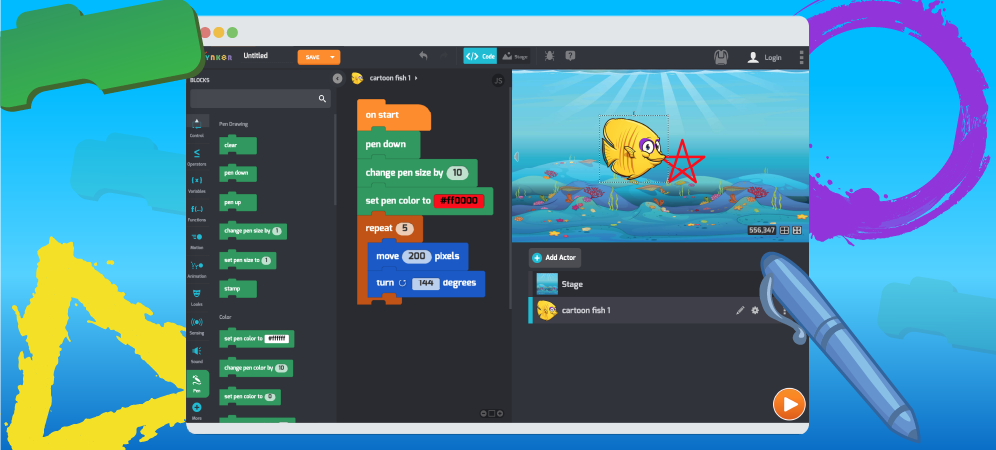
Tynker Toolbox: The Pen Blocks
Did you know that you can use Tynker to create colorful, original drawings? This complex, spiraling image was created with just a handful of code blocks using Tynker’s Pen. To use the Pen Blocks, you must enable them first. You’ve got two options. Option #1: Drag any Pen block in your code, and the extension will automatically be enabled! Search for […]
0 -
June 29, 2023
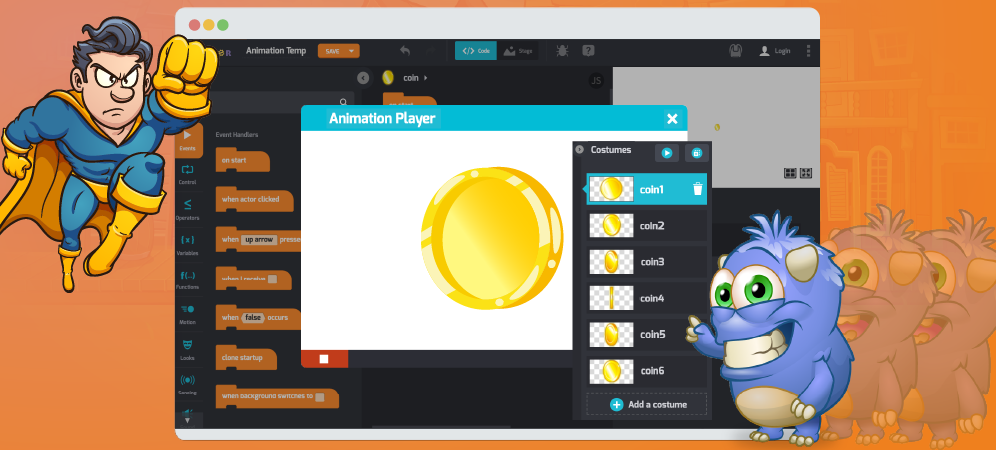
Tynker Toolbox: The Animation Tool
Do you love writing stories and drawing characters with Tynker? Well, now you can make your projects even better by creating your own animated artwork. Animation uses still images called frames to create movement. Here are some frames of a running horse animation: With enough still images, animators can create the illusion of movement by displaying frames quickly, one-after-another: Tynker’s […]
0 -
January 27, 2023
We Improved Tynker’s Drawing Tool
Do you love creating your own original artwork in Tynker? We have a surprise for you! We’ve added Vector support to Tynker’s Drawing Tool! It makes all kinds of amazing artistic applications possible. Just take a look at some of the cool characters that Tynker coders created for the Winter Code Jam! Why Vector? The new-and-improved Vector Drawing Tool lets […]
0 -
September 22, 2022

Tynker Toolbox: The AI Blocks
Wondering what all the fuss is about with Tynker’s new AI blocks? You’ll see three cool new extensions that simplify working with AI for kids — friendly metaphors that will help them see the big idea of computer science — and get them excited about coding, too. Find these cool FREE projects by logging in at tynker.com, them choose Projects […]
0 -
January 28, 2021
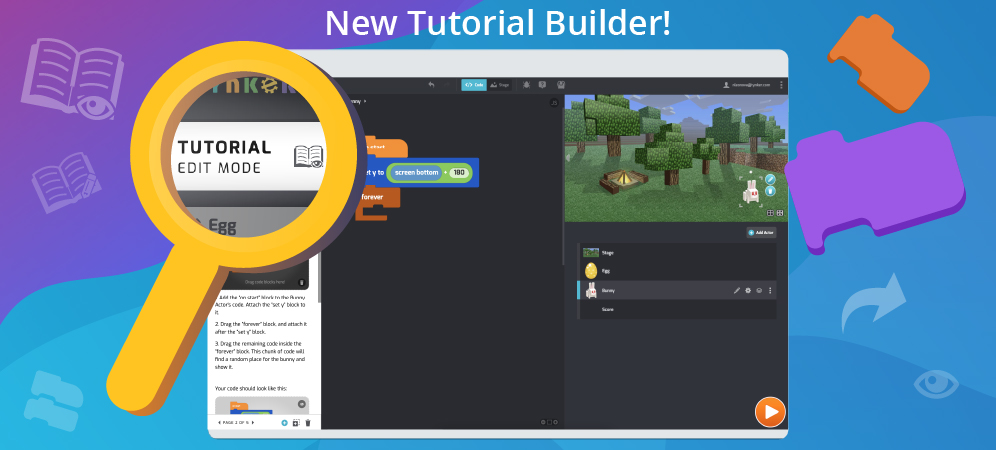
Tynker Toolbox: The Tutorial Builder
Did you ever make a really cool Tynker Block project and wish you could teach the whole world exactly how you did it? Now you can, with Tynker’s new Tutorial Builder! This new tool is perfect for teachers and anyone else who wants to write their own, original block coding tutorials. To follow along, just log in at tynker.com. Add […]
0 -
July 21, 2020
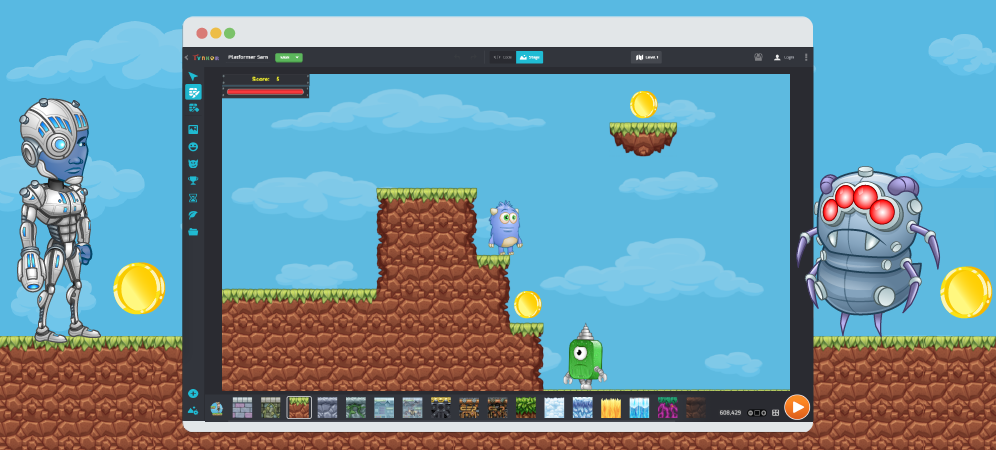
Tynker Toolbox: The Level Editor & Platformer Blocks
Tynker Toolbox: The Level Editor & Platformer Blocks Have you ever played a Platformer game? It’s a game where the player has to jump around to advance, like Super Mario, Sonic the Hedgehog, Canabalt, or Geometry Dash. Here’s an example of a Platformer coded with Tynker, where you’re a leprechaun who can’t stop running, collecting shamrocks, and pots o’ gold. […]
0 -
June 15, 2020
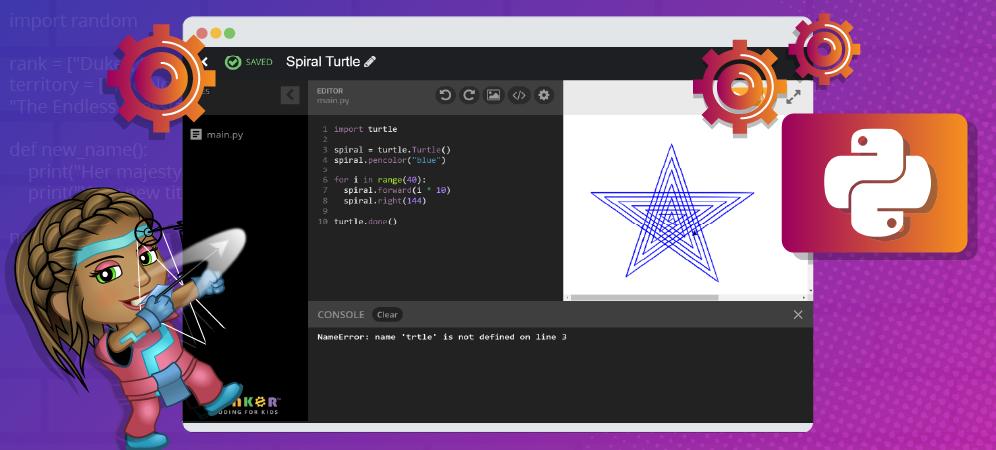
Tynker Toolbox: The Python Editor
Did you know that you can code in your web browser using more than just Tynker Blocks? Tynker supports Python, the text-based programming language used by millions of professional coders at places like Google, NASA, and IBM. Python is a simple but powerful tool that anyone can learn, at any age, young or old. Python is a general purpose programming […]
0
 Coding for Kids > Blog > Tynker Toolbox