
-
May 26, 2020
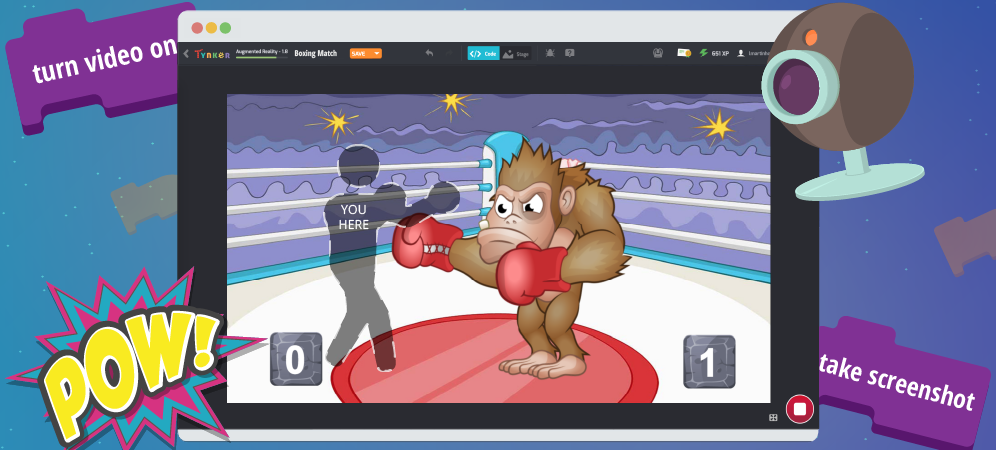
Tynker Toolbox: The AR Blocks
AR brings coding to life! AR, short for Augmented Reality, is a way of adding computer-generated effects to real-life photos and videos. And, as an added bonus, AR projects will get you moving around, too! Here’s a look at what’s possible with AR. Check out Wipe Away, a timed game where you have to touch on-screen blocks with your hands […]
0 -
May 18, 2020
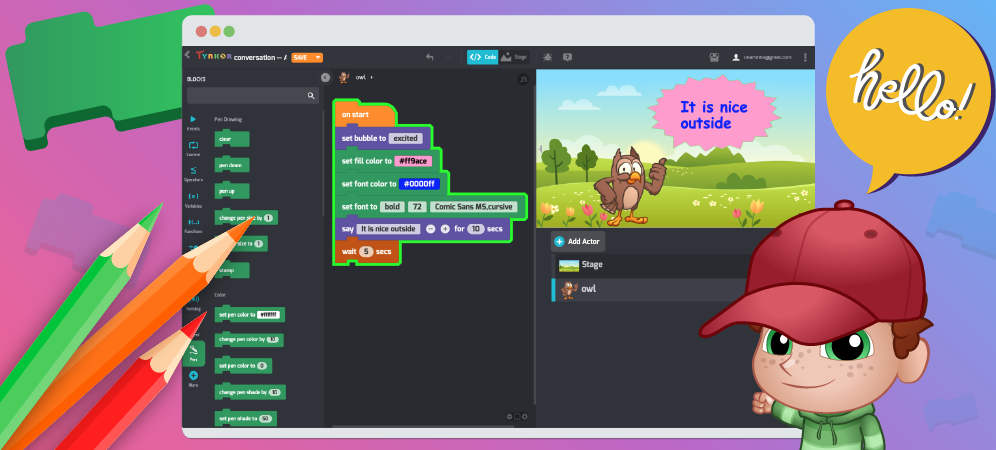
Tynker Toolbox: Text Tricks
Let’s learn how to take control of text with Tynker. With these cool text tricks, you can have fun with text! You can make interactive writing, custom text message bubble styles, speech bubbles and labels. Or you can create a storybook, put on a puppet show, tell a joke, or make your own animation. You can even use computer code […]
0 -
May 8, 2020
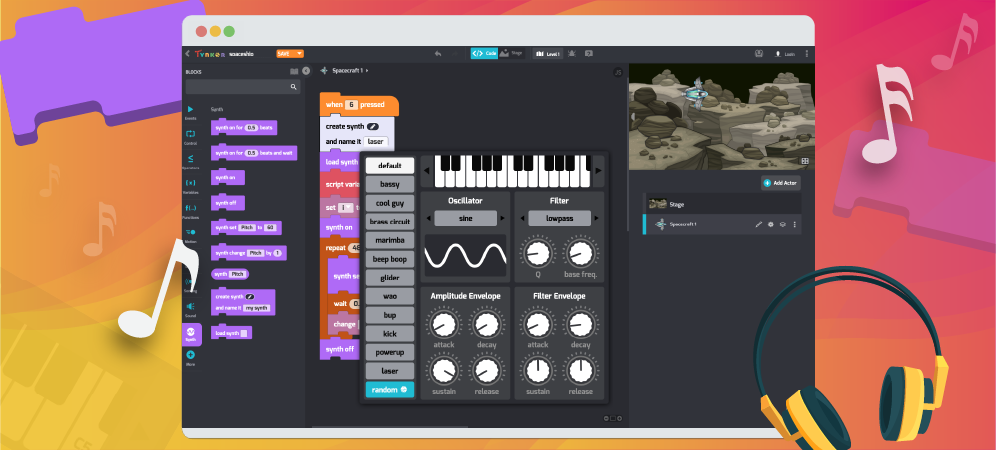
Tynker Toolbox: The Synth Blocks
Tynker’s new Synthesizer blocks make creating your own sound effects and instruments fun and easy. You can create funky basslines, crunchy dubstep drops, glitchy chiptunes, or a groovy ‘70s organ solo—in short, sounds, noises, and instruments from any style of music you can imagine! You can even create bleeps and bloops from retro games like Pong, Super Mario, and Donkey […]
0 -
May 4, 2020
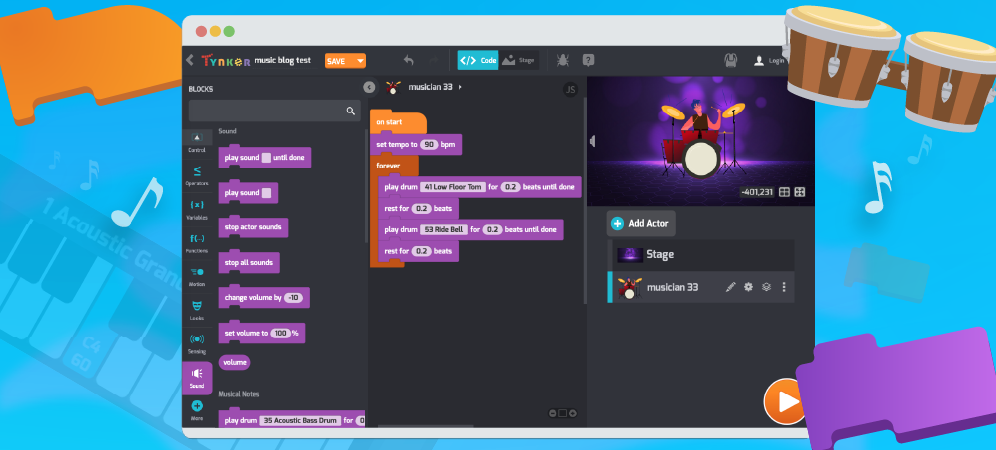
Tynker Toolbox: The Sound Blocks
There’s no denying a connection between math, computers, and music. Studying these fields requires pattern-seeking, problem solving, logic — and for most of us — a degree of patience, practice, and grit. Let’s explore the recent upgrades and improvements to Tynker’s Music and Sound system and find out how you can combine coding with music to make your own songs: […]
0 -
April 29, 2020
Tynker Toolbox: Tynker Workshop Basics
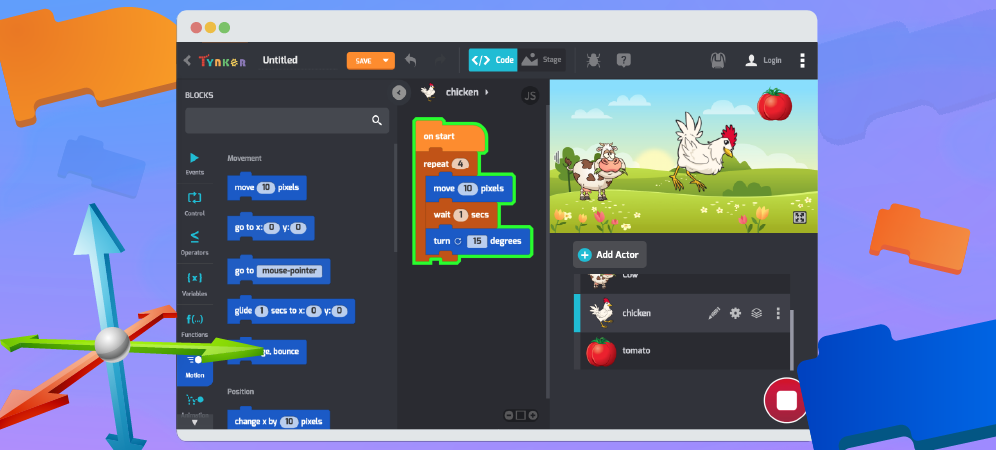
Let’s get comfortable with the absolute basics of Tynker. In this coding for beginners tutorial, you’ll learn how to move Actors on the Stage using code blocks. After logging in at tynker.com, you’ll see your Dashboard. First click Projects, then +Create a New Project. You’ll see links to all sorts of exciting computer programming basics templates: From here you can […]
0 -
April 9, 2020
Tynker Toolbox: The Physics Blocks
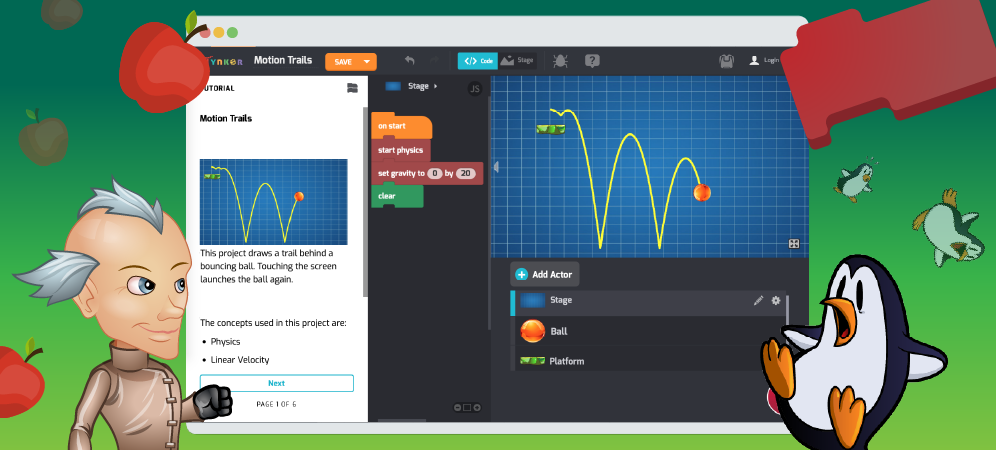
Physics is a world of projectiles flying through the air, spinning wheels, satellites orbiting planets, spectacular collisions, and more. It’s an exciting world of action and motion! Try playing this Tynker project, which uses the Physics Blocks. Click your mouse to fire a few times, then stop the project and keep reading. Put another way, physics is the study of […]
0 -
March 26, 2020
Tynker Toolbox: Code Block Tricks
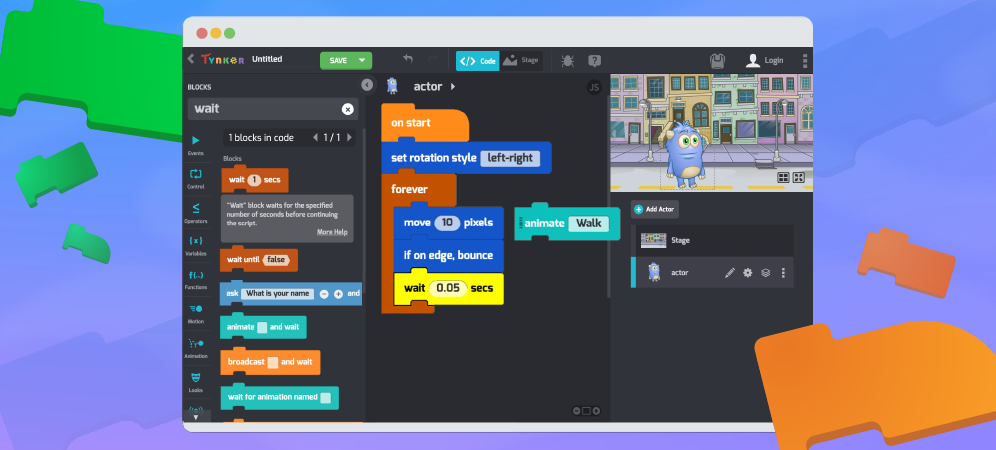
Think you know everything about Tynker Code Blocks? Let’s see about that. Explore some cool hidden features with this code blocks tutorials and become a Tynker ninja! Open up Tynker workshop (Projects > +Create a New Project > Blank Block Project) and follow along! Disconnecting Blocks With block based coding, you’ll often have to rearrange code and experiment with the […]
0 -
March 5, 2020
Tynker Toolbox: The Debugger Tool
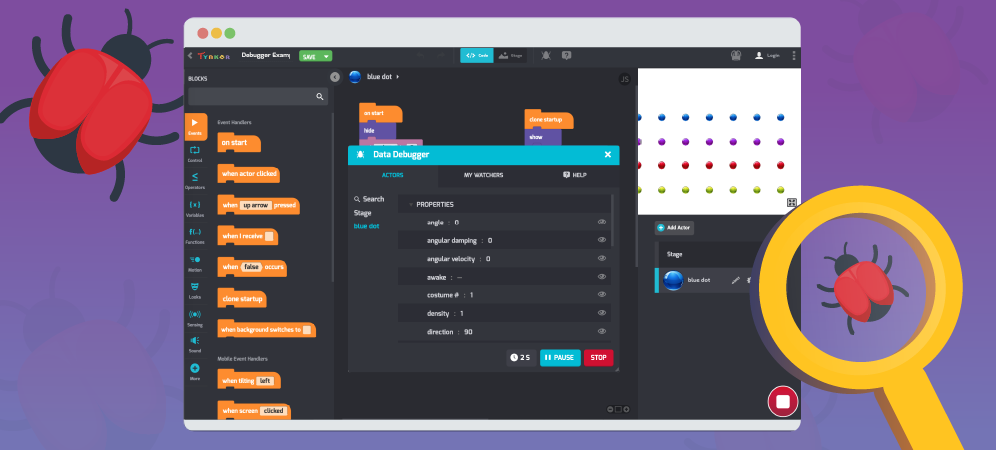
Programmers make so many mistakes—literally all the time!—that they gave their mistakes a nickname: Bugs. 🦟 The process of finding and fixing bugs in code is called debugging. Ask any computer programmer, and you’ll find that debugging is a big part of their day-to-day work. If you’ve been coding for a while, you’ve probably done your share of debugging, too. […]
0
 Coding for Kids > Blog > Tynker Toolbox