
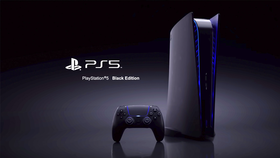
PlayStation 5 Console
by Remote Buzz
Remix Project
7
0
Description
Welcome to PlayStation, here is how to use your console: Press the PS button to go to the home screen. Press the camera icon on the home screen to open the camera. Press the square button to take screenshots, and to take pictures. Press the clock icon after opening the camera to set a timer before automatically taking a picture. Press the console icon on the home screen to open the settings. Press the controller icon on the home screen to play games. Press the e key to turn on the emoji face filter on the camera, and press the n key to turn it off. Lastly, press the power off button to turn off your console. Video Game Instructions: Planet View Simulator: Press the keys 1 through 2 to change the planet.
Tags
game, simulator, photo, music, cool
More from Remote Buzz (121)
More from Remote Buzz
Minecraft Adventure Edition, EP1
by Remote Buzz
SimCity V1.15
by Remote Buzz

Madden NFL 20
by Remote Buzz
Real City Driving
by Remote Buzz

Benz
by Remote Buzz

SRT Games Faster Drive 5
by Remote Buzz
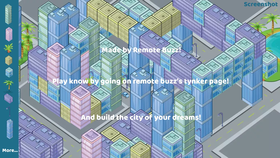
SimCity - A Realistic City Simulator
by Remote Buzz
MathMaster
by Remote Buzz
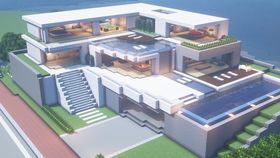
Minebook
by Remote Buzz
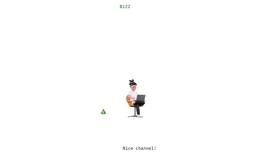
Streaming Empire Clicker
by Remote Buzz
Minecraft Dungeons Ultimate Edition
by Remote Buzz
Minecraft
by Remote Buzz


Share with Friends