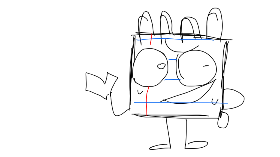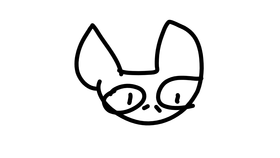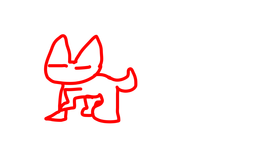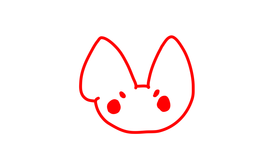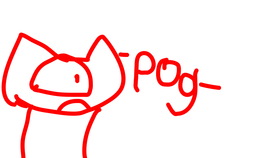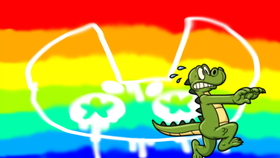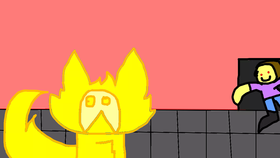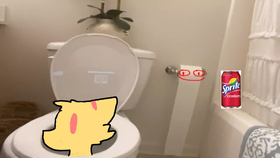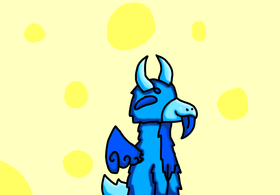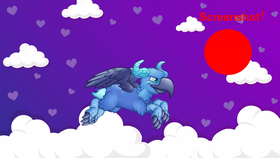
Animation screenshots! :)
by Devilpup!
Remix ProjectDescription
This is a coding test, read the following to know how to use this: at the start, the animation playing is “ idle, “ press the up arrow on your keyboard to make the “ dragon “ fly! Press the down arrow on your keyboard to make the “ dragon “ hover. “ press the right arrow on your keyboard to make the “ dragon “ jump! Press the left arrow to make it breath fire! And if you are thinking: “ This is pretty cool, but the neon red button will be in my picture. And it will look weird. “ well dont worry about that, we made the code so the button will “ hide “ before the screenshot is taken. :) Side note: click the “ dragon “ to make it “idle “ again. Also, read the following to learn how to change backgrounds. Press “A” to switch the background to a yellow diamond background, press “B” to switch the background to a blue hexagon background, press “C” to switch the background to a purple lavender background, Press “D” to switch the background to a pretty pink tree background, press “E” to switch the background to a purple cloud background, press “F” to pay respects- I MEAN- Press “F” to switch the background back to the default blue “bubble” background. ( and yes I had to add “ press F to pay respects “ for comedy purposes, bEcAuSe Im QUIRKY✨✨ ) Lol- I hope you enjoy this little coding “test” i made, i might add more to this little “game” in the future. I love you all! Have a good day! ( or night, orrrr afternoon. Lol )
Remixes of "Animation screenshots! :)" (1)
VIEW ALL REMIXESMore from Devilpup! (322)
More from Devilpup!