Minecraft Baby Add-Ons
Minecraft Add-Ons give players the ability to change the way things in the game appear and behave. You can change a chicken to act like an enderman, to attack, then explode with MC add-ons. Choose any of the add-ons below created by Tynker’s community to save, customize, and deploy in your own world! Create your own with Tynker’s Minecraft Add-Ons Editor!
What is Tynker + Minecraft?
Add on
to your Minecraft world with Tynker's Mobs Editor! Modify creatures, behaviors, and add unique abilities like explosive chickens or enderman-like attacks. Explore and customize Tynker's vast community-created Minecraft add-ons or create your own for endless adventures!
Minecraft Versions Supported
With Tynker, users of Minecraft for Windows (Bedrock Edition) or Minecraft for iPad (Bedrock Edition) can access a variety of features to enhance their Minecraft experience and learn valuable coding skills:
Minecraft: Windows 10
- 5 Courses
- Modding with Tynker
- Workshop
- Skin Editor
- Add-on Manager
- Texture Editors
Minecraft: Pocket Edition
for iPad
- 5 Courses
- Modding with Tynker
- Workshop
- Skin Editor
- Add-On Manager
- Texture Editors
- Modding with Tynker App
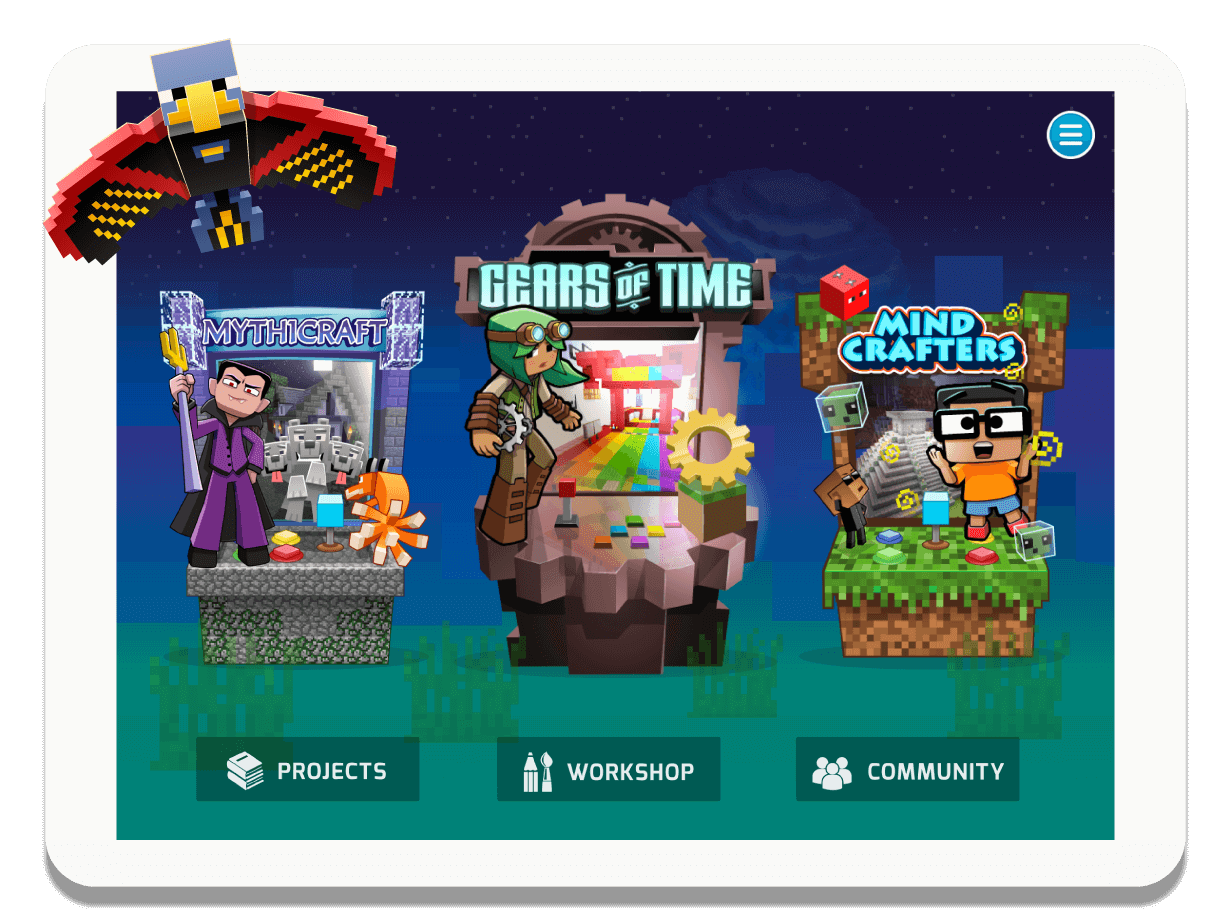
Download the Tynker
Mod Creator App
Drag-and-drop Minecraft modding. Design skins, blocks and items. Modify mob behaviors. Create mods and add ons. Explore virtual worlds! Ages 6-11

Unlock Everything!
* NOT OFFICIAL MINECRAFT PRODUCT. NOT APPROVED BY OR ASSOCIATED WITH MOJANG.Introducing the Tynker Minecraft Modding FAQ: Your Ultimate Guide to Learn Minecraft Coding!
-
What are Minecraft Add-Ons?
Minecraft Add-Ons give players the ability to change the way things in the game appear and behave. -
Can I create my own Minecraft Add-Ons?
You can create your own Minecraft Add-Ons with the resources you'll find here. -
Do Minecraft Add-Ons work in multiplayer servers?
Minecraft Add-Ons will work in multiplayer and on Realms, so you can play with friends.
