





Unit 1: Computing Innovations
Welcome to the course! Learn about computing inventions and start coding.
12 Activities:
- 1.1 Welcome to AP CS Principles
- 1.2 Computing Innovations
- 1.3 Python Basics
- 1.4 What is Data?
- 1.5 Algorithms
- 1.6 Python Loops
- 1.7 Loops Part 2
- 1.8 Computing Systems and Networks
- 1.9 Impacts on Society
- 1.10 Creative Development
- 1.11 Review
- 1.12 Quiz
Unit 2: Conditional Algorithms
Explore the big ideas of selection, sequencing, and iteration.
13 Activities:
- 2.1 Conditional Algorithms Unplugged
- 2.2 Conditional Logic Puzzles
- 2.3 Conditional Loops
- 2.4 Variables in Python
- 2.5 User Input
- 2.6 Create Task: Trivia Game
- 2.7 Random Integers in Python
- 2.8 Rock Paper Scissors: Pair Programming
- 2.9 Conditionals with the Robot Language
- 2.10 Number Guessing Game
- 2.11 Create Task: Math Facts Game
- 2.12 Review
- 2.13 Quiz
Unit 3: Abstraction
Learn how to generalize your code with variables and functions.
9 Activities:
- 3.1 What is Abstraction
- 3.2 Variables and Expressions
- 3.3 Lists
- 3.4 The Turtle
- 3.5 User Interaction
- 3.6 Writing Functions with Parameters
- 3.7 Review
- 3.8 Quiz
- 3.9 End of Quarter Create Task
Unit 4: Computing Systems and Networks
Learn about the Internet, computer networks, and more.
11 Activities:
- 4.1 Computing Networks
- 4.2 Dictionaries
- 4.3 The Internet
- 4.4 Packet Routing Simulation Program
- 4.5 Parallel Computing
- 4.6 Distributed Computing
- 4.7 Game Design
- 4.8 Practice with Update
- 4.9 Pair Programming Challenges
- 4.10 Review
- 4.11 Quiz
Unit 5: Python Games
Build cool Python games in the style of Frogger, Tetris, Connect, and Snake.
11 Activities:
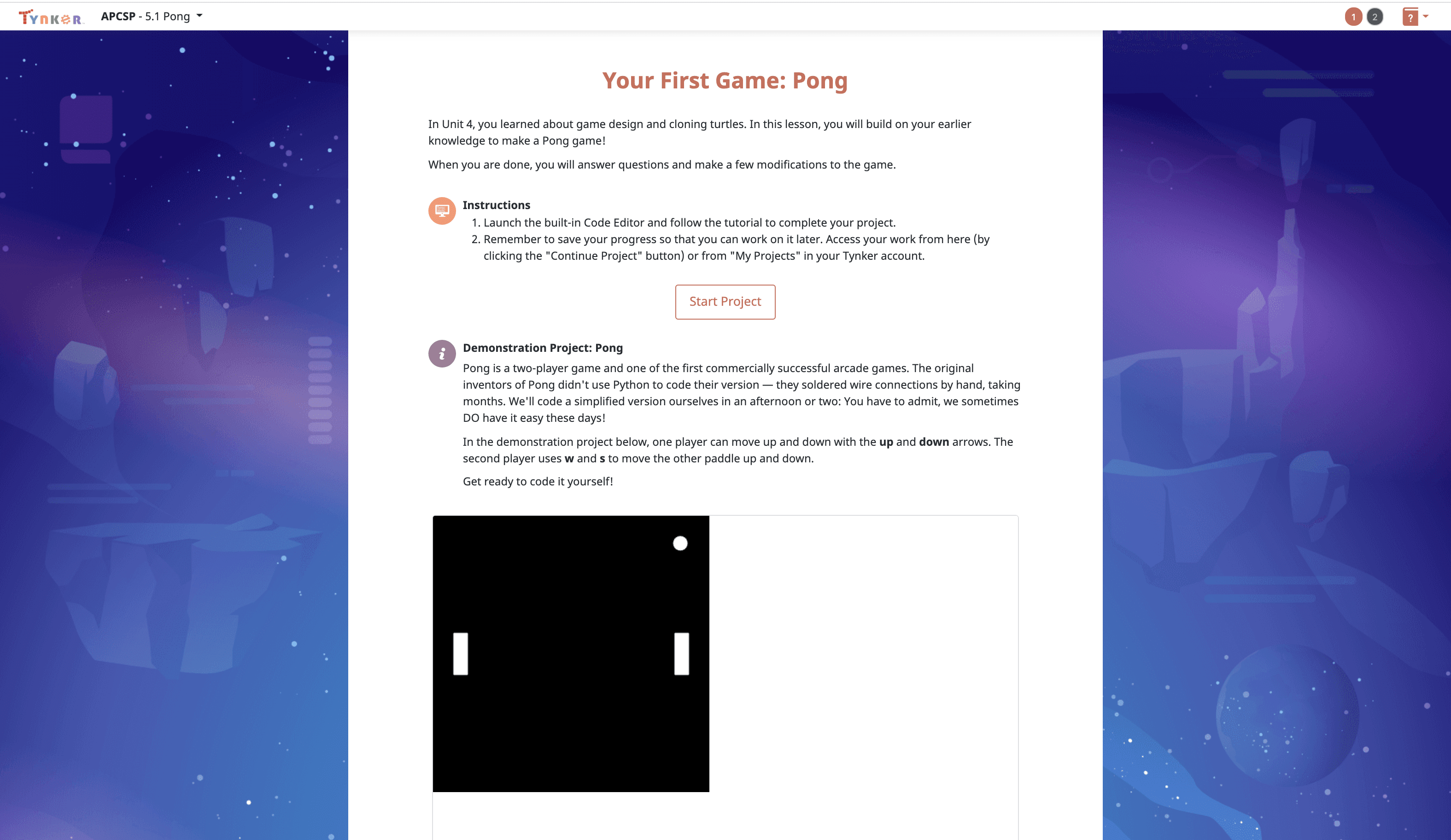
- 5.1 Pong
- 5.2 Snake
- 5.3 Snake Follow-Up
- 5.4 Connect 4
- 5.5 Connect 4 Follow-Up
- 5.6 Tetris
- 5.7 Tetris Follow-Up
- 5.8 Frogga
- 5.9 Pair Programming Challenges
- 5.10 Review
- 5.11 Quiz
Unit 6: Semester Performance Task
Put your coding skills to the test in this open-ended challenge.
8 Activities:
- 6.1 Introduction
- 6.2 Starting and Testing
- 6.3 Data Abstraction
- 6.4 Choosing a Function
- 6.5 Explaining How a Function Works
- 6.6 Completing Your Program
- 6.7 Writing About Your Program
- 6.8 Reflection
Unit 7: Lists
Learn how to work with data: manipulate lists, plot your data visually, and more.
9 Activities:
- 7.1 Operations on Lists
- 7.2 Functions that Return a List
- 7.3 CSV Files
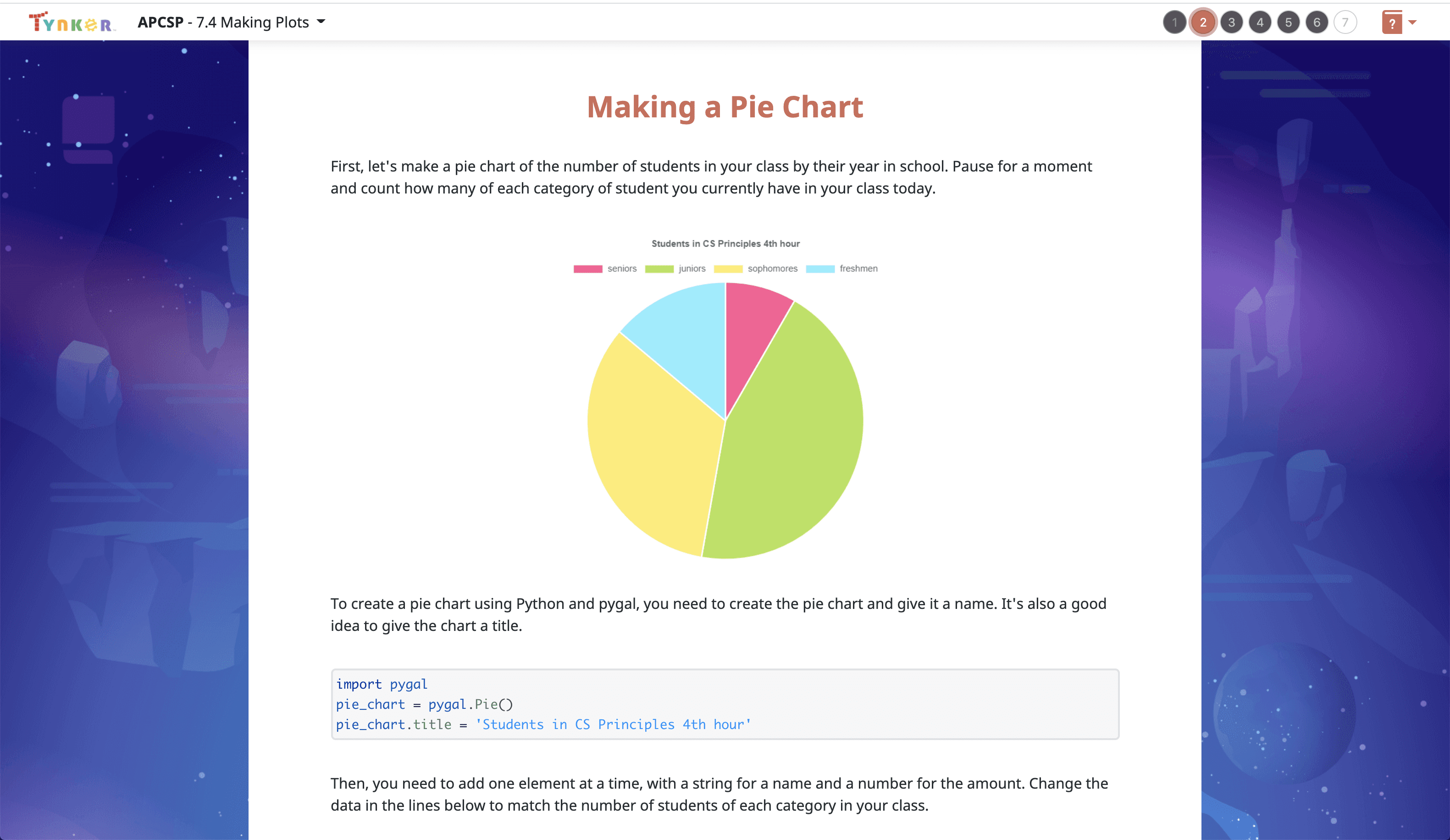
- 7.4 Making Plots
- 7.5 Thinking about Data Sets
- 7.6 The Binary Search Algorithm
- 7.7 Pair Programming Challenges
- 7.8 Review
- 7.9 Quiz
Unit 8: Artificial Intelligence
Learn about AI. Create simulations, code a "betting bot", and more.
12 Activities:
- 8.1 What is Artificial Intelligence?
- 8.2 Game of Stones
- 8.3 Rock Paper Scissors with Lists
- 8.4 Rock Paper Scissors with Prediction
- 8.5 Beneficial and Harmful Effects
- 8.6 Pair Programming Challenge: Final Jeopardy
- 8.7 Sentiment Analysis
- 8.8 Sentiment Analysis Part 2
- 8.9 Simulations
- 8.10 Simulations Part 2
- 8.11 Review
- 8.12 Quiz
Unit 9: Create Performance Task
Get ready! You'll have several weeks to write an original program.
5 Activities:
- 9.1 Starting with the Directions
- 9.2 Understanding the Scoring Guidelines
- 9.3 Create Task Week 1
- 9.4 Create Task Week 2
- 9.5 Create Task Week 3
Unit 10: Limits of Computing
Computers can do a lot but not everything. Learn about encryption, security, and more.
9 Activities:
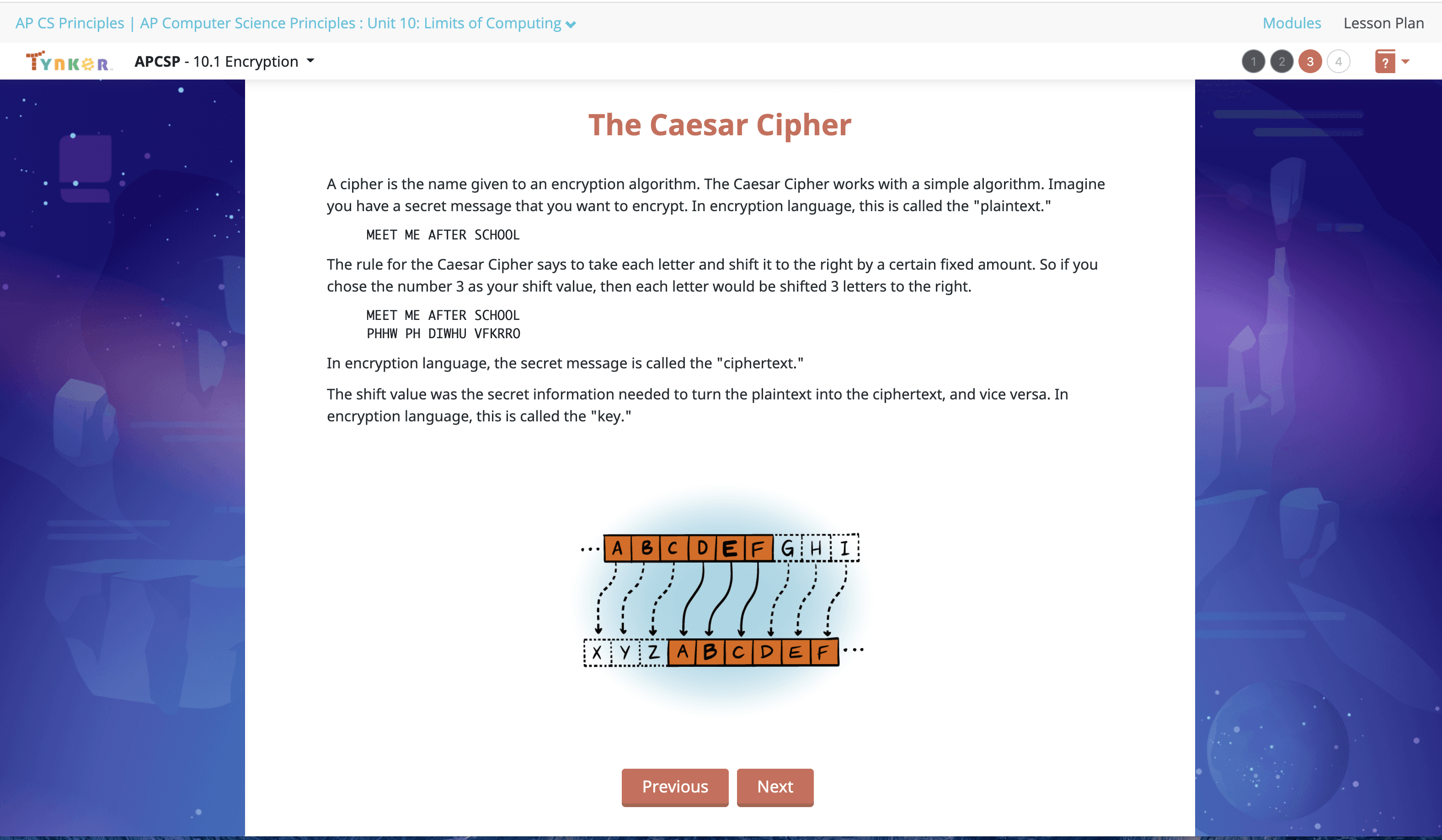
- 10.1 Encryption
- 10.2 Substitution Cipher
- 10.3 Reasonable Time
- 10.4 The Knapsack Problem
- 10.5 Physical and Theoretical Limits
- 10.6 Compression
- 10.7 Computing Concerns
- 10.8 Review
- 10.9 Quiz
Unit 11: Preparing for the Exam
Take a Practice Exam and prepare for the real-world AP Exam.
4 Activities:
- 11.1 - Understanding the Exam Format
- 11.2 - Taking a Practice Multiple Choice Exam
- 11.3 - Reviewing Your Practice Multiple Choice Exam Answers
- 11.4 - The Day Before the Exam
Unit 12: Recursion
Explore recursion and draw fractals!
7 Activities:
- 12.1 Introduction to Recursion
- 12.2: The Flood Fill Algorithm
- 12.3: Fractals
- 12.4: Fractal Trees
- 12.5: Review
- 12.6 Quiz
- 12.7 Optional Explore Task
