


Introduction
Learn to create scenes, animate characters and solve some cool puzzles on Tynker!
11 Activities:
- Introduction
- Tutorial Intro
- Move Gus Example
- Move Gus
- Alien Sounds Example
- Alien Sounds
- Puzzle Intro
- Collect the Ray Gun
- Avoid Obstacles
- Use a Loop
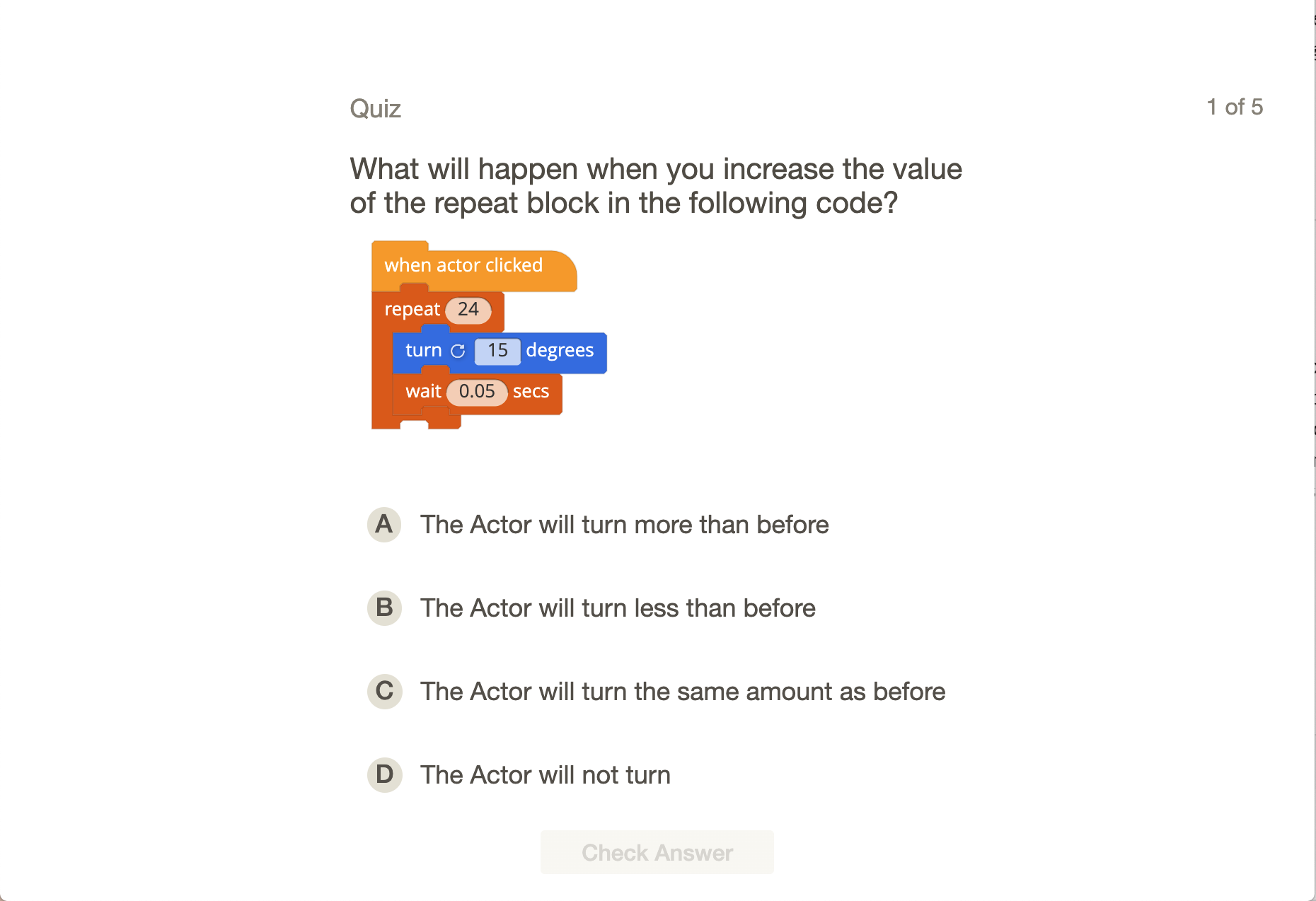
- Quiz
Loops and Animation
Use multiple costumes and a loop construct to animate Gus.
9 Activities:
- Introduction
- Play the Game
- Concepts
- Animate Gus Example
- Animate Gus
- Fix the Animation Speed
- Animate on Your Own Example
- Animate on Your Own
- Quiz
Creating a Scene
Create an interactive scene with music. Build and add your own characters and animate them.
9 Activities:
- Add Music Example
- Add Music
- Dancing Actor Example
- Dancing Actor
- Match the Aliens
- Dance Party Example
- Animated Dance Party
- Musical Actors Example
- Musical Actors
Jumping over Obstacles
Program an Actor to jump. Move the Actor up and down using a loop to change their y-position.
8 Activities:
- Concepts
- Make Gus Jump Example
- Make Gus Jump 1
- Make Gus Jump 2
- Jump Over Obstacles
- Jump on Your Own Example
- Jump on Your Own
- Quiz
Storytelling
Use speech bubbles using the Say block to simulate a conversation between Actors. Use Wait blocks for timing.
9 Activities:
- Speaking Example
- Speaking
- Conversation Example
- Conversation
- Play a Game of Charades
- A Funny Chat Example
- A Funny Chat
- Comic Book Example
- Comic Book
User Interaction
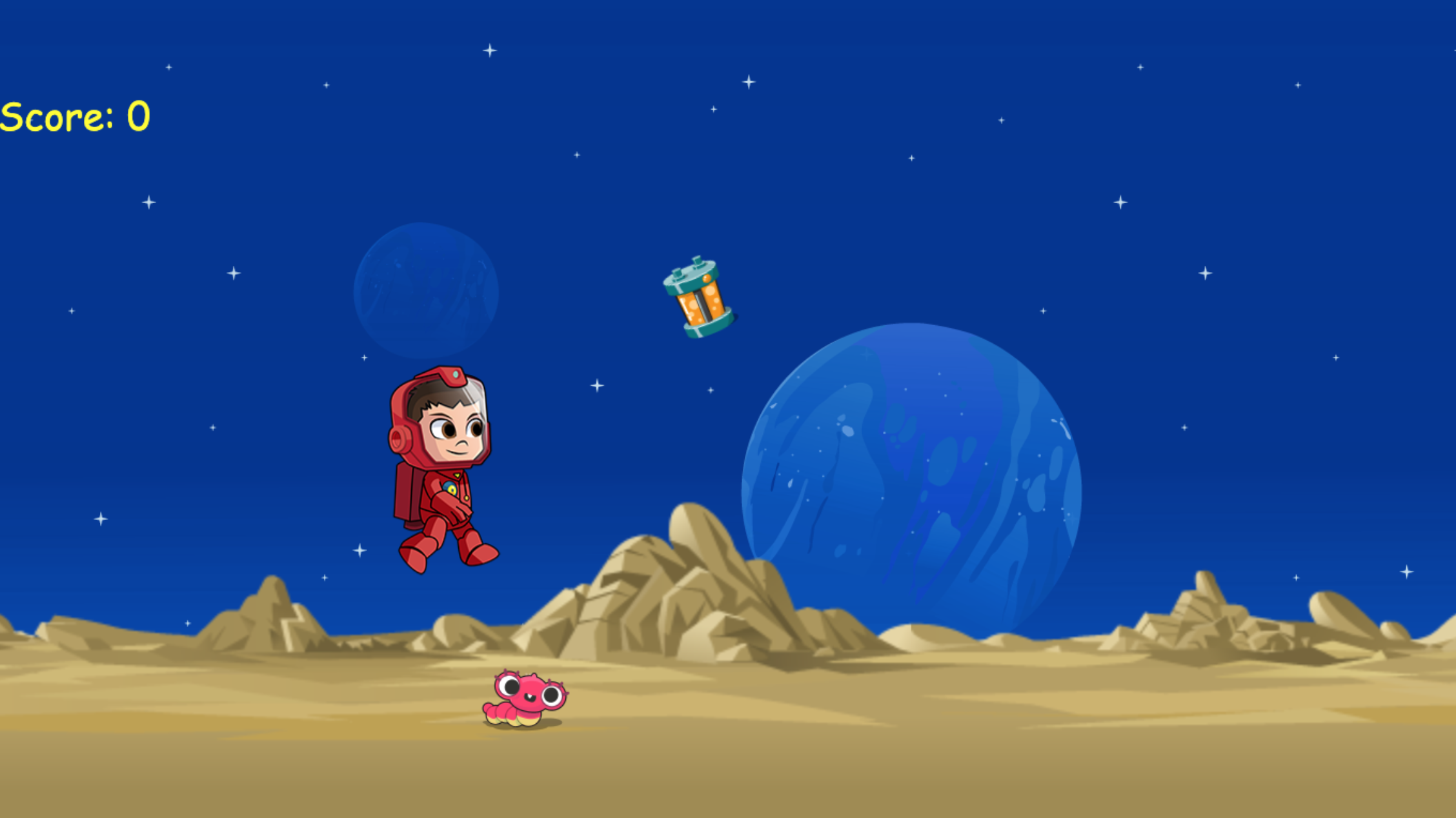
Program input controls to move Actors. Use this to move Gus back and forth to collect powercells.
7 Activities:
- Move to Collect Power Cells
- Move Back and Forth Example
- Move Back and Forth
- Move and Collect Power Cells
- Make Actors Move Example
- Make Actors Move
- Quiz
Guessing Game
Create an interactive quiz. Use the Ask block for user input and the If-Else block to check the answer.
9 Activities:
- Asking Questions Example
- Asking Questions
- Guessing Game Example
- Number Guessing Game
- Find the Hidden Treasure
- Create a Quiz Example
- Create a Quiz
- Ghostbusters Example
- Ghostbusters
Rotation
Use the Turn block to rotate an actor. Using it in a loop and turning 360 degrees will flip the Actor.
9 Activities:
- Flip Out!
- Concepts
- Do Flips Example
- Do Flips
- Flip to Collect Power Cells
- Flip on Your Own Example
- Flip on Your Own
- Quiz
- Bonus: Finish Side Scroller
Alien Invaders
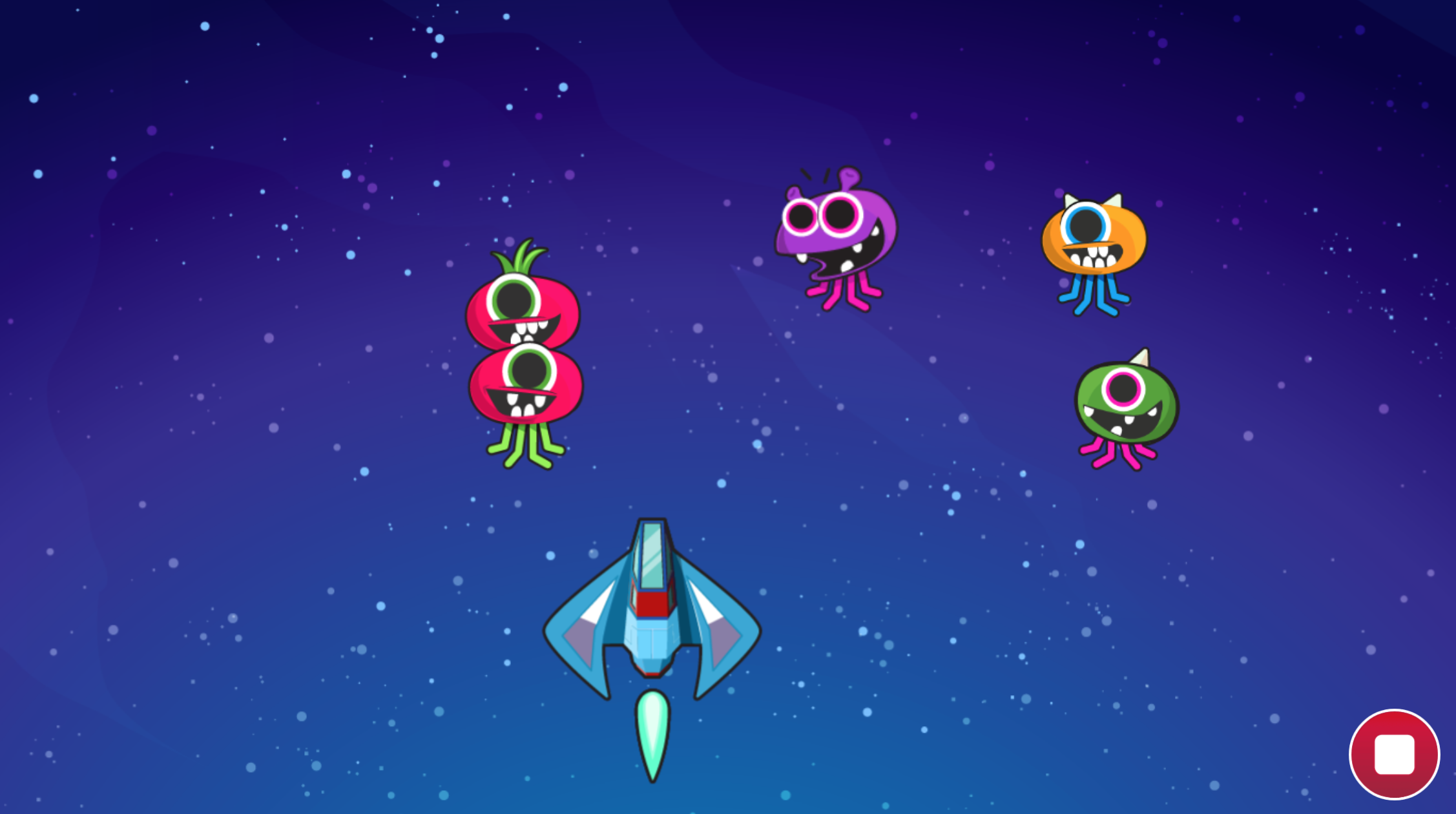
Move Actors to different locations within the screen using random number generators. Detect the screen boundaries.
5 Activities:
- Asteroid Shooter Example
- Target Practice
- Looping Actors
- Avoid the Asteroids
- Build an Asteroid Shooter
Music and Animation
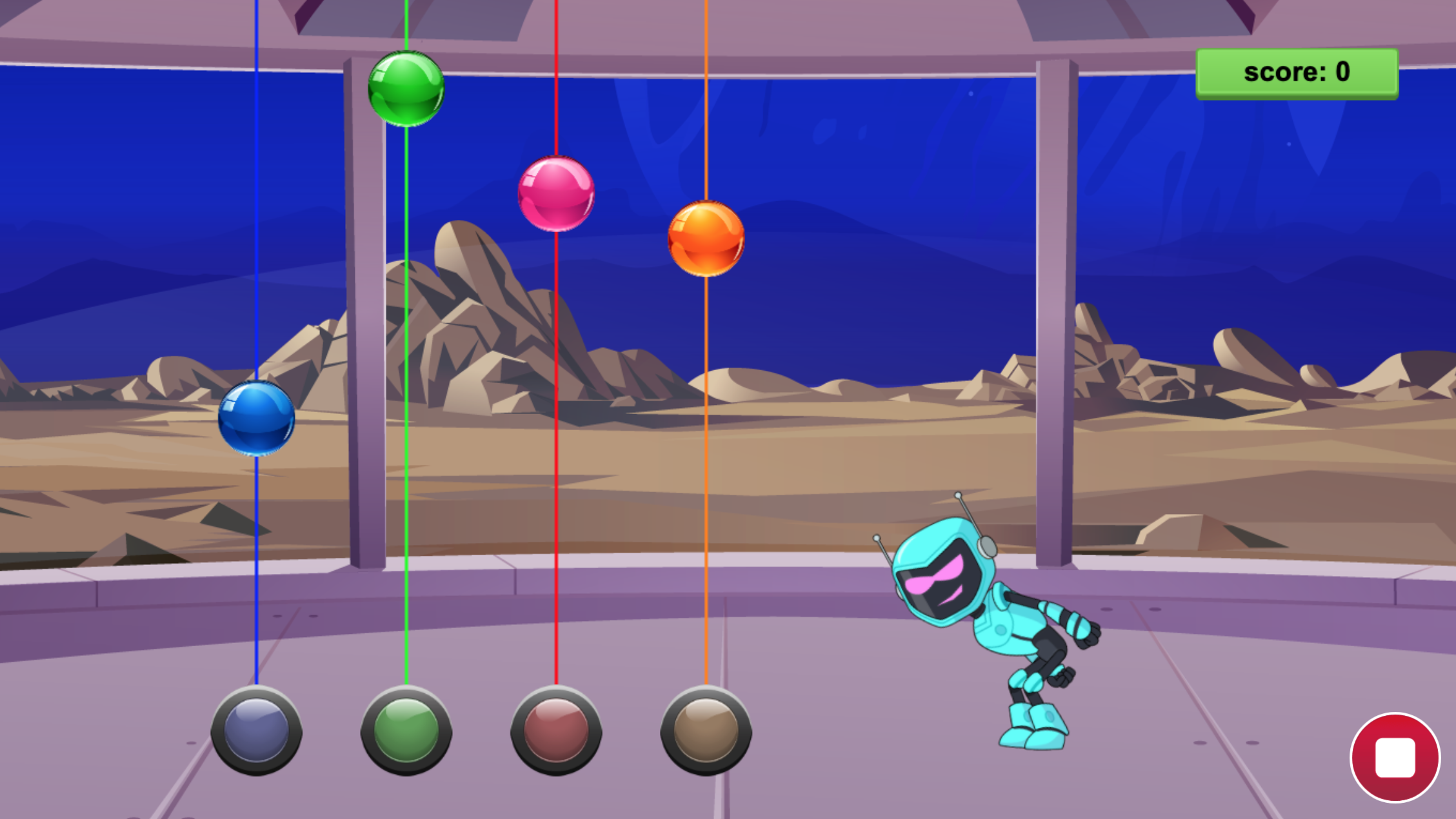
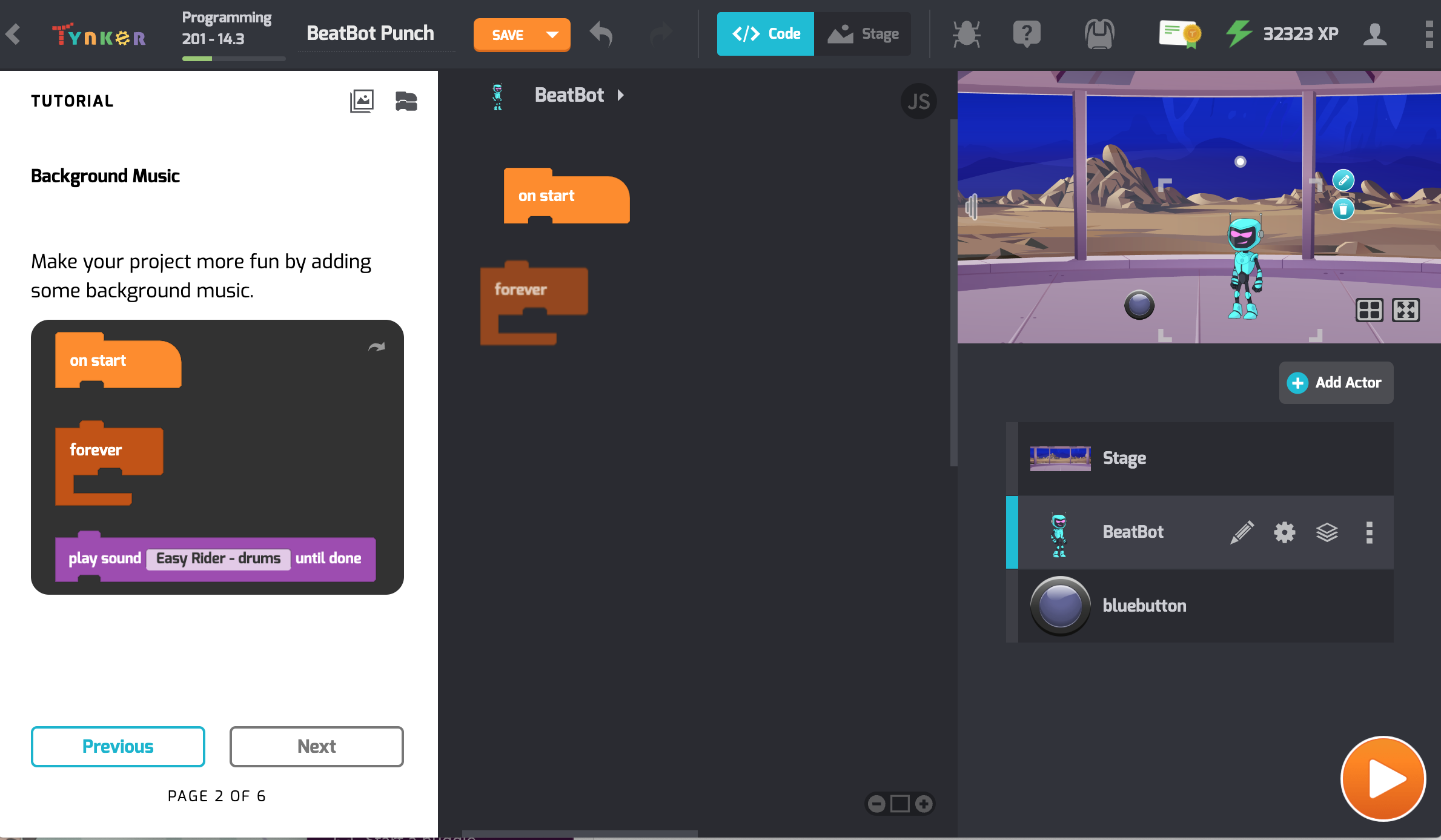
Use music to create a game where robots battle to mimic the sound sequence.
7 Activities:
- Introduction
- Add Background Music Example
- Add Background Music
- Animate the button
- Add Music Example
- Add Music
- Quiz
Instruments and Tempo
Generate computer music using musical notes, different instruments and changing tempo.
9 Activities:
- Button Sounds Example
- Button Sounds
- Drum Machine Example
- Beatbot Drum Machine
- Set the Tempo
- Build a Piano Example
- Build a Piano
- Build an Alien Piano Example
- Build an Alien Piano
Broadcasting Messages
Send and receive messages between Actors in a program. Use messages to control the robot.
7 Activities:
- Introduction
- Send a Message Example
- Send a Message to the BeatBot
- Send 2 Messages
- Add Your Background Music Example
- Add Your Background Music
- Quiz
Time Limits
Learn about time limits, and along with your knowledge of messaging, build a 2-player game.
5 Activities:
- Time Limits Example
- Time Limits
- Lead the Way
- Make Your Own Arcade Example
- Make Your Own Arcade
Message Driven Programming
Program the BeatBot to make different dance moves based on the type of message it receives.
7 Activities:
- Introduction
- BeatBot Dance Example
- BeatBot Dance
- Dance Moves
- Add Tempo Example
- Add Tempo
- Quiz
Pop the Balloon
A balloon popping game, more on random numbers and programming explosions.
8 Activities:
- Pop the Balloon Example
- Pop the Balloon
- Improve the Balloon Game
- Color Catch
- Get the Ghost Example
- Get the Ghost
- Bombs Away Example
- Bombs Away!
Animation with Movement
Program the BeatBot to moonwalk by combining animation with movement.
9 Activities:
- Introduction
- Moonwalk Example
- BeatBot Moonwalk
- Do the Moonwalk
- Music Loop Example
- Music Loop
- Beatbot Battle Example
- Finish Beatbot Battle
- Quiz
Obstacle Course
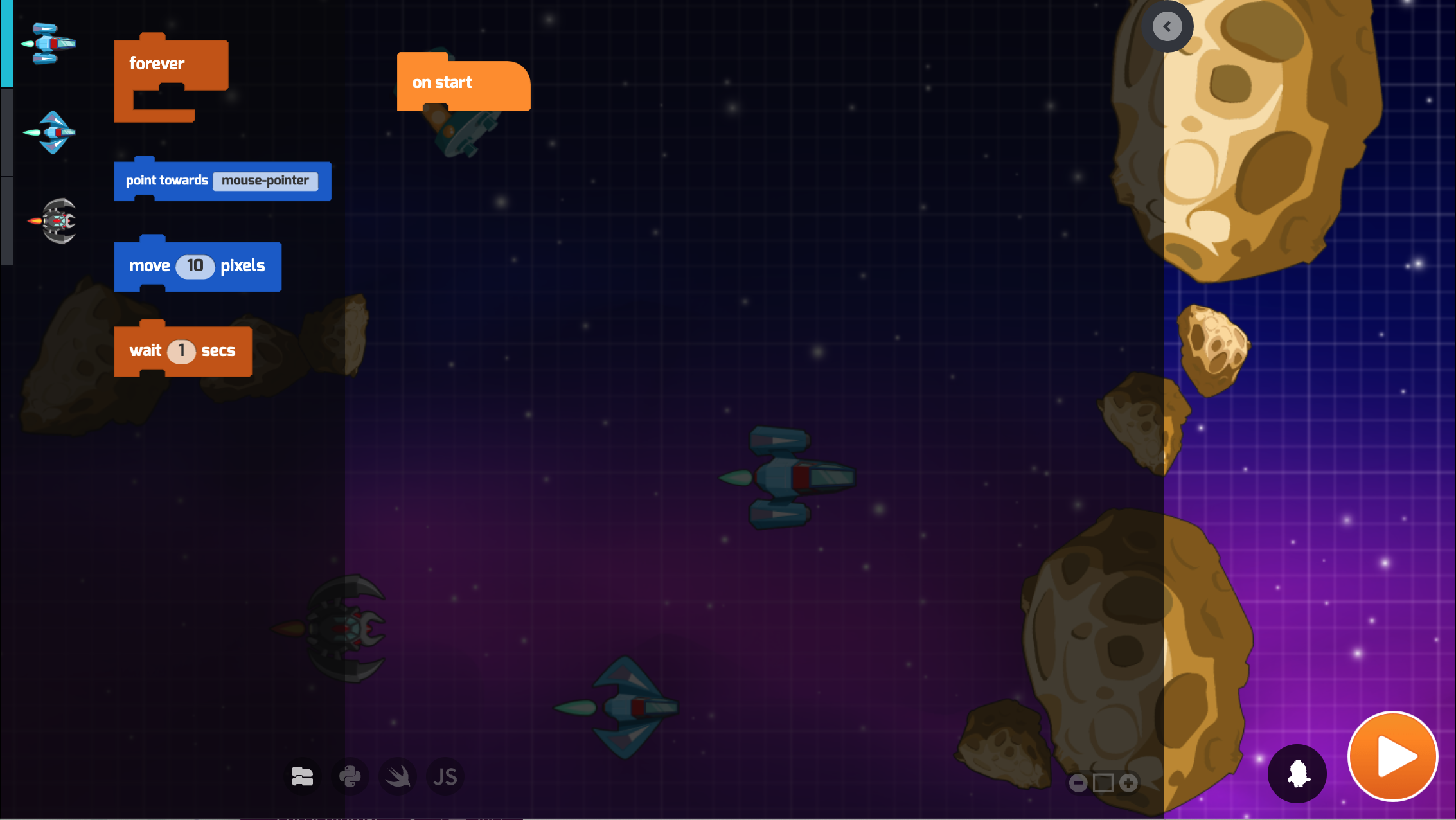
Learn to follow the mouse pointer as well as other actors. Create an obstacle course.
9 Activities:
- Bouncing Ship Example
- Bouncing Ship
- Crazy Ship Example
- Crazy Ship
- Follow the Leader
- Car Chase Example
- Car Chase
- Obstacle Course Example
- Create an Obstacle Course
