
Approved by Educators. Loved by Kids.
Tynker’s Award-Winning Coding Program
300 learning modules across six certification levels transform your child from beginner to expert. With 70+ courses, Tynker has taught more than 100 million kids across 150 countries how to code.
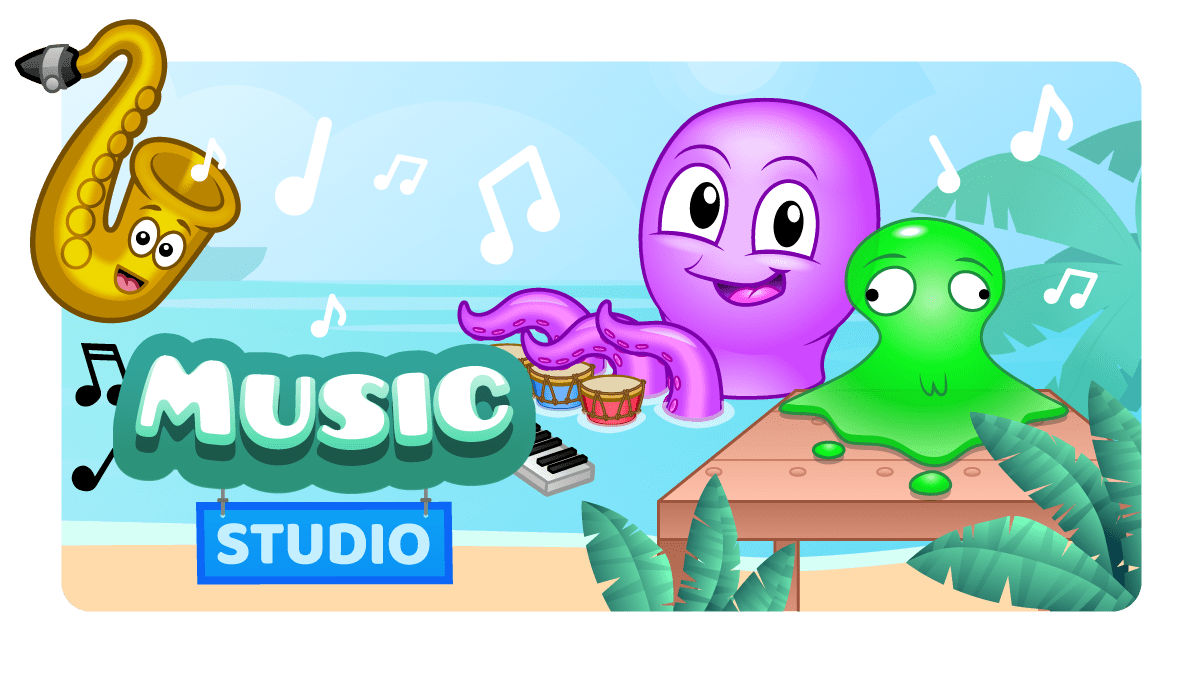
Art & Music Studio
Recommended for students who have completed at least three pre-reader courses, Art and Music Studio offers a set of creative sandbox environments where students generate their own geometric art and compose music. To use Art and Music Studio in your classroom, you must download the Tynker Junior app from the App Store. The Tynker Junior app offers a collection of courses specifically designed for young children (ages 4-7) who are still learning how to read.In Art and Music Studio, students explore three art-based and two music-based sandboxes. In Wild Tracks, they use directional blocks and create patterns using animal tracks. They use Seabed Scribbler to draw geometric patterns on the seabed using a Turtle graphics-style interface. In Starfish Spirals, they use a pre-built mathematical function library to draw spirographs of different shapes, sizes and colors. In Octodrum, they program a repeating drum sequence. In Pocket Band, they program musical instruments with sequences to create their own ensemble and composition.Tynker Junior uses word-free picture-based block programming with fun characters to help kids develop animations, pursue adventures and solve puzzles and challenges. This enables young children—who have limited motor skills and are still developing hand-eye coordination—to learn to code using big blocks, pictures, voiceovers and tap-tap-tap interactions, without words or drag-and-drop or any other actions they may find too tedious or overwhelming. Tynker SmartPass enables younger students to sign in by simply scanning a code, without the need to remember any usernames or passwords.Art and Music Studio is only available on iPads and iPhones. Students can access the course using the Tynker Junior app on their iPad devices. These courses are not available on Android or via the browser at tynker.com.
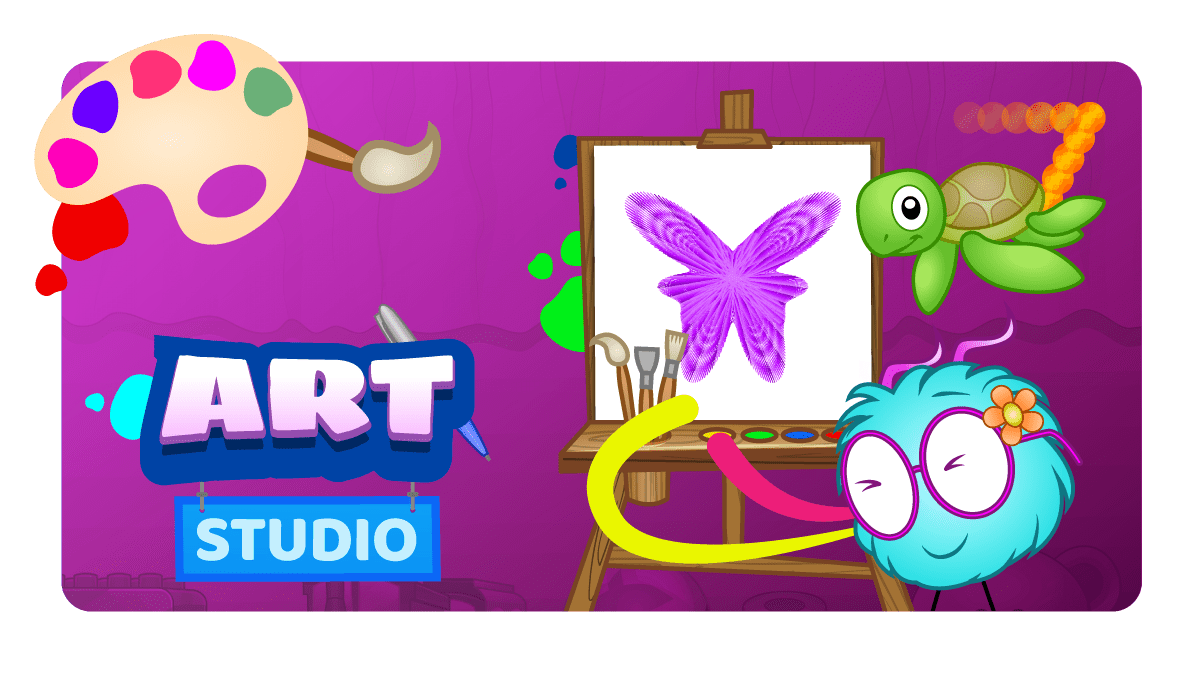
Art Studio (Learn Station)
Generate math art with this open-ended creative coding environment.

Artificial Intelligence 101
In this course, your students are put at the center of the action with AI-based webcam projects! Create interactive Snapchat-style costumes, hand-tracking apps, activity games, and so much more.
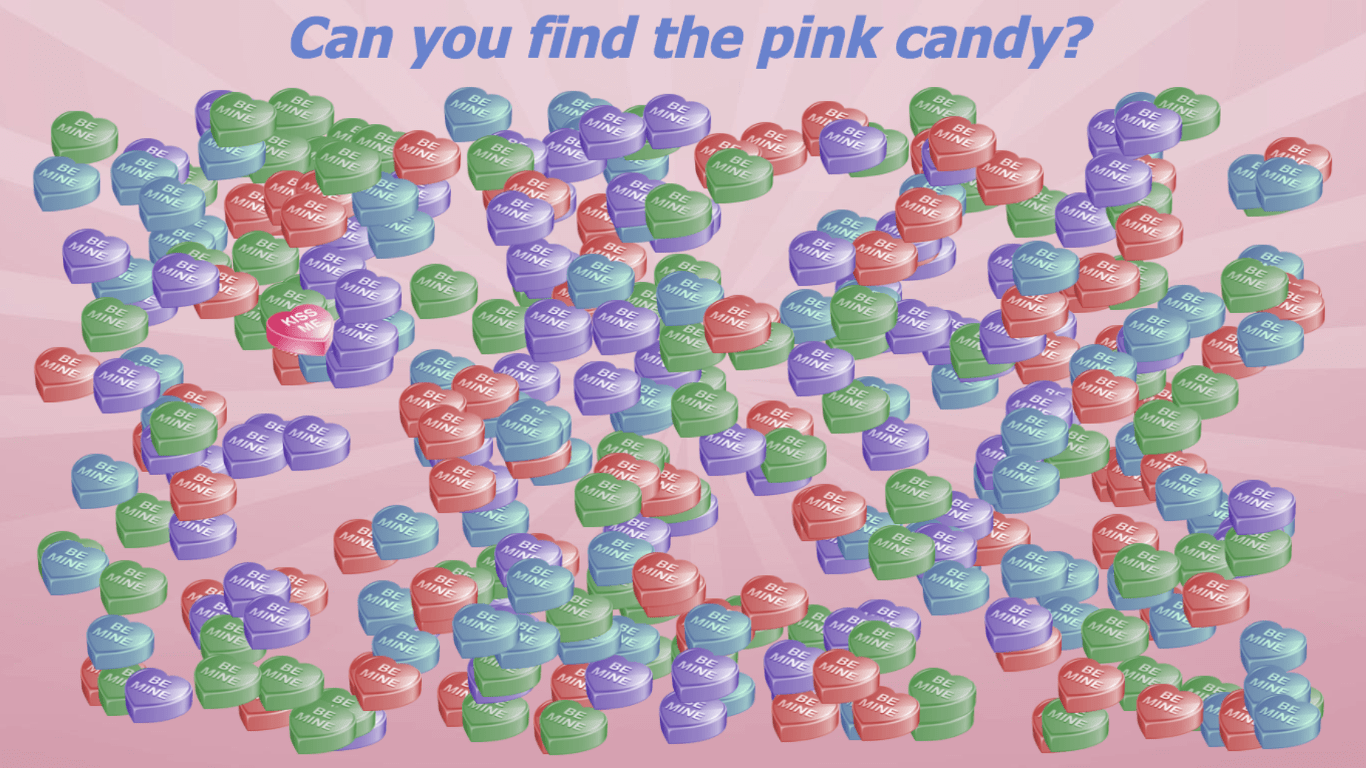
Candy Heart Search
There are so many heart candies! Can you find the pink one?
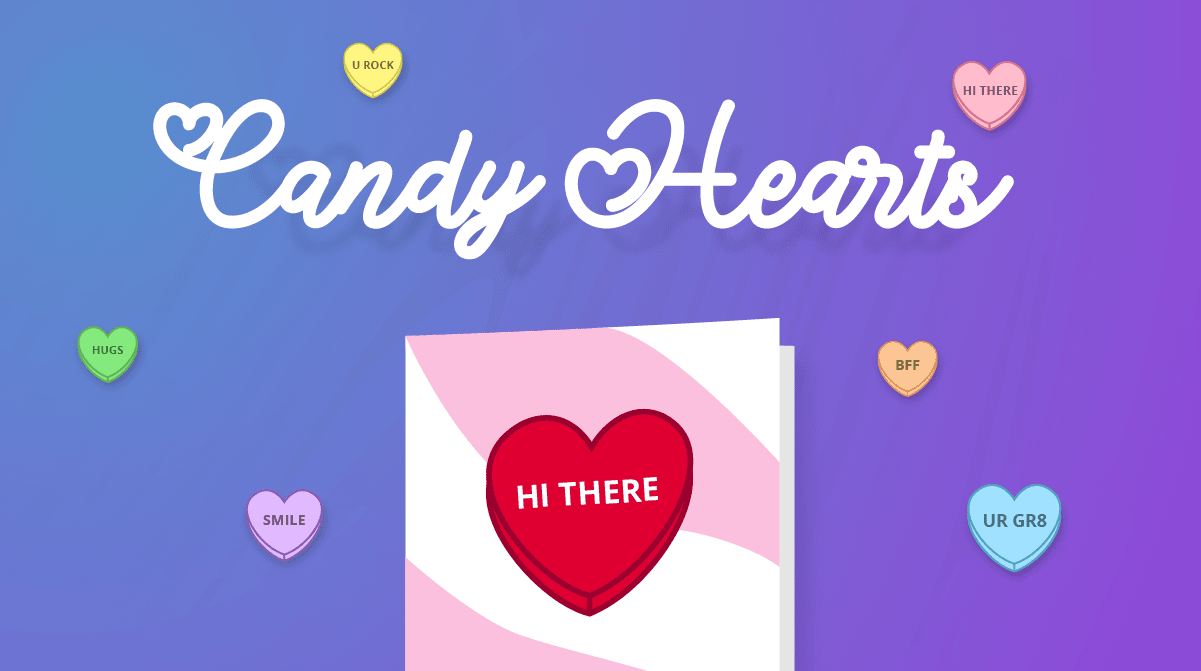
Candy Hearts
Make a virtual conversation hearts with Tynker. Create an interactive Valentine's Day project!
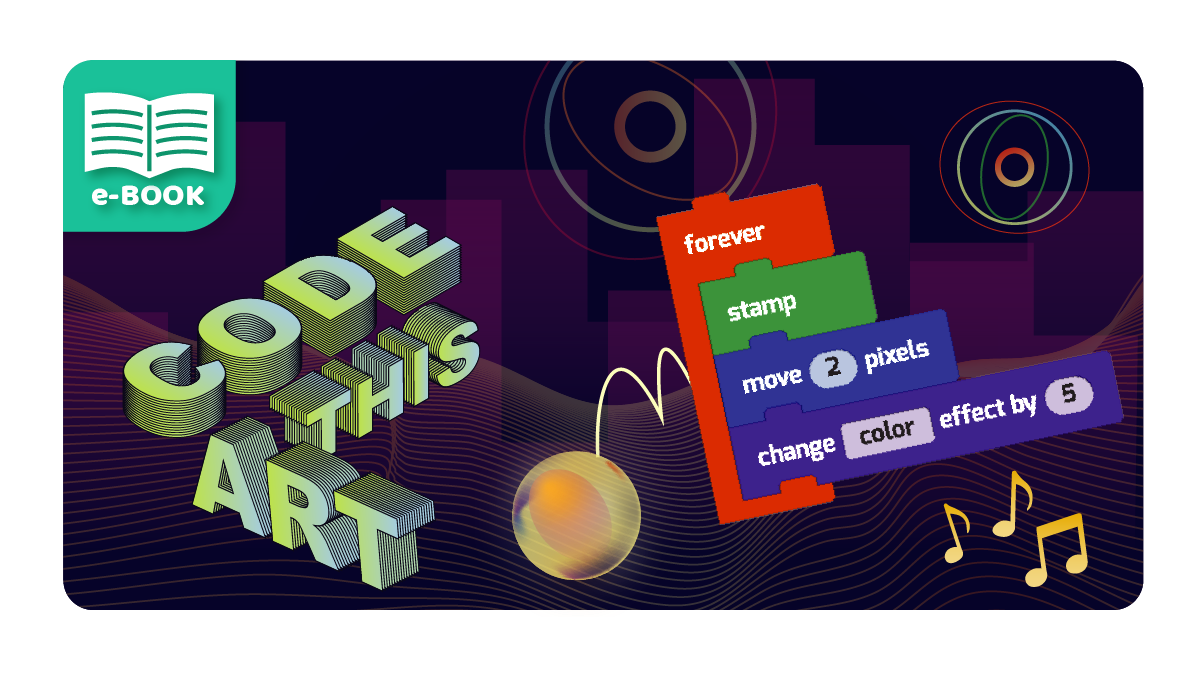
Code This Art
Learn to code and build 18 cool art and design projects.
Costume Party
Explore AI and create a fun costume party project using Tynker!
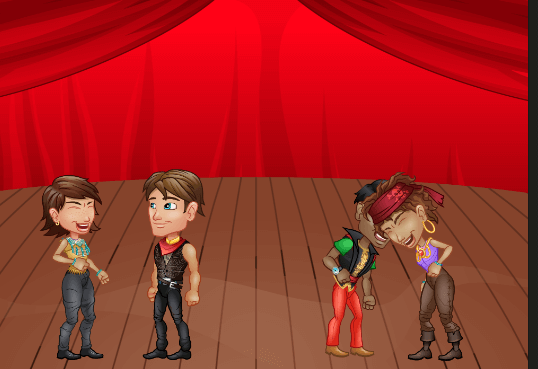
Dance Party
Make the actors dance with code!
Dance Party (Video)
Create a fun Dance Party project in Tynker!
Draw a Maze
Draw your own maze game. Can you reach the goal?

Draw a Summerscape
Use the Pen blocks to create a summer scene.
Earth Science 101
Fun coding lessons designed to integrate with subjects like geology, meteorology, oceanography, and astronomy. All projects are NGSS-aligned and promote project-based learning for 3rd–5th graders.
Ice Art
The air is freezing outside, and it’s time to go ice skating! Create designs on the ice as you skate on ice.
Intro to Artificial Intelligence
Learn the basics of AI attributes and build 6 fun projects! Students will learn to hand and face tracking, detect various poses, use landmark positions, apply 3D face effects, and more.
Learn To Draw
Draw and animate a cute cat.

Martin Luther King Jr. Timeline
Celebrate MLK Day by creating an interactive timeline of Dr. King's life.
Mod Starter Pack
Mod your own world! Host your own private Java Minecraft server where you design minigames, modify mob behaviours, and construct builds using the Tynker block coding interface. Minecraft Java Edition on Mac/PC is required for participation in Tynker Minecraft classes.
My Art Studio
Program a customizable art studio.
Pi Day Art
Join the Pi Day fun. Turn the digits of Pi into a work of art!

Piano Chords
Learn how to use to play multiple notes at once to make a chord!
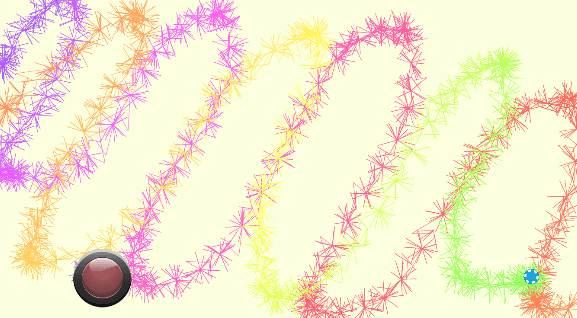
Porcupine Draw
Draw spiky patterns with code.
Rainbow Hearts
For Valentine's Day, draw colorful hearts using Tynker!

Spin Draw
Design your own magic pen!
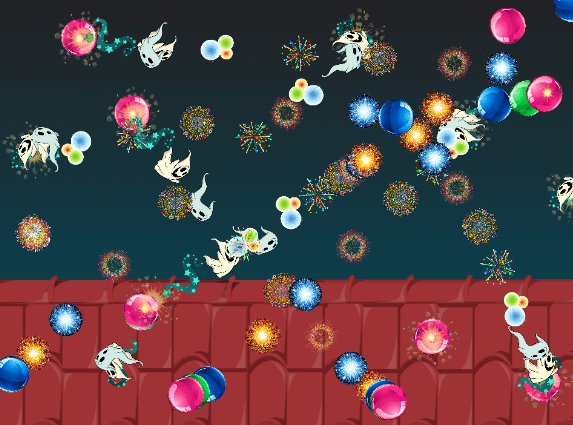
Spin Draw
Draw patterns with code!

Starter Course
Experience a sample Tynker Lesson. To complete each lesson, campers typically go through a concept review, solve a puzzle, run through a tutorial, build their own project, and take a quiz. They create interactive stories, animations, and mini-games during each lesson and apply the programming concepts that they have learned. Each camp or after-school course has several lessons packaged together to support a wide variety of camps and after-school schedule formats. After completing a lesson plan, students will be able to build a wide variety of simple programs with events, loops, and conditional logic. They will leave the camp with their own account and a portfolio of apps and games that they build during camp to share with friends and family.
Starter Course (2019)
Experience a sample Tynker Lesson. To complete each lesson, campers typically go through a concept review, solve a puzzle, run through a tutorial, build their own project, and take a quiz. They create interactive stories, animations, and mini-games during each lesson and apply the programming concepts that they have learned. Each camp or after-school course has several lessons packaged together to support a wide variety of camps and after-school schedule formats. After completing a lesson plan, students will be able to build a wide variety of simple programs with events, loops, and conditional logic. They will leave the camp with their own account and a portfolio of apps and games that they build during camp to share with friends and family.
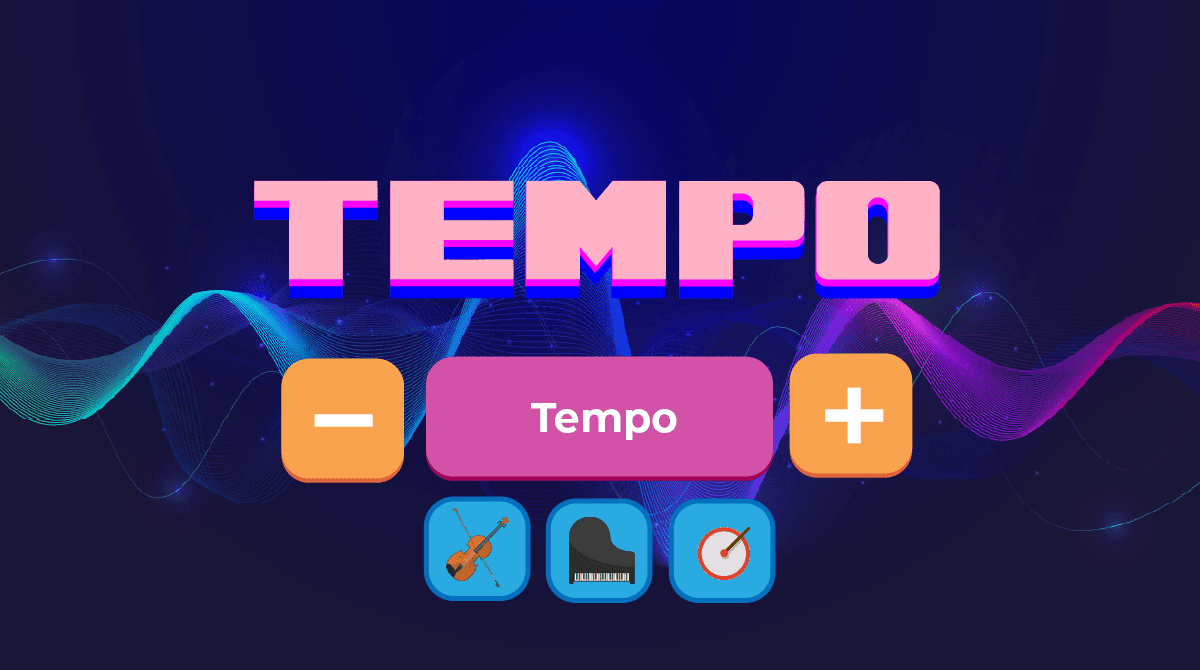
Tempo
Learn how to control tempo in your projects.
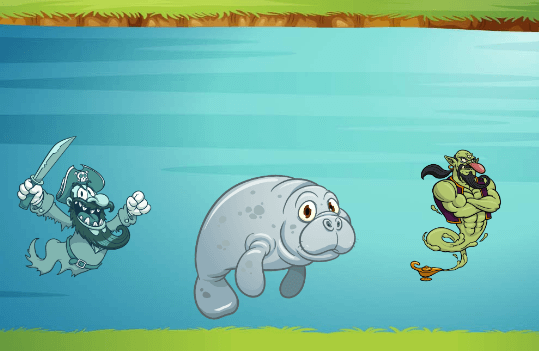
Text Draw
Fix the genie's code and code the mermaid.

Monster High: Music Video
Use code blocks to program a music video.
Art Studio
Generate math art with this open-ended creative coding environment.

Music Studio
Make interactive greeting cards with this open-ended creative coding environment.