
-
September 8, 2023
New and Improved! Tynker’s Character Builder
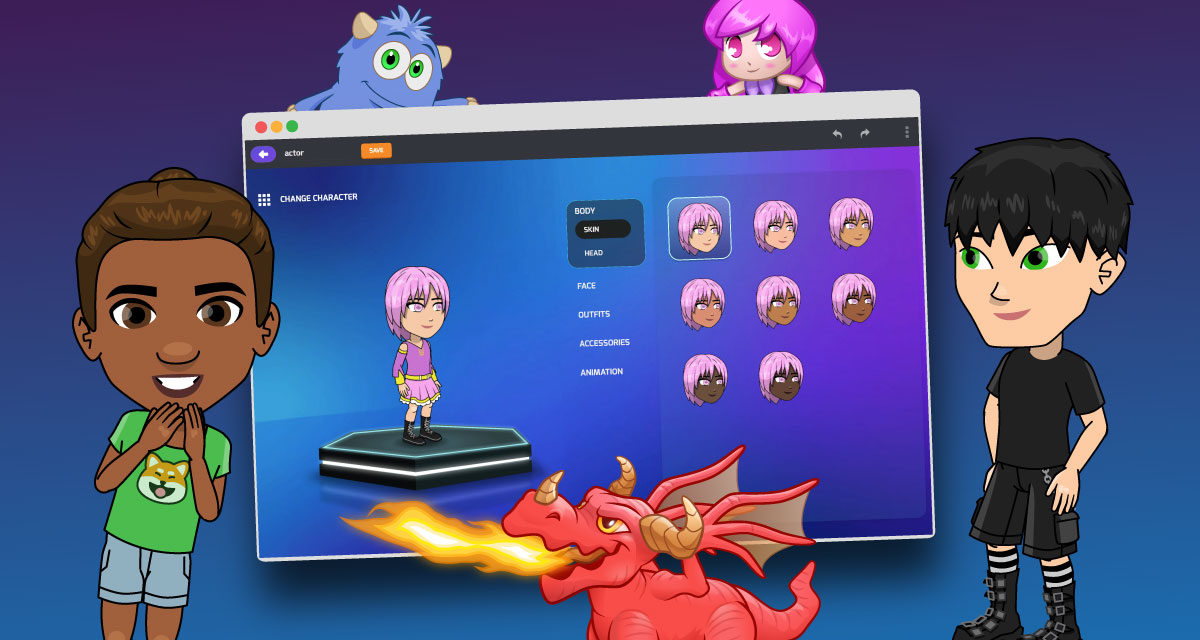
If you’ve been coding with Tynker for a while now, you might have noticed that Tynker has several kinds of actors. Some actors like Codey or the Dragons are created using the Character Builder. You can think of these Character Builder-created actors as rigs that can use common animations, for example: Throw, Run, or Jump. Rigs are in groups, according […]
0 -
January 27, 2023
We Improved Tynker’s Drawing Tool
Do you love creating your own original artwork in Tynker? We have a surprise for you! We’ve added Vector support to Tynker’s Drawing Tool! It makes all kinds of amazing artistic applications possible. Just take a look at some of the cool characters that Tynker coders created for the Winter Code Jam! Why Vector? The new-and-improved Vector Drawing Tool lets […]
0 -
May 18, 2020
Tynker Toolbox: Text Tricks
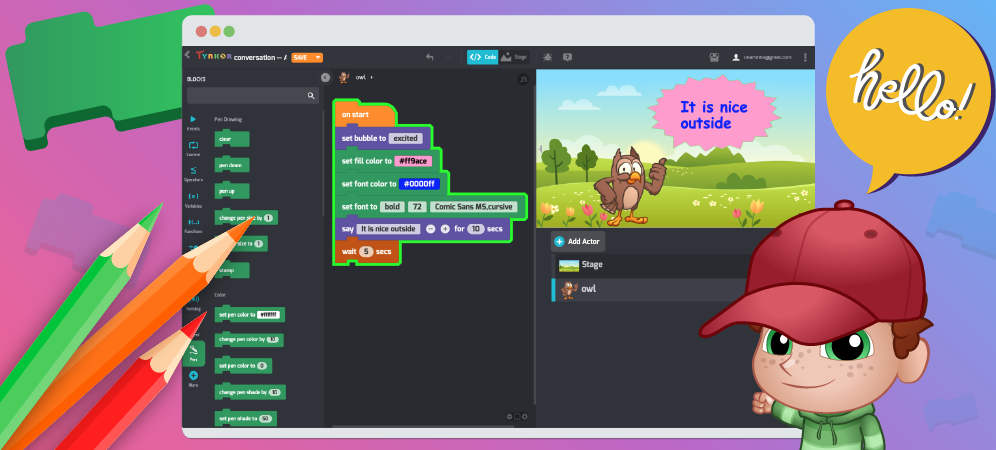
Let’s learn how to take control of text with Tynker. With these cool text tricks, you can have fun with text! You can make interactive writing, custom text message bubble styles, speech bubbles and labels. Or you can create a storybook, put on a puppet show, tell a joke, or make your own animation. You can even use computer code […]
0 -
May 4, 2020
Tynker Toolbox: The Sound Blocks
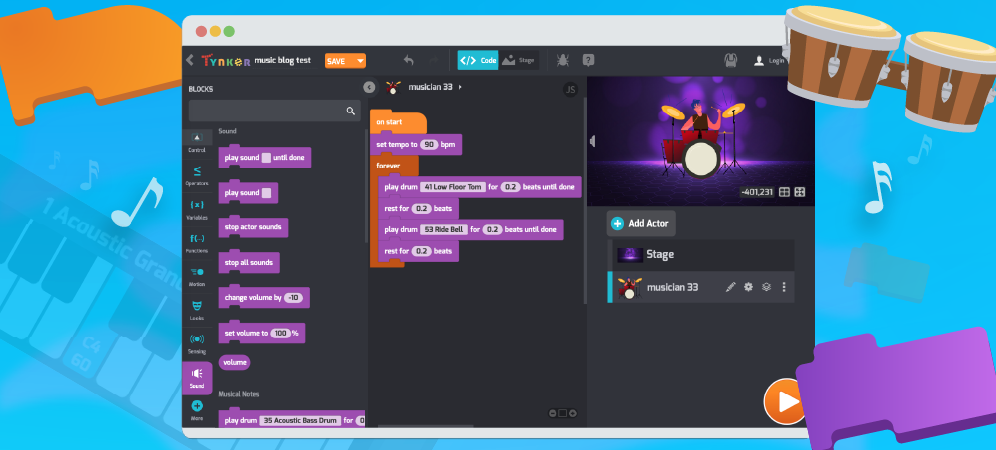
There’s no denying a connection between math, computers, and music. Studying these fields requires pattern-seeking, problem solving, logic — and for most of us — a degree of patience, practice, and grit. Let’s explore the recent upgrades and improvements to Tynker’s Music and Sound system and find out how you can combine coding with music to make your own songs: […]
0 -
April 29, 2020
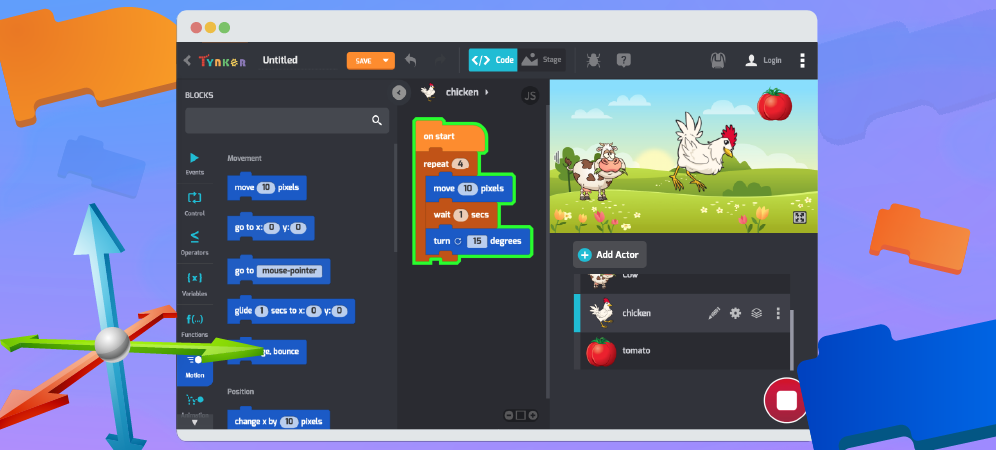
Tynker Toolbox: Tynker Workshop Basics
Let’s get comfortable with the absolute basics of Tynker. In this coding for beginners tutorial, you’ll learn how to move Actors on the Stage using code blocks. After logging in at tynker.com, you’ll see your Dashboard. First click Projects, then +Create a New Project. You’ll see links to all sorts of exciting computer programming basics templates: From here you can […]
0
 Coding for Kids > Blog > Basics